clon22
Suspended
- Joined
- Mar 31, 2004
- Messages
- 9,070
- Reaction score
- 0
It was only available for the 970 1st batches during release.
Denoted by an additional sticker :

Just a headsup to bros here. The LED can be customized/turned off via the Nvidia GeForce Experience software. I turned it off because it is a bit glaring especially when my setup is placed beside my monitor.
By you customization includes breathing/flashing of led and also temperature/fan speed dependent settings too.
Anyway guys what are your idling temperatures in non-aircon room?
Previously it was 45 for me. Now its 51 degrees. Weird
Is GTX 970 a significant upgrade from a GTX 580?
lai i got noob question to ask.
On SLI, I want to OC both my cards but when doing the oc procedure, i need to disable one card and oc 1 by 1 right?
after which, when reached its stable oc, the system will follow the slower card right? dont matter if its top or bottom slot?
or do i need to tune down the faster card manually to stay align with the slower card or the system will auto? meaning that the faster card can never go faster than the slower card in SLI?
Is urs 980? My idle temp in non aircon room around 41. Set fans to 100 brings down to 35-36. Hope it helps
Not that I know of currently.Sorry forgot to mention. Mine is a gtx970.
Dont know why my idle so high at 52.
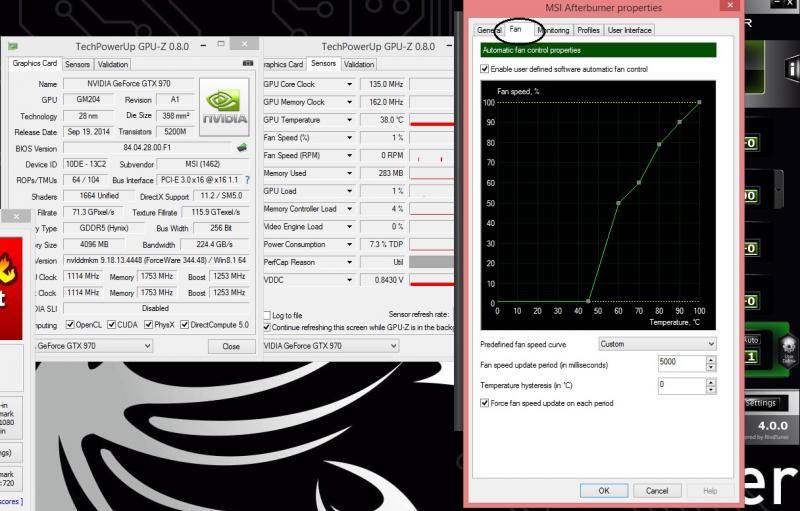
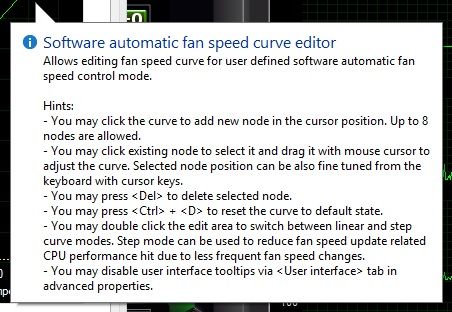
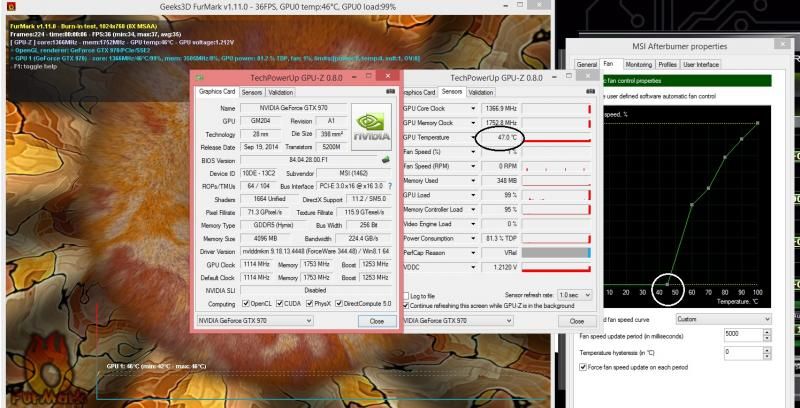
Any way to disable the fan stop function but still maintaining the predefined fan curve?
Not that I know of currently.
Might be possible with a bios flash if MSI does one with a different fan speed algorithm. :/
I'll pop an email and inquire with them regardless.
![]()
Finally! Hooted msi 980 today!
Box indicated free gaming mouse inside but I havent open as my rig not up yet

Sorry forgot to mention. Mine is a gtx970.
Dont know why my idle so high at 52.
Any way to disable the fan stop function but still maintaining the predefined fan curve?