[Maylyn's Review] ASUS PCE-AC66U Dual-Band PCI-E Adapter

maylyn

Master Member
Joined
Jul 12, 2007
Messages
4,861
Reaction score
77
Christmas came early, what a way to celebrate 2012

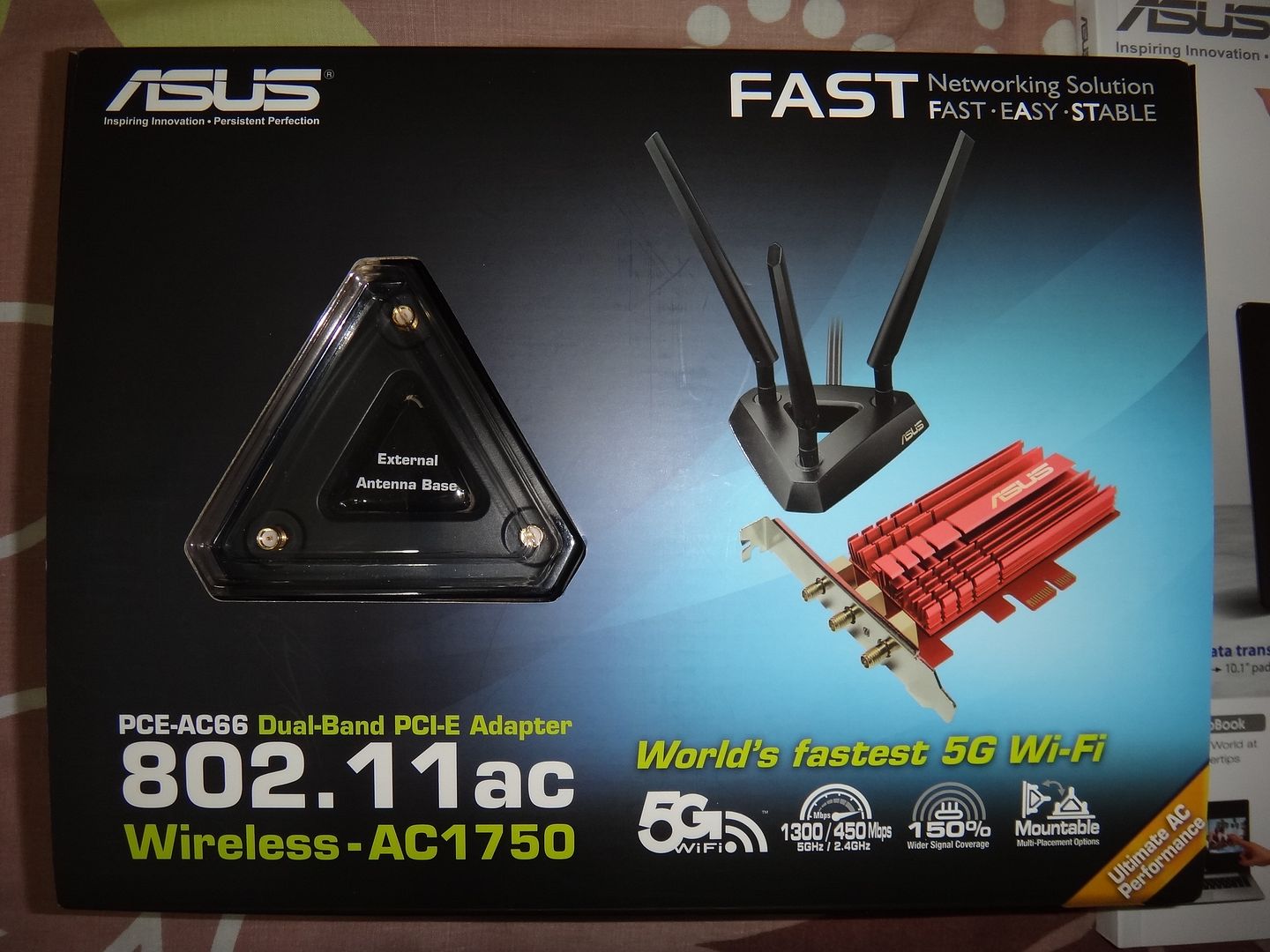
Introducing the world's 1st 802.11AC ASUS-PCE AC66U Dual-Band PCI-E Adapter which allows up to 450Mbps (2.4GHz)/1300Mbps (5GHz) wireless

Perhaps it's the world first review on 1st 802.11AC ASUS-PCE AC66U Dual-Band PCI-E Adapter as well, hope i can do Singapore proud on how we embrace the latest technologies =:p

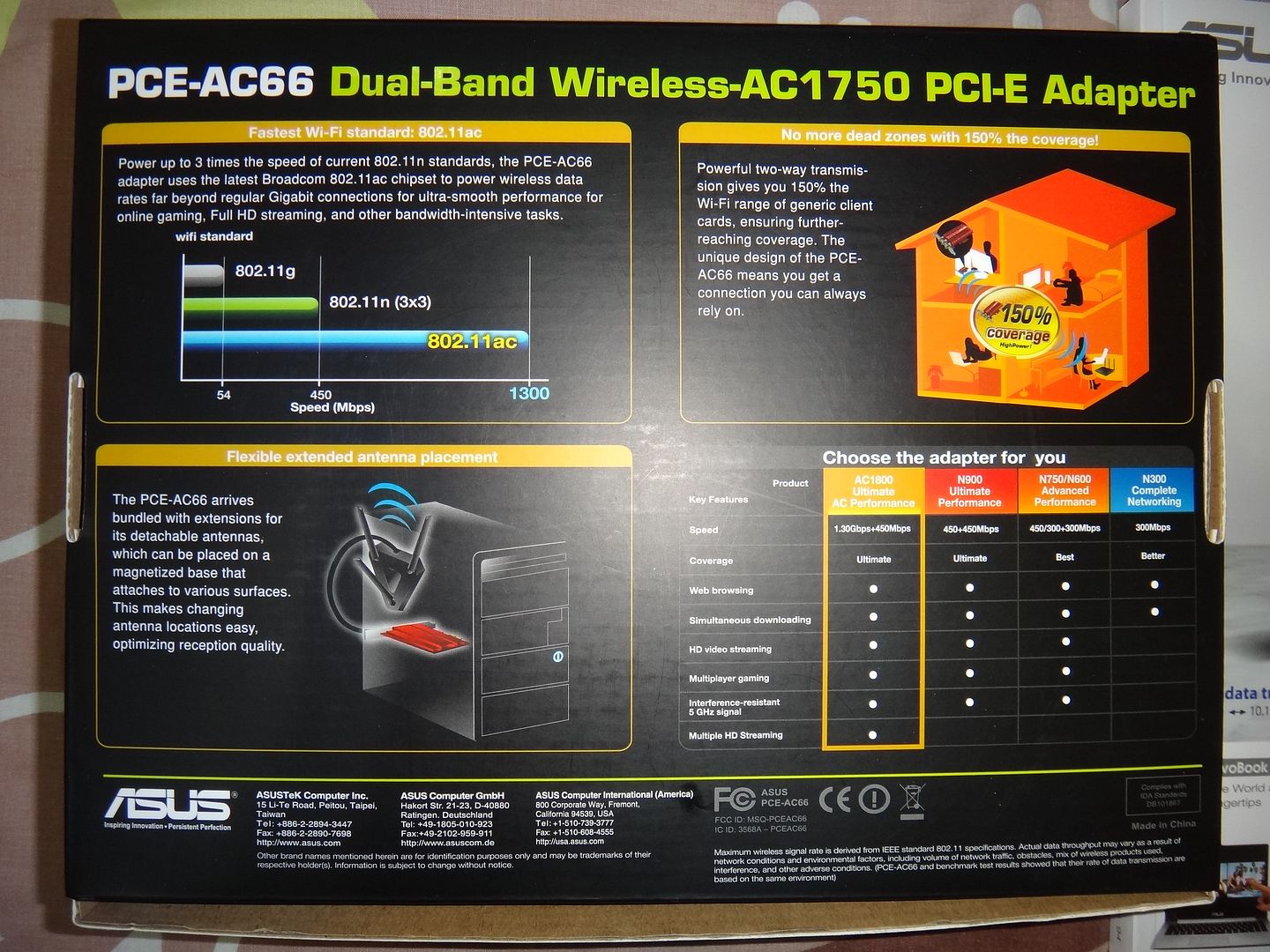
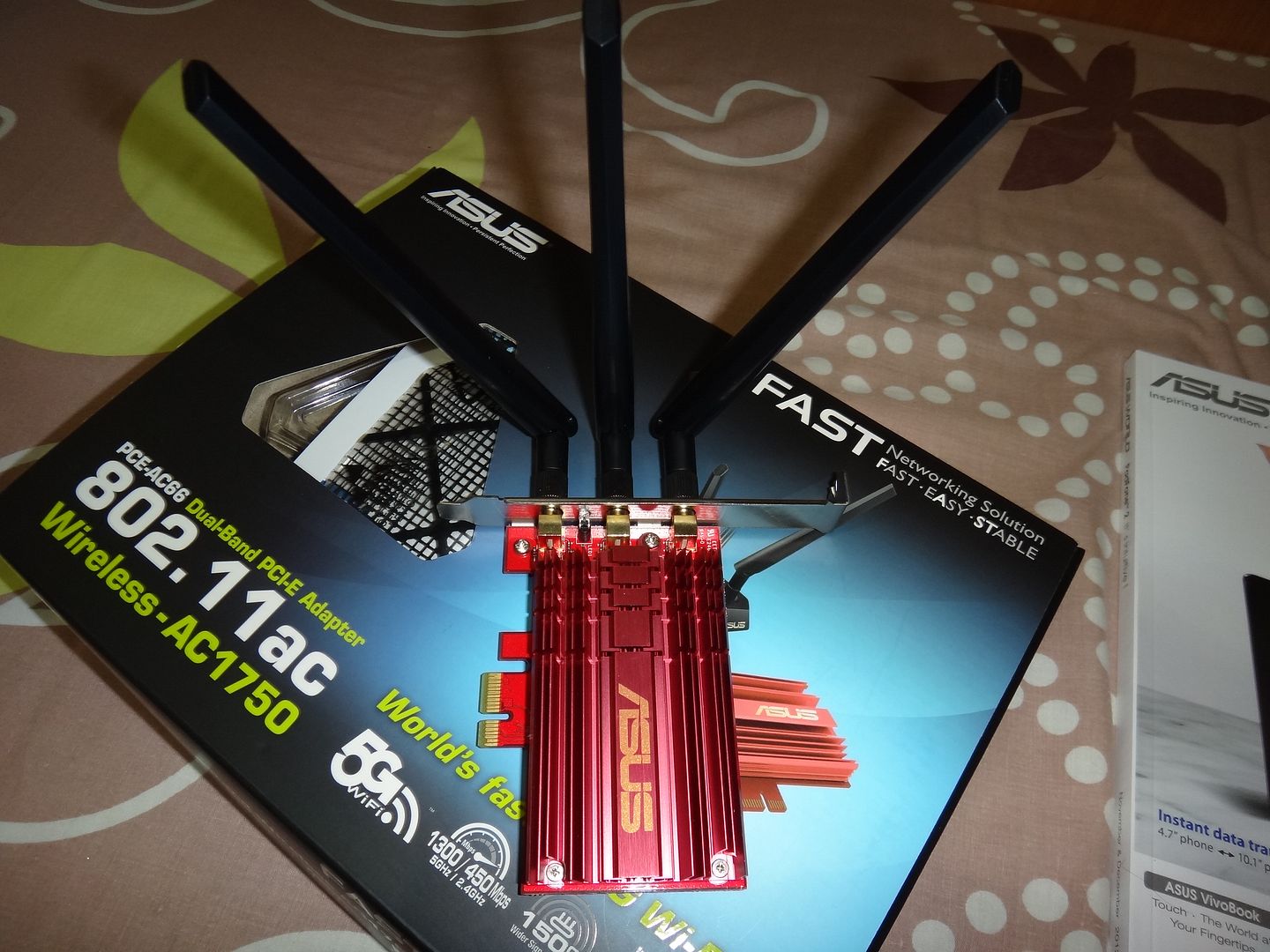
Let's the pictorial kick start the review. Do note what is shown in here does not reflect the actual shipping 802.11AC ASUS PCE-AC66U Dual-Band PCI-E Adapter

Front
DSC00999.jpg


Back

DSC01000.jpg


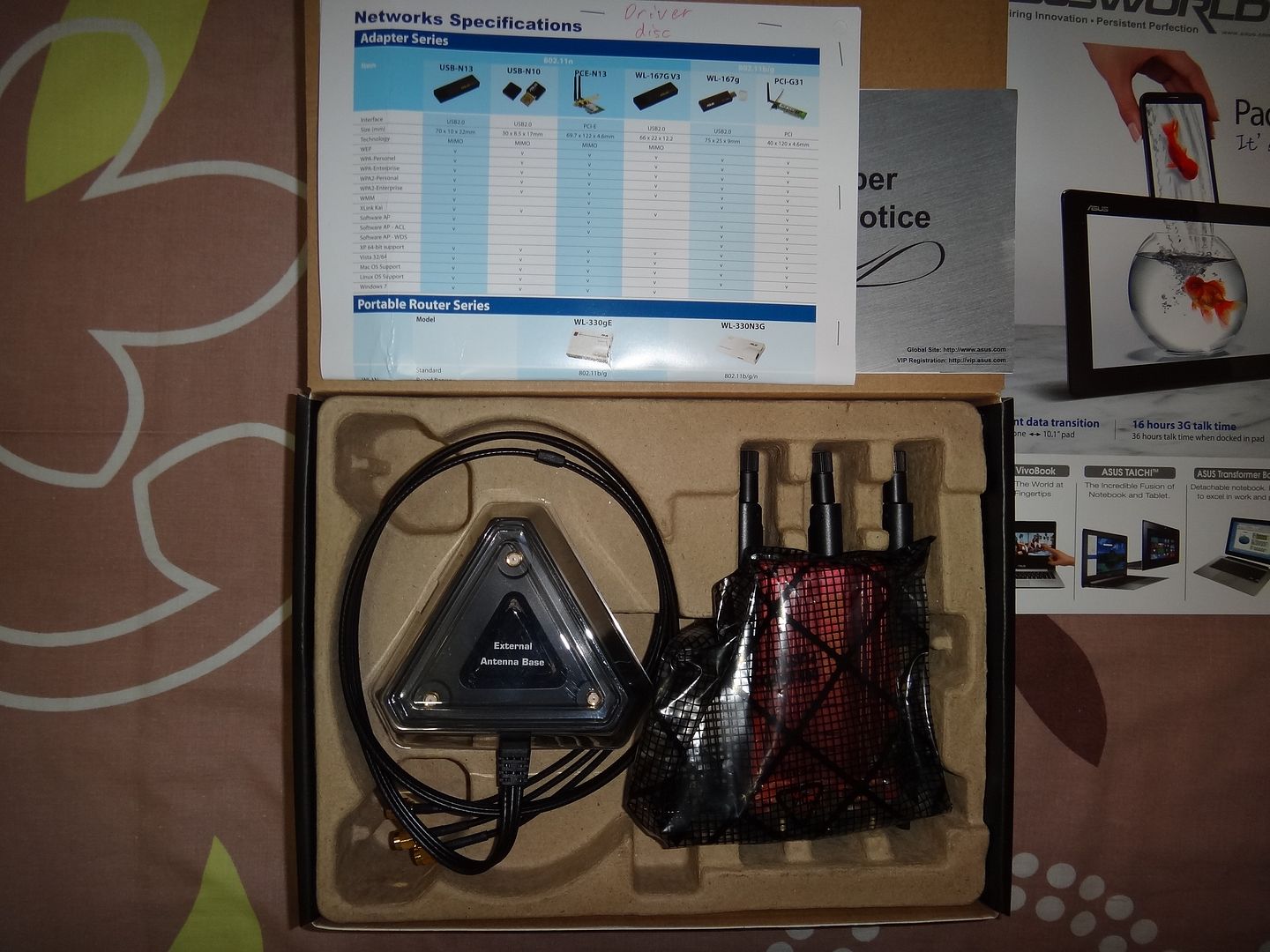
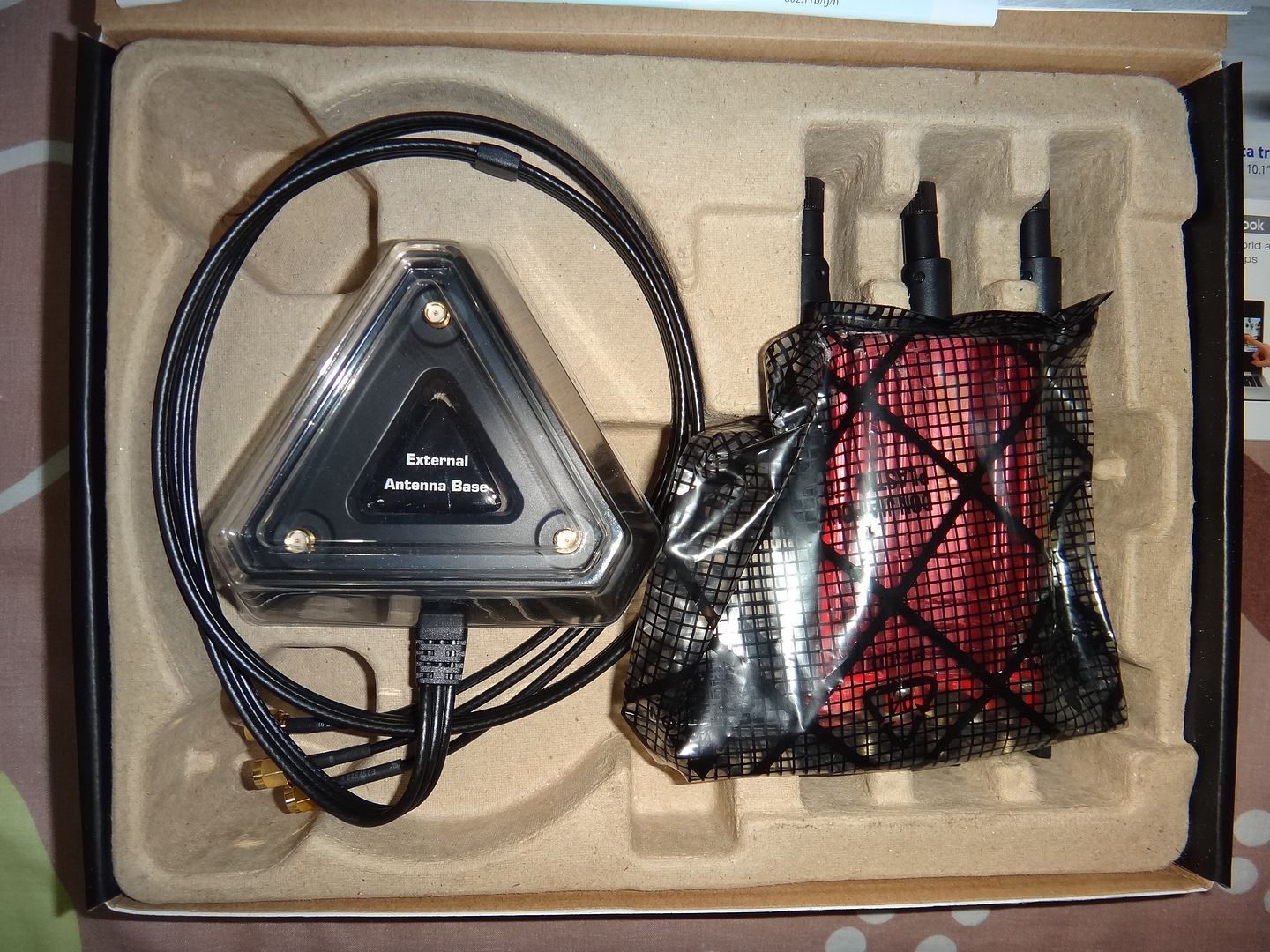
Contents

Love the driver disc :D

DSC01001.jpg


DSC01002.jpg


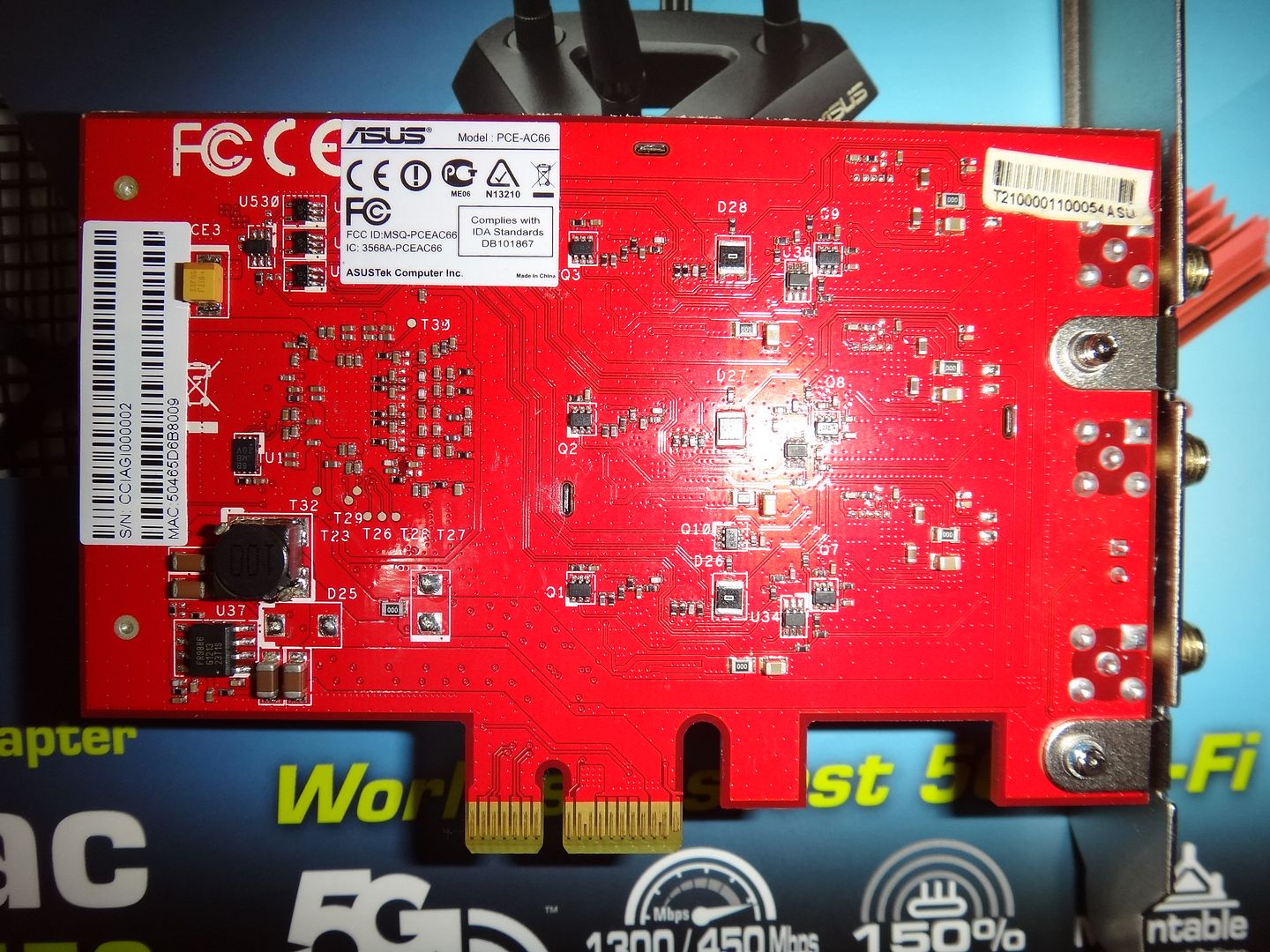
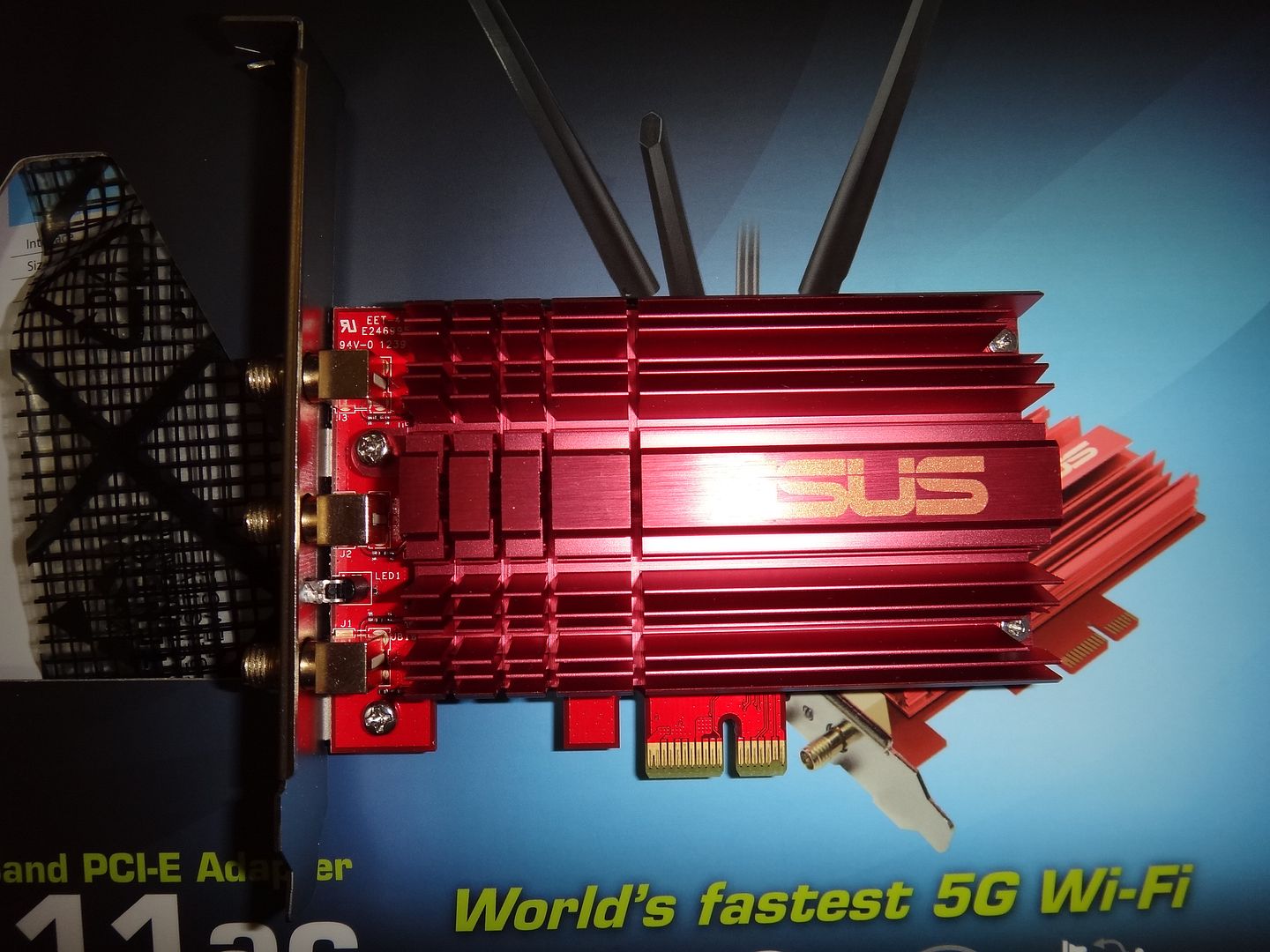
Actual ASUS-PCE AC66U Dual-Band PCI-E Adapter
DSC01003.jpg


Back

DSC01004.jpg
 

maylyn

Master Member
Joined
Jul 12, 2007
Messages
4,861
Reaction score
77
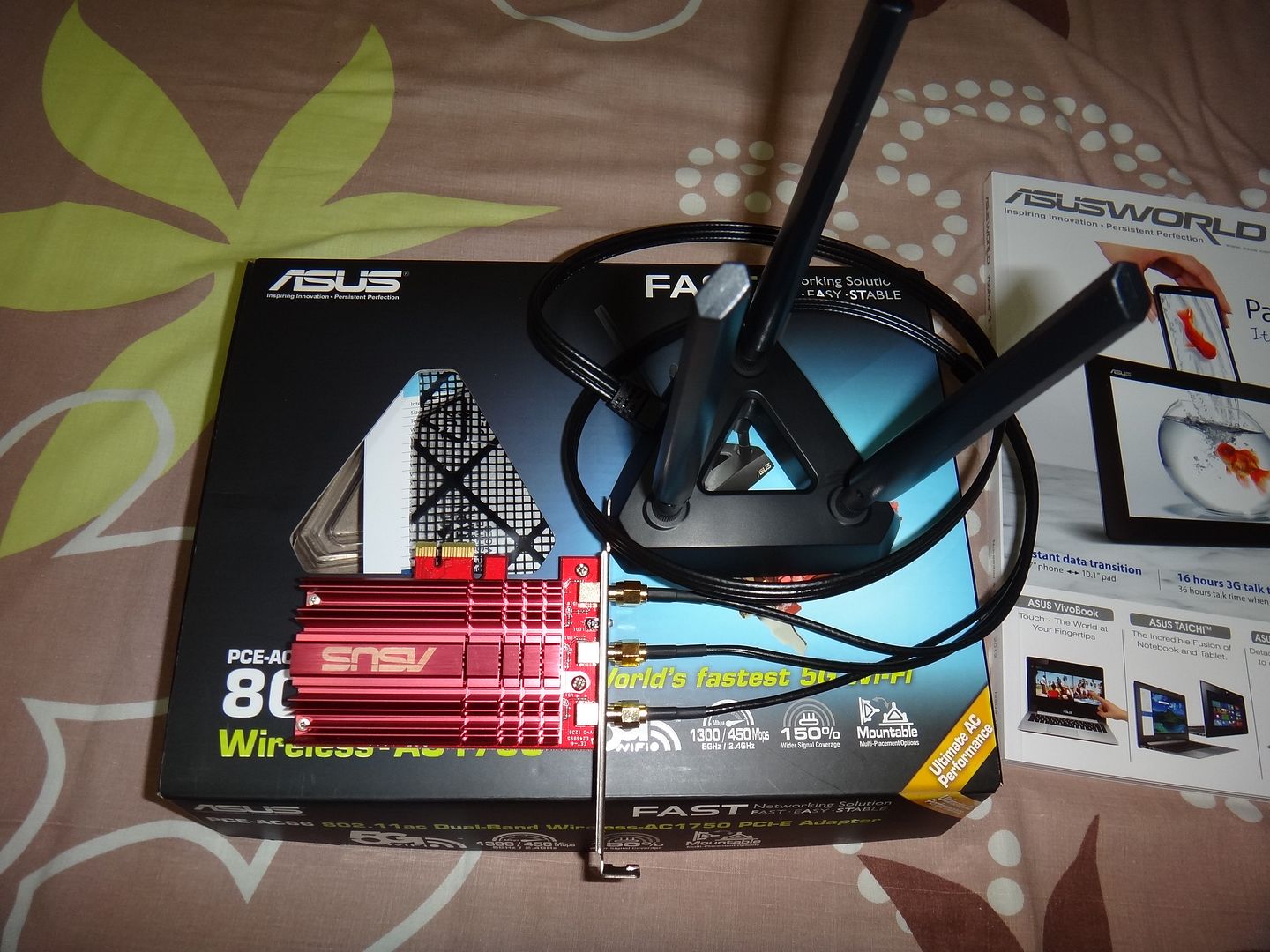
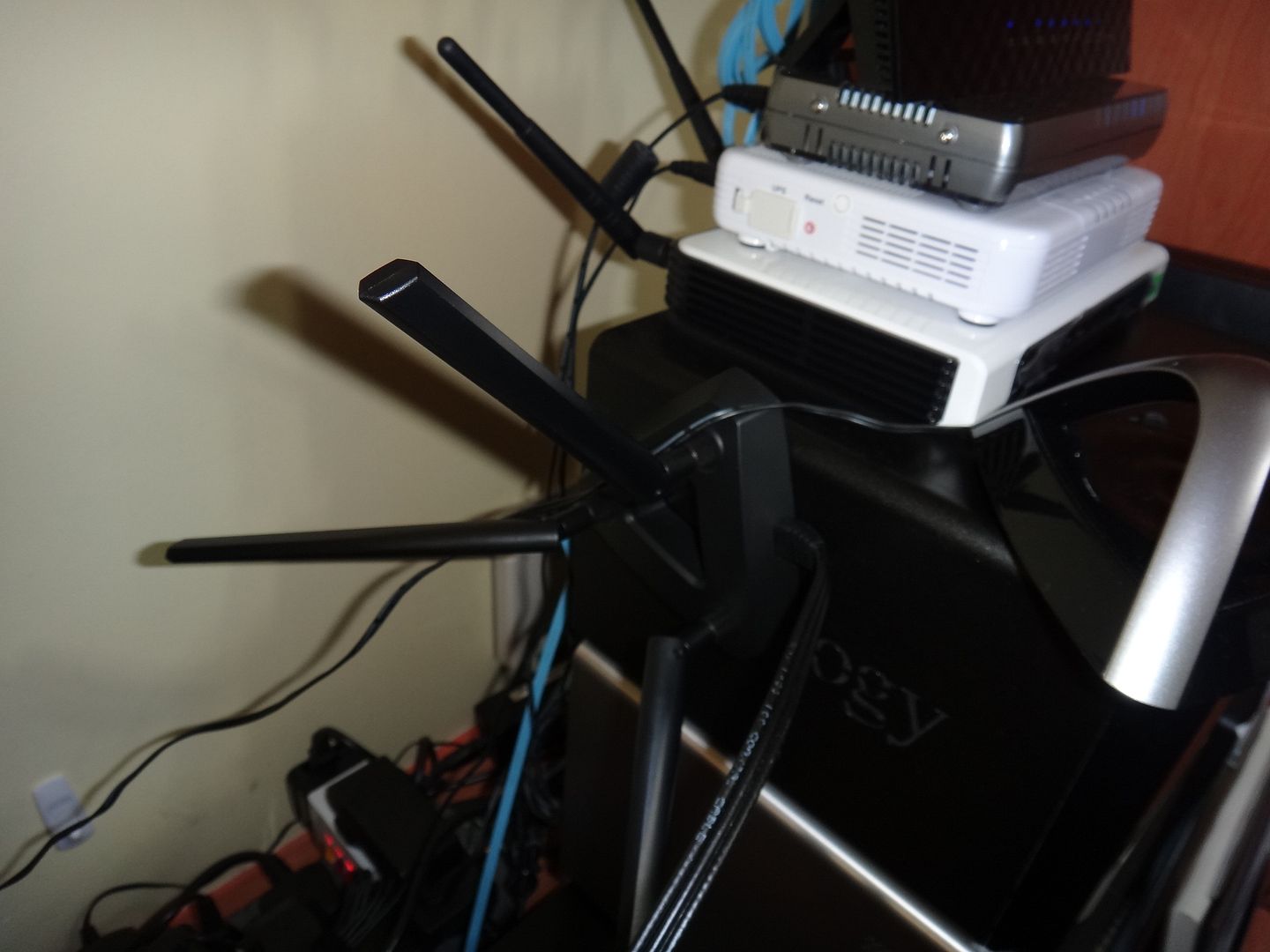
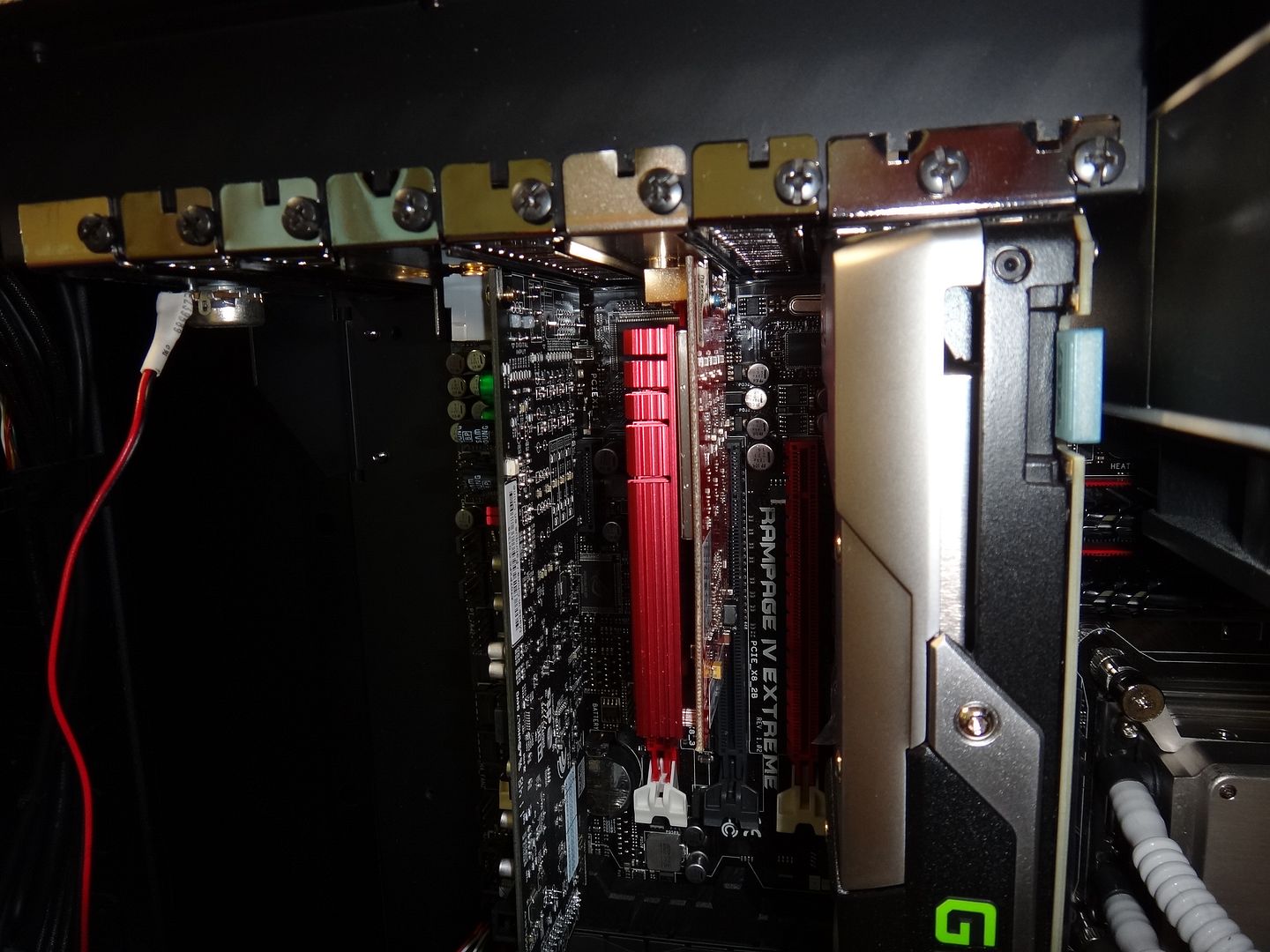
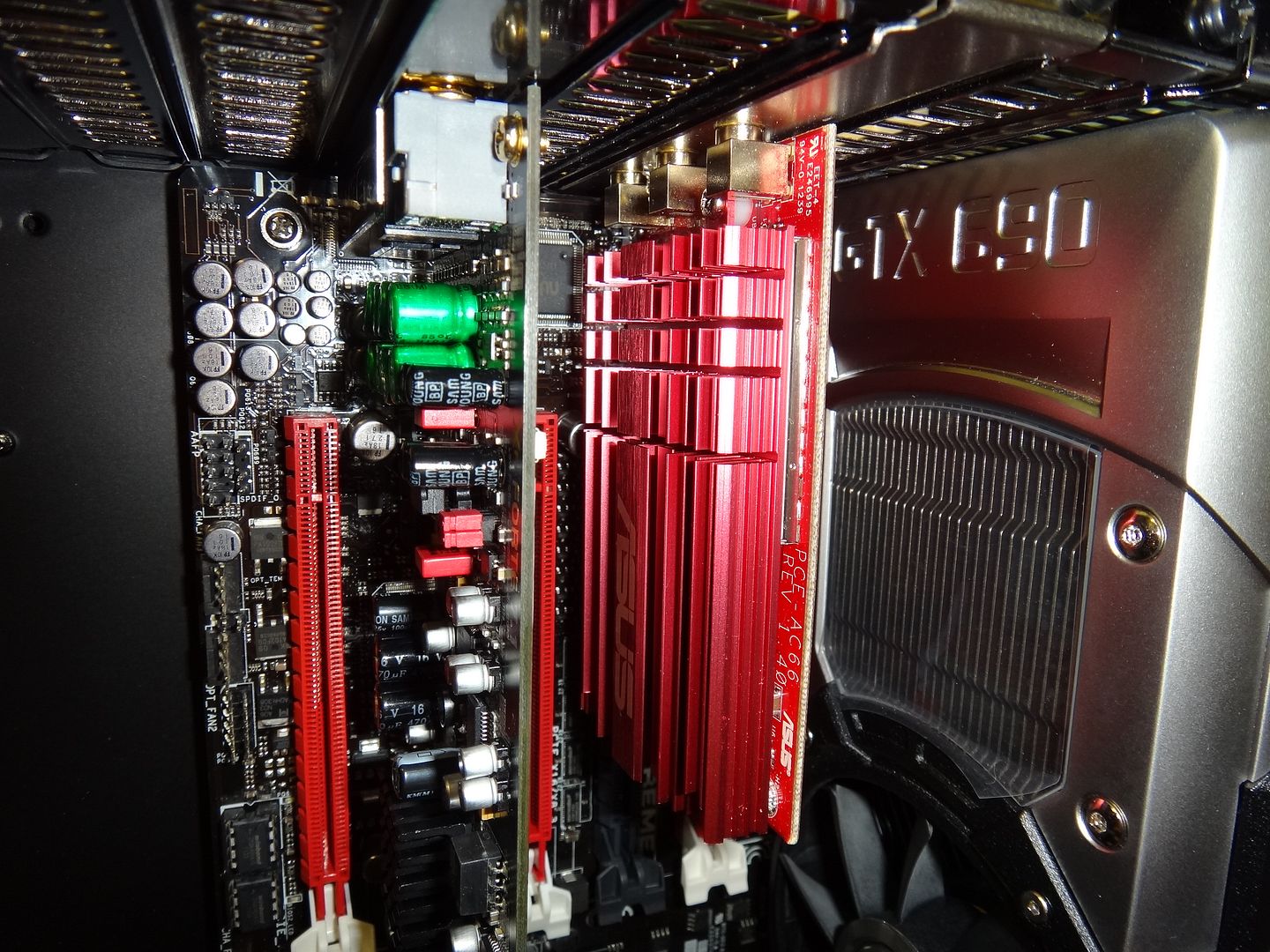
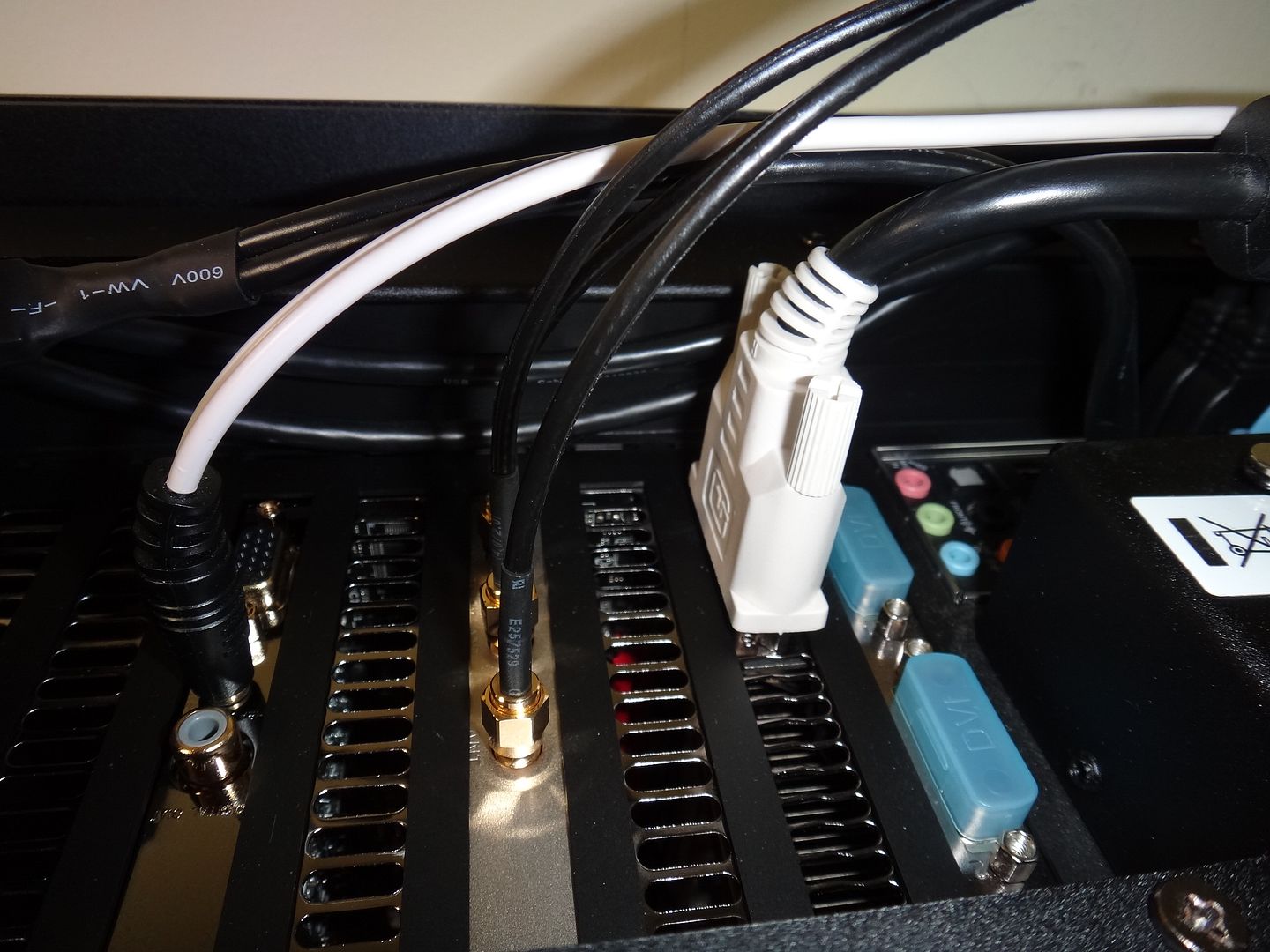
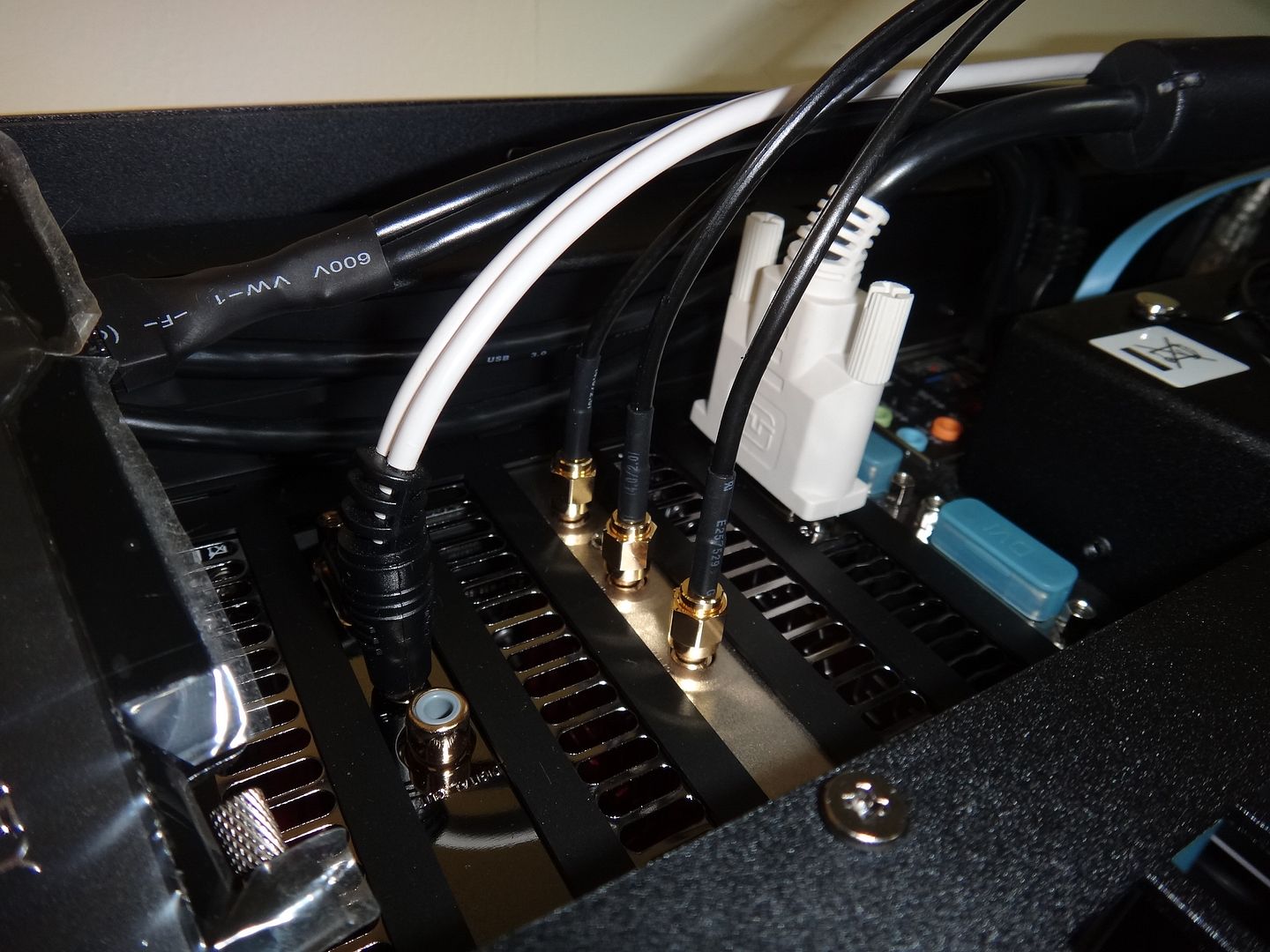
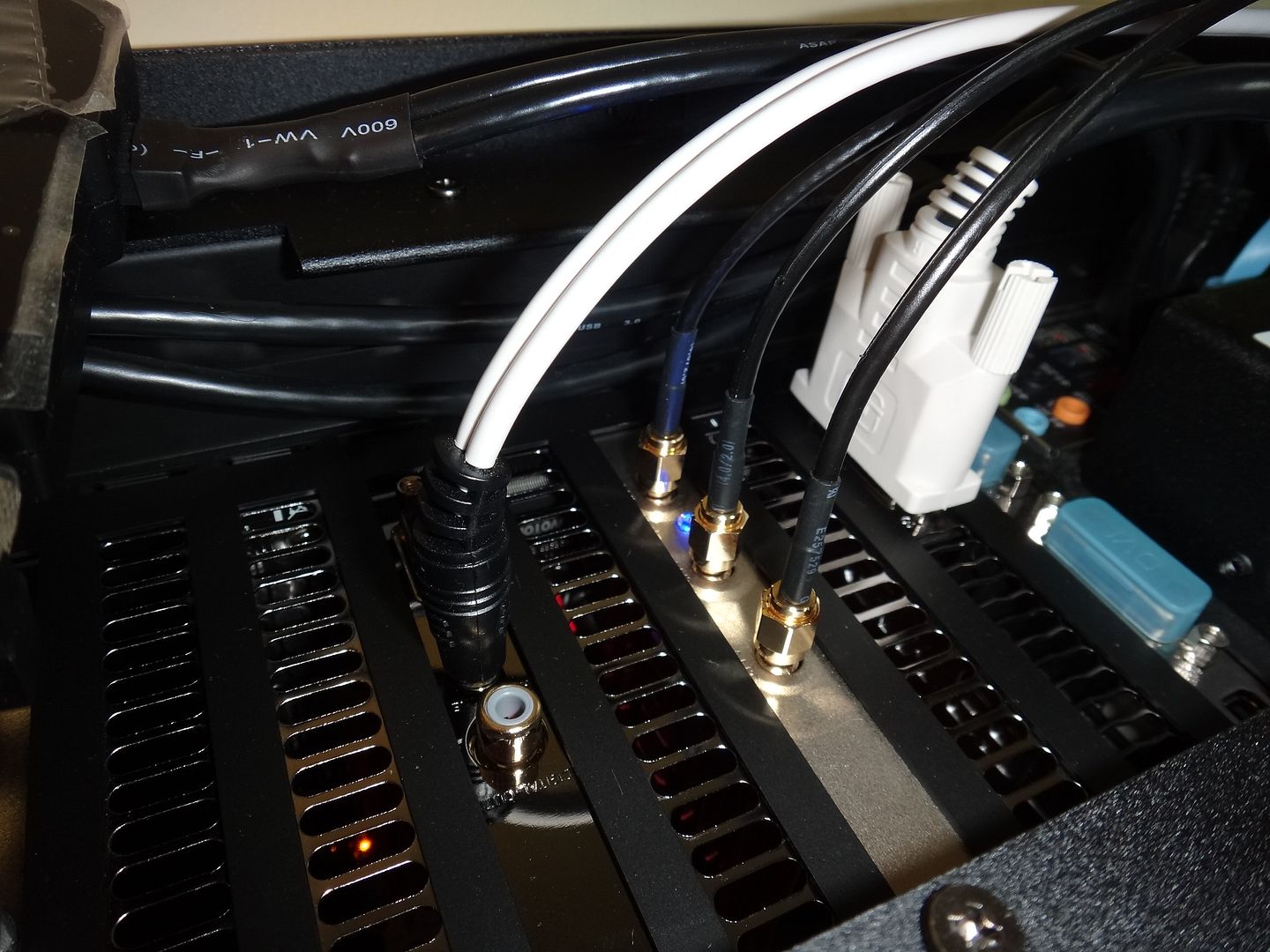
ASUS-PCE AC66U Dual-Band PCI-E Adapter in action

DSC01005.jpg

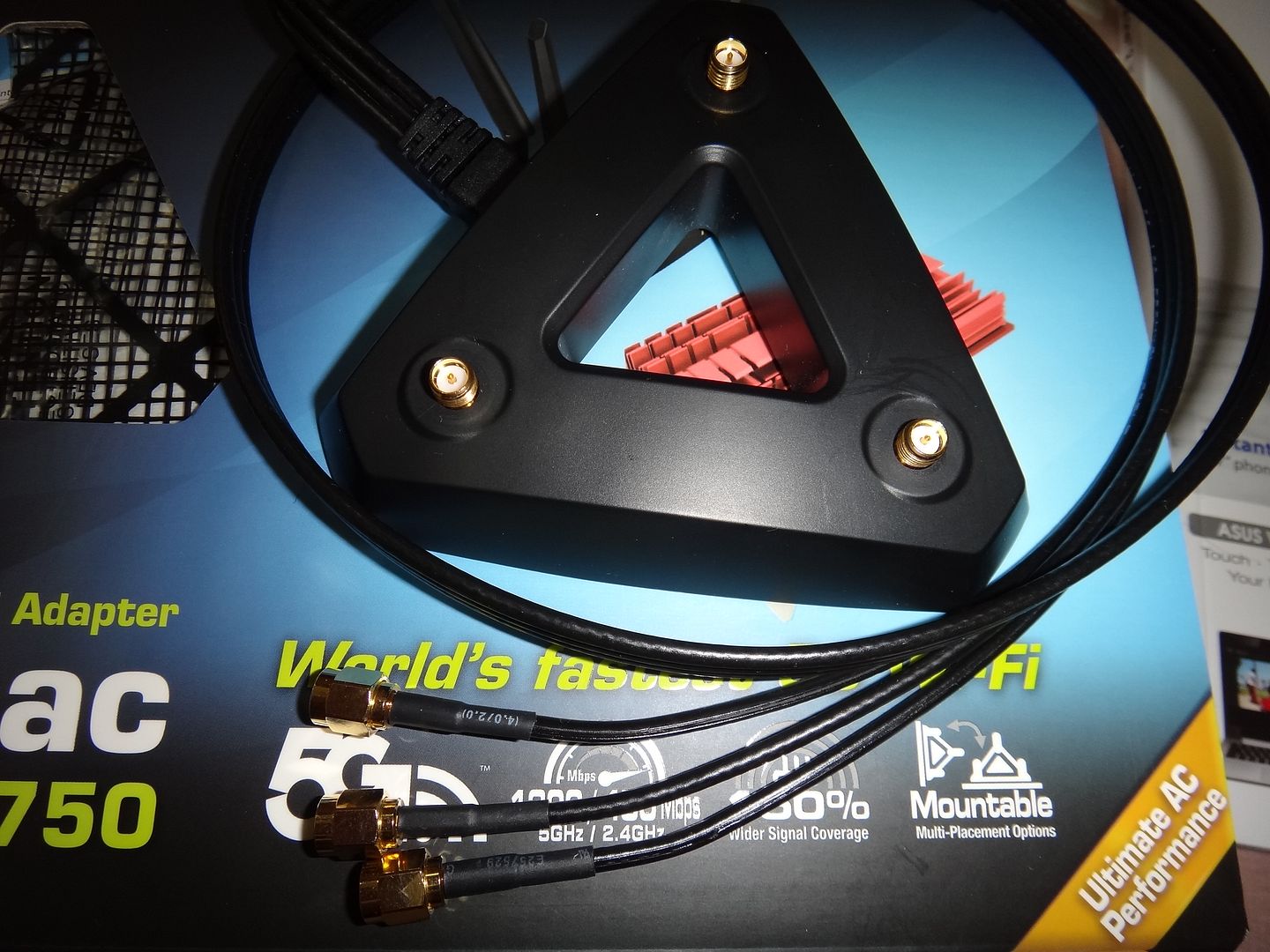
Antenna Base

DSC01006.jpg


DSC01007.jpg


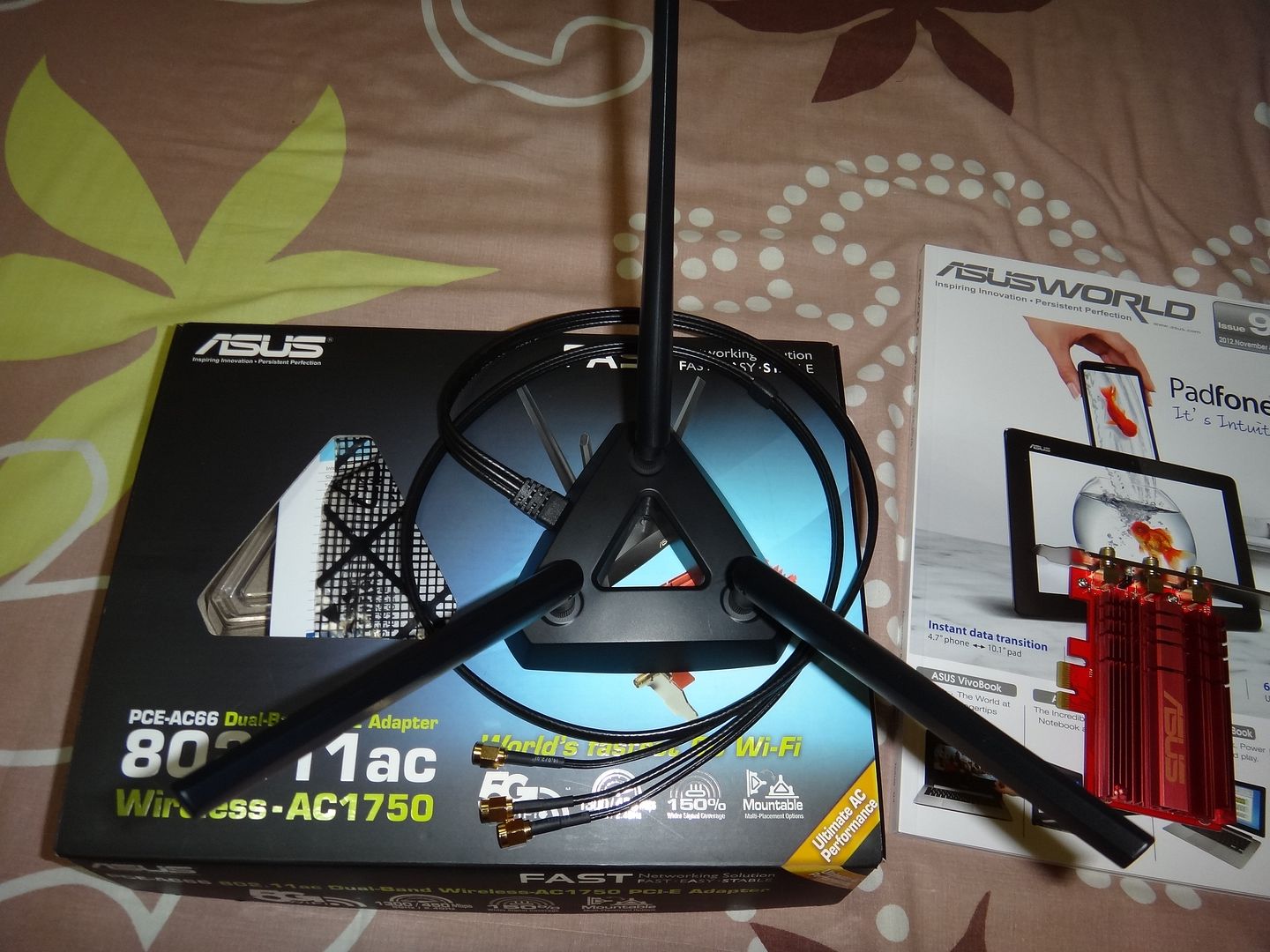
All together

DSC01008.jpg


Antenna Base in action (it's magnetized)

DSC01010.jpg


Stay tuned for more
 
Last edited:

maylyn

Master Member
Joined
Jul 12, 2007
Messages
4,861
Reaction score
77
Wish i can show you guys more, but due to some unforeseen circumstances of the wrong drivers/utilities suite that's comes with it. I'm not able to initialize it

Well, that's what i'm here to do advance review and feedback, have to wait until Wednesday to pester ASUS TW for the correct drivers/utilities

Until then and Merry Christmas

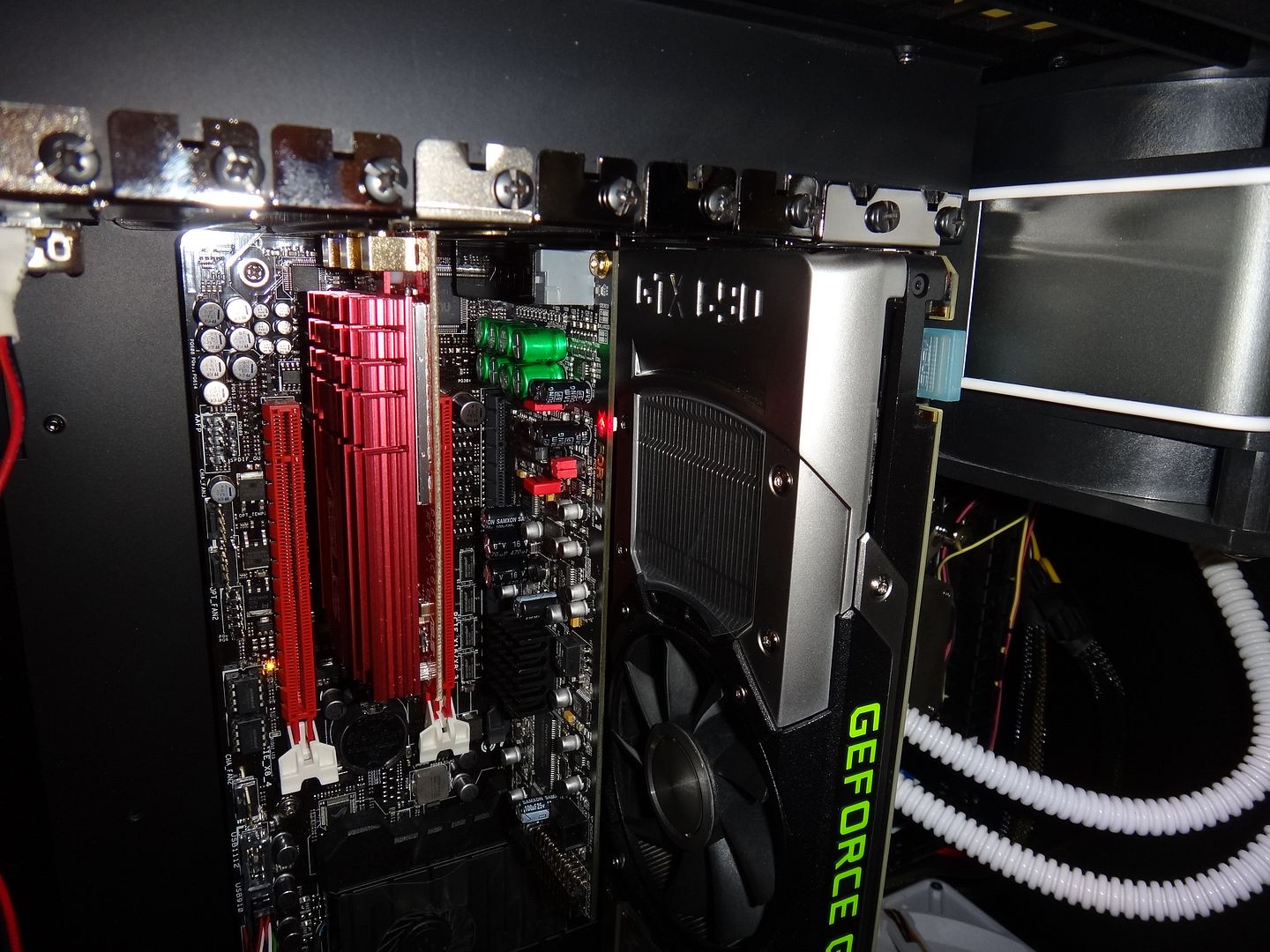
Some setup shoots

DSC01011.jpg


DSC01012.jpg


DSC01013.jpg


DSC01014.jpg


DSC01015.jpg


DSC01016.jpg
 
Last edited:

maylyn

Master Member
Joined
Jul 12, 2007
Messages
4,861
Reaction score
77
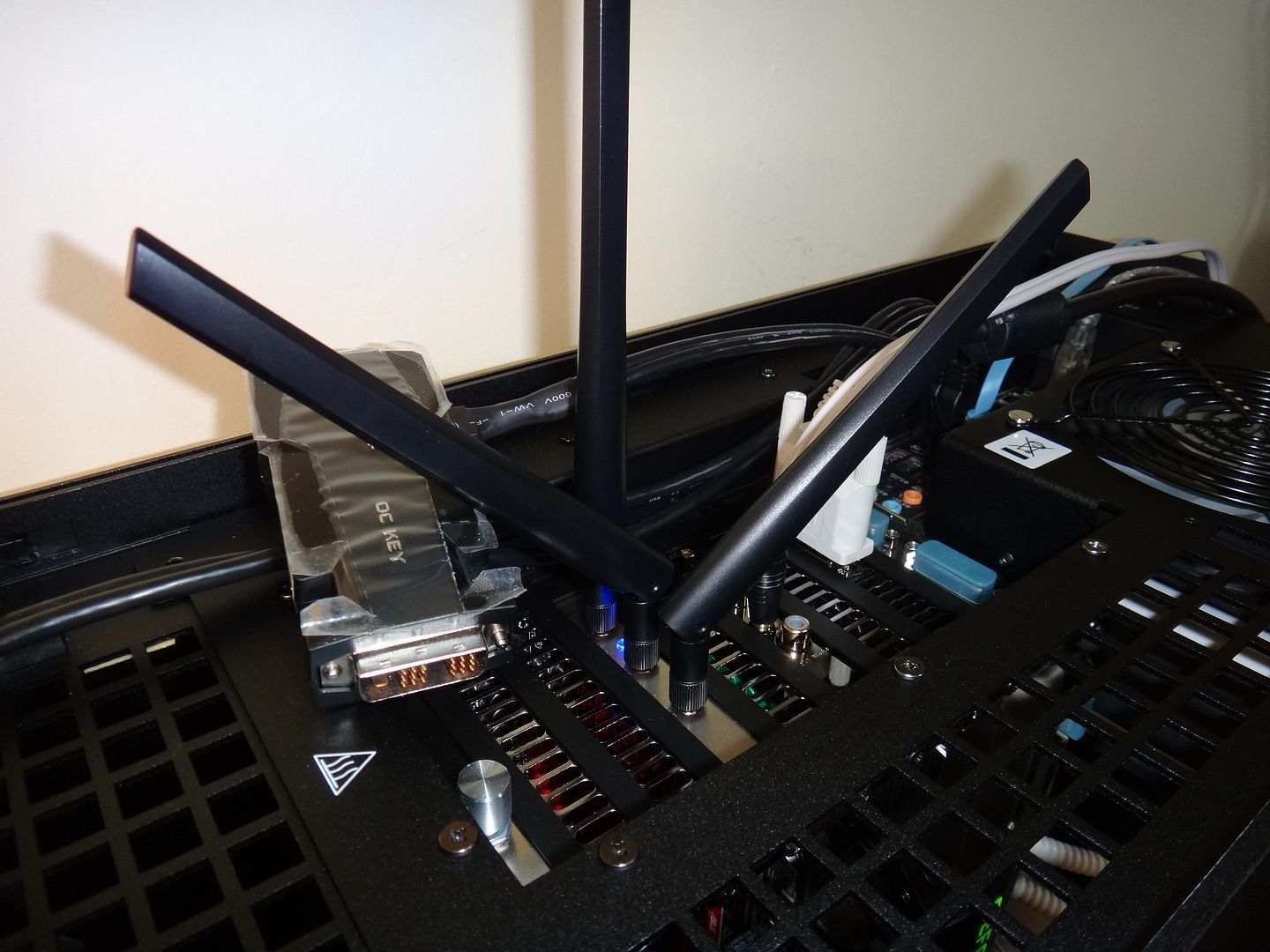
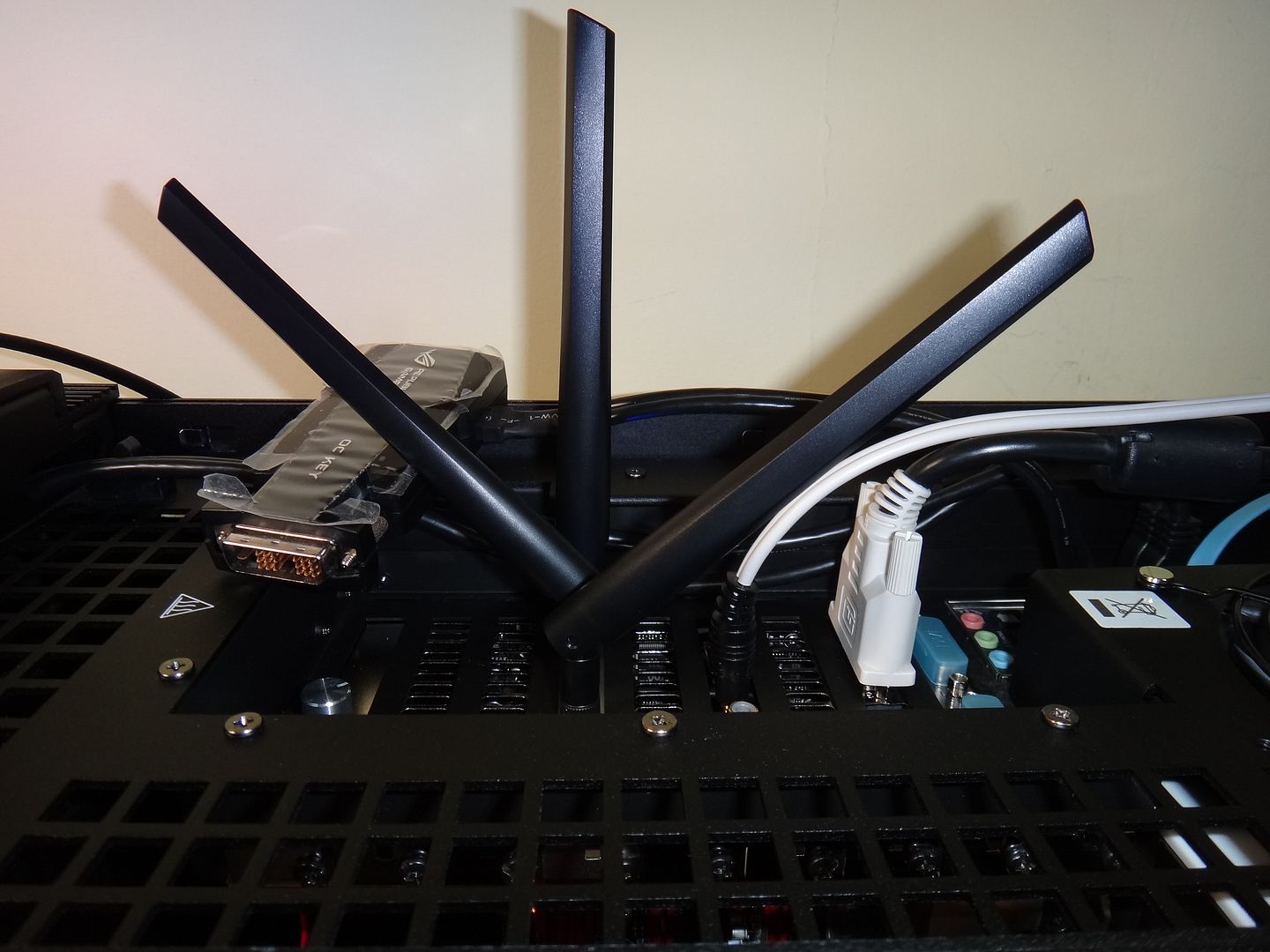
ASUS PCE-AC66U Dual-Band PCI-E Adapter Christmas Tree :D

DSC01017.jpg


DSC01018.jpg


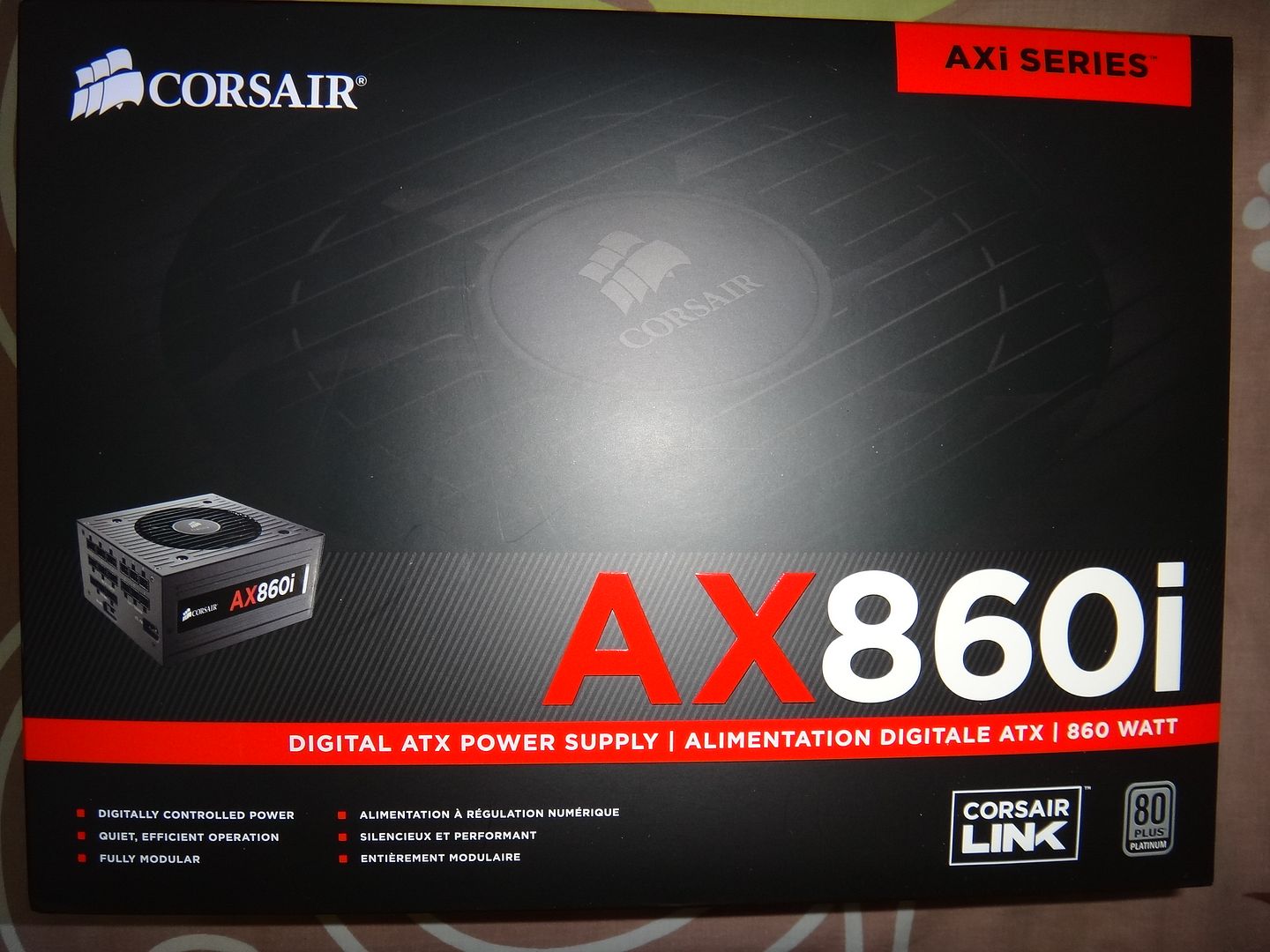
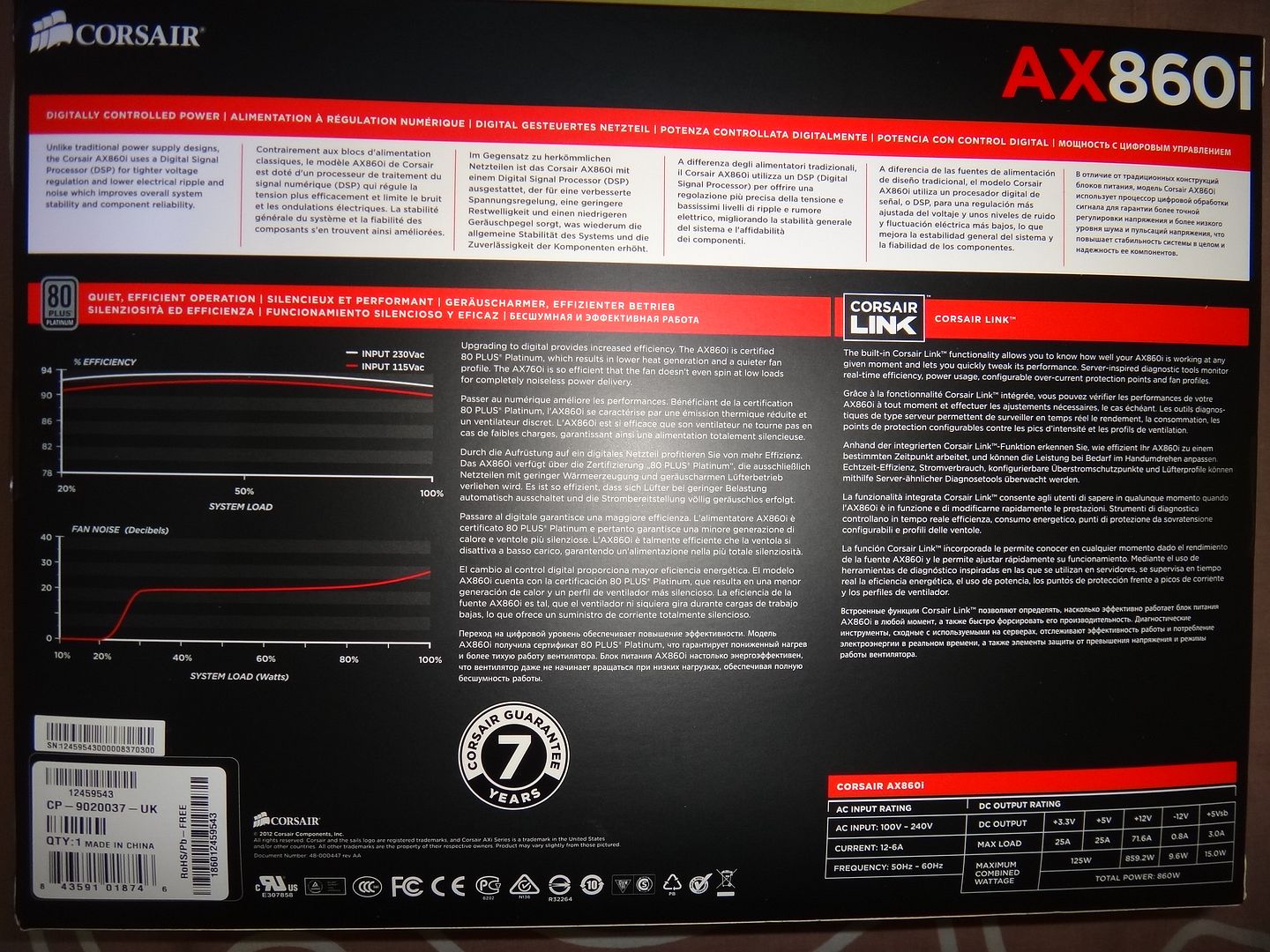
Mean time i'm changing my PSU ~> this :D

DSC01019.jpg


DSC01020.jpg
 
Last edited:

hsComu

Junior Member
Joined
Jan 30, 2013
Messages
82
Reaction score
0
I would better ask:
- when we can buy it locally
- and how much it will cost :)
 

ASUS@SG

Suspended
Joined
Jul 26, 2011
Messages
7,579
Reaction score
3
7cc4228fa3ad95ebdfa1af934a5b5d2b39fd4e76015d74b922db4cb832f4eda86g.jpg


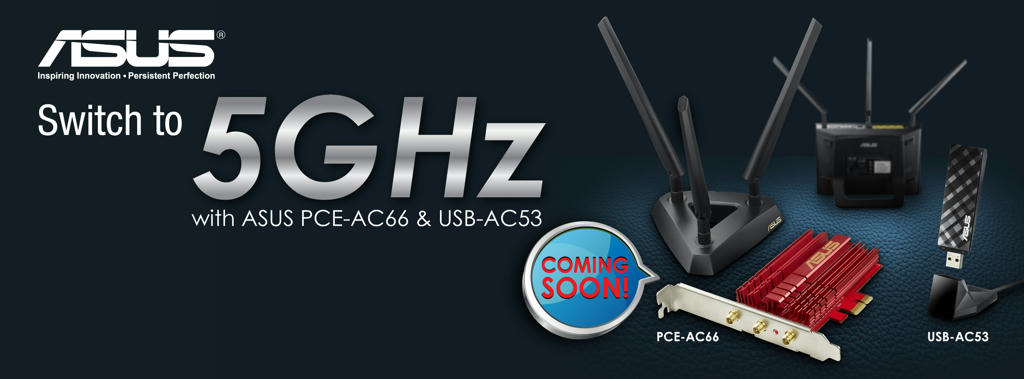
ASUS PCE-AC66 - 802.11ac Dual-band Wireless-AC1750 PCI-E Adapter

World's fastest 5G Wi-Fi
The ASUS PCE-AC66 is a new 802.11ac Wi-Fi PCI Express adapter which upgrades your desktop from tangle-some Ethernet cables to carefree industry-leading 802.11ac at up to 1.3Gbps. Plus, the stylish external magnetized antenna base gives you more flexibility in adjusting antenna placement to get the best signal reception quality possible

  • 5th generation 802.11ac chipset gives you dual-band 2.4GHz/5GHz for up to super-fast 1.30Gbps
  • Flexible extended antenna placement helps you pinpoint the best reception in your environment.
  • Instant Wi-Fi upgrade for your desktop: no more messy Ethernet cables needed.
  • High-power design clears up dead zones with 150% greater coverage
  • Custom heatsink dissipates heat for more stable and reliable non-stop operation

Fastest Wi-Fi standard: 802.11ac
The PCE-AC66 uses Broadcom’s new 5th generation Wi-Fi 802.11ac chipset to reach speeds of up to 1.3Gbps through the 5GHz band, which is three times faster than 802.11n Wi-Fi. At the same time, it maintains full backward compatibility with all previous Wi-Fi protocols, providing high performance two-way transmission while ensuring a smooth transition to 802.11ac and seamless interconnection with existing devices.

Wi-Fi_Standard.jpg


ASUS USB-AC53 - Dual-band Wireless-AC1200 USB Adapter

  • Extra-fast 5th Generation Wi-Fi at up to 867Mbps/300Mbps
  • Selectable 5GHz/2.4GHz dual bands increase signal clarity for better HD multimedia
  • Powerful 2x2 embedded patch antennas (PIFA type) improve signal range while integrating into the attractive design
  • Exclusive NetClip and cradle accessories for convenient placement and better performance

Dual-band Wireless-AC1200 USB Adapter
The USB-AC53 presents the first ASUS 802.11ac dual-band 2x2 antenna USB adapter with speeds up to 867Mbps/300Mbps in 5GHz/2.4GHz. Its internal patch (PIFA) antennas offer better network coverage, while the innovative ASUS NetClip helps users flexibly place the USB-AC53 to optimize signal transmission. The package includes a custom cradle for further usability extension.
Wifi-standard.jpg


Stay tuned for more information :)
 

danxiaogui86

Arch-Supremacy Member
Joined
Jan 12, 2003
Messages
11,285
Reaction score
23
is there any issues if i run this off a 8x pci-e slot instead of 4x? cause my another 4x is blocked by gfx card :(

By right it shouldnt IIRC.
 

laoma-ge

Member
Joined
Apr 1, 2013
Messages
162
Reaction score
0
Need Help to Setup VPN Server on AC66U

Can anyone help me out on how to setup VPN Server on Asus AC66U Router?

I am on a Static IP with MyRepublic, I had tried to do it going into the Router VPN server page and do the initial setup but I still could not get connected from outside. Do I need to change something in the DDNS/WAN setting?

Thanks in advance
 

ernetlo

Junior Member
Joined
Nov 12, 2011
Messages
17
Reaction score
0
Hi there,

I purchased this item as well but based on my inSSIDer I am only running on 450Mbps Wireless-N only.

I am logged onto my RT-AC66U's 5Ghz SSID but I cannot get it to read as AC. I have already changed the settings on the router to become N+AC and 80mhz only.

Please advise, thanks!
 

ASUS@SG

Suspended
Joined
Jul 26, 2011
Messages
7,579
Reaction score
3
Hi there,

I purchased this item as well but based on my inSSIDer I am only running on 450Mbps Wireless-N only.

I am logged onto my RT-AC66U's 5Ghz SSID but I cannot get it to read as AC. I have already changed the settings on the router to become N+AC and 80mhz only.

Please advise, thanks!

Please provide router 2.4Ghz and 5Ghz settings.

What do you mean by cannot read as AC?
 

ernetlo

Junior Member
Joined
Nov 12, 2011
Messages
17
Reaction score
0
Please provide router 2.4Ghz and 5Ghz settings.

What do you mean by cannot read as AC?

Good afternoon Mr Asus,

These are my settings for both 2.4 and 5.

2.4 - Wireless Mode: N only - Channel Bandwidth: 40MHz - Control Channel - 1l - Auth Method: WPA2-Personal - WPA Encryption: AES - Network Key Rotation Interval: 3600

5 - Wireless Mode: N + AC - Channel Bandwidth: 80MHz - Control Channel - Auto - Auth Method: WPA2-Personal - WPA Encryption: AES - Network Key Rotation Interval: 3600

What I mean by cannot read as AC is that when I use inSSIDer, it shows my 5Ghz SSID as 802.11n and not "ac".

Also, when I click the bottom right hand WIFI signal indicator in Windows 7, and I highlight the 5Ghz SSID, it also states radio type as 802.11n.
 

honfui

Junior Member
Joined
Apr 27, 2000
Messages
12
Reaction score
0
Hi, I just bought the AC68 last week. Is there a upcoming PCE-AC68U releasing soon (if yes, when) or should I just get the PCE-AC66U first.
 
Important Forum Advisory Note
This forum is moderated by volunteer moderators who will react only to members' feedback on posts. Moderators are not employees or representatives of HWZ. Forum members and moderators are responsible for their own posts.

Please refer to our Community Guidelines and Standards, Terms of Service and Member T&Cs for more information.
Top