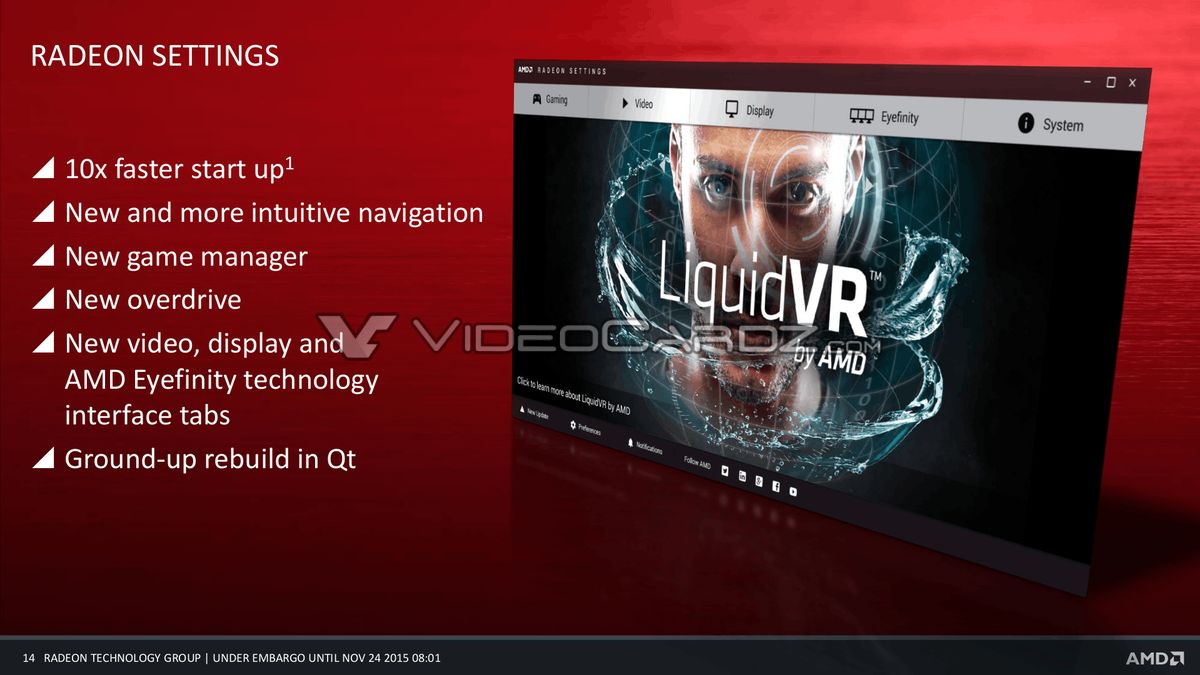
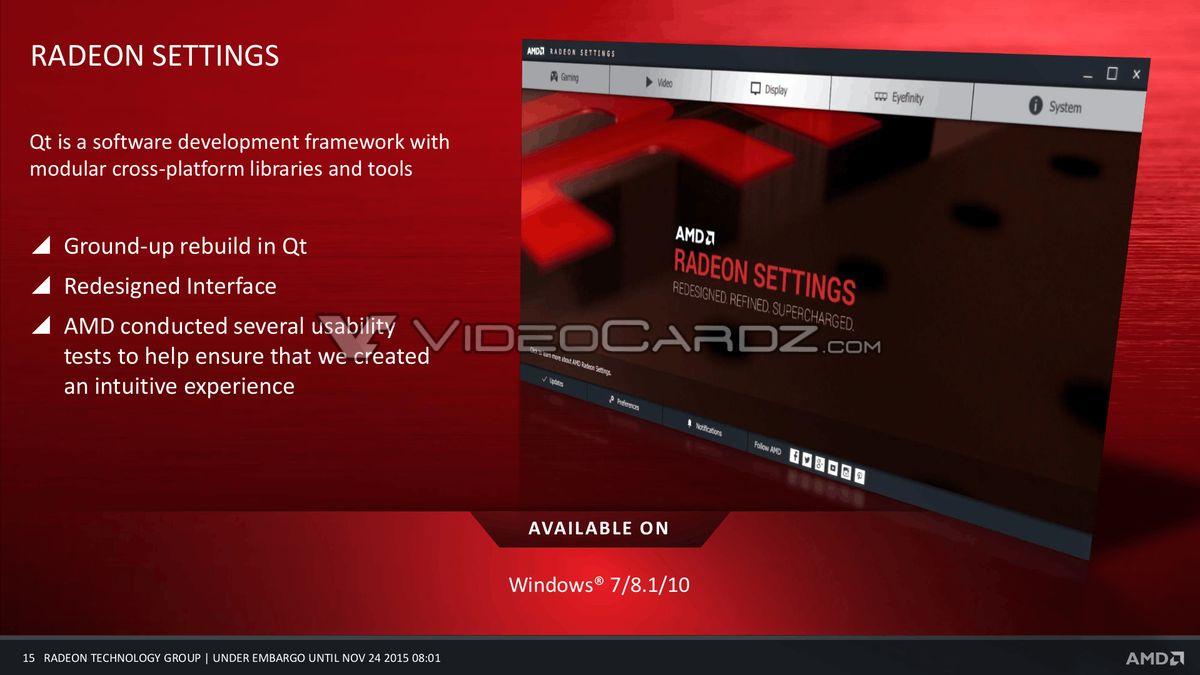
sorry to bring up an old thread; the noobish me just realized i'm still sitting on the AMD Catalyst control center

I headed over to the below url:
http://support.amd.com/en-us/download?ipromo=RSCE-download
And tried the auto detect and install option - it just keeps telling me my driver is up to date ?

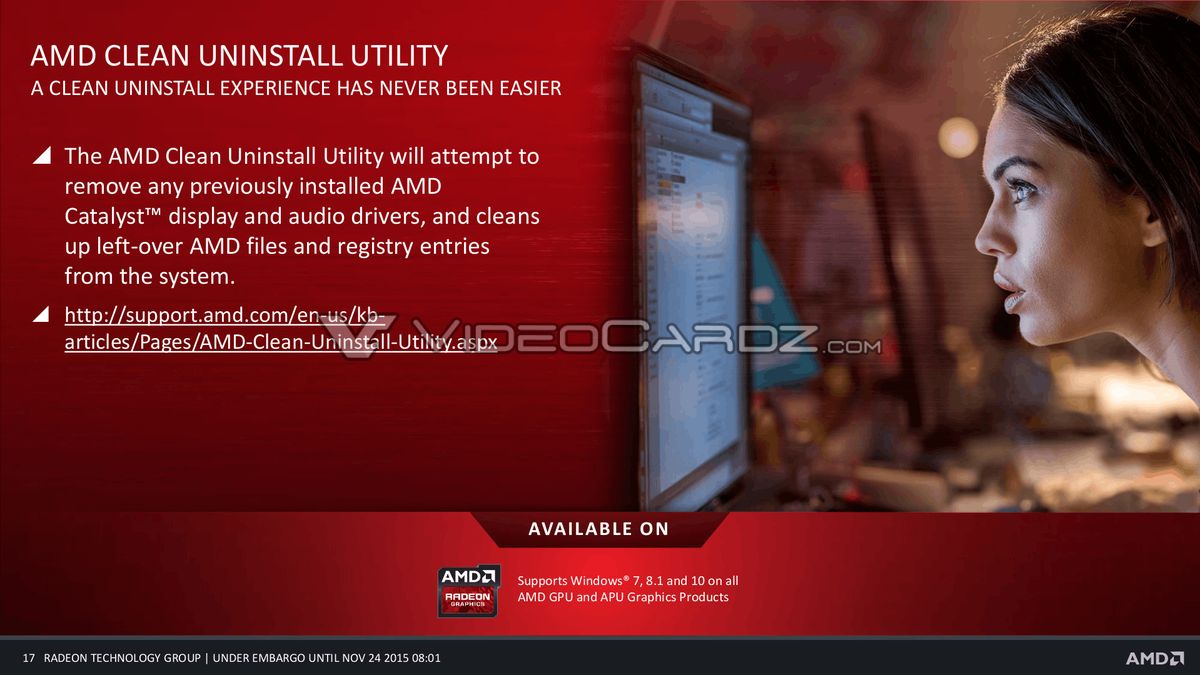
I presume this means I should do a clean install of Crimson from scratch ? If so - could someone please review if the steps below are correct ?
1. Download DDU
2. Uninstall AMD CCC from Control Panel
3. Run DDU and then when prompted, reboot into safe mode
4. Run DDU again
5. Reboot again, this time into normal mode
6. Install the latest Crimson driver 16.3.1 - is this correct ver ?
http://support.amd.com/en-us/kb-articles/Pages/AMD_Radeon_Software_Crimson_Edition_16.3.1.aspx
Just want to ensure I get this right, to avoid any complications when it comes to GPU drivers. Thanks in advance