Technical Stuff
The Huawei P9 has opted to use a lot of their own in-house chips, starting from the main processor, which is the heart of the whole phone. The processor is paired up with the Mali T880 (MP4) graphics chip, which will handle much of its graphical needs. On paper wise, the Mali T880, is the highest spec GPU from arm, and is used by others as well, including Samsung’s S7 Exynos 8890 processor. However, unlike Samsung’s top-tier specification, the version Kirin uses is just a meager 4 cores clocked at up to 900Mhz (16nm manufacturing technology), whereas Samsung is powered by a powerful 12-core design at up to 600Mhz (14nm manufacturing technology). A few reasons Huawei might be using the 4 core variant could be because it is more power efficient, and that because it is using the 16nm manufacturing process rather than the 14nm used by Samsung and Snapdragon, it is technically less power efficient than a comparative 16nm, hence, the presence of just 4 core combination.
The phone itself comes with a LCD Screen. Wait, did I say LCD? Yes, unlike many of the devices using AMOLED screen for that color contrast, Huawei again has differentiated itself with the use of LCD. But low and behold – the LCD is not the normal LCD screen! This is actually an IPS-NEO screen.
• In AMOLED, individual pixels are lit separately on top of a thin film transistor (TFT) and passes current through organic compounds. The brightness depends on the amount of current going through and because it is individually lighted, this means it is typically having a better color and contrast/lighting. The catch is that the pixel/quality degrades over time resulting in what you know as burn in.
• In the popular IPS (In-Plane Switching) LCD (Liquid Crystal Display) screen, it makes use of polarized light that goes through a color filter. Horizontal and vertical filters on either side of the liquid crystals control the brightness and whether or not each pixel is on or off. However, color and contrast loses out here and usually does quite well in bright light.
• IPS-NEO LCD is evolved from IPS, focuses on true-black appearance (contrast). To achieve that, at manufacturing, they ensure that the liquid crystals are made as uniform as possible (unlike IPS or normal LCD), to suppress light leak. This meant that the contrast problem is solved, whilst keeping all the benefits of the IPS LCD panel. In fact, because of this alignment technology, image color is also improved because light transitivity was improved and also less power is now required as a result.
In short: Huawei opted to use their own custom designed and manufactured processor that works just fine. But the technology used is just a little lower by a notch (16nm vs 14nm of competitors [lower the better]). Graphics performance is additionally lower than others, to be described later. What I really loved, however, is the use of the latest LCD technology - LCD IPS-NEO. I will describe more on this later as well.
Day to Day Use
On a daily use wise, the Huawei P9 comes with Android OS 6.0 (Marshmallow) with EMUI 4.1 launcher/theme enabled out of the box, and the phone itself is very smooth, in opening applications, swiping through menus, surfing the net, streaming videos to and fro etc. However, when it comes to games, the Huawei P9 seemed to struggle. Whilst this does not come as a surprise, what was frustrating for myself was that gaming on this device, with games such as Need for Speed No limits or Asphalt 8, the phone stuttered with horrible frame-rates and a 1 minute game-play (denoted by the timer of the race) turned into 3 minutes. This is worse than that of devices running Snapdragon 810/Adreno 418 such as BlackBerry Priv and LG G4. On the other hand, playing the less intensive games such as candy crush is of course, not an issue.
In short: The P9 works very well for a normal day-day use - but not for intensive gaming.
The EMUI 4.1 Theme
The theme/launcher that comes with the Huawei P9 is the EMUI 4.1 and out of the box it comes with its own (Huawei) Gallery, Themes, Music app, Videos app, Calendar, clock, File Manager, Health, Email, Weather, Calculator, Notepad, Recorder, a Mirror app (A fancy effect camera app), HiCare, compass, WPS Office as well as phone manager (System optimizer app).
The EMUI has modified some of the UI designs from vanilla android as well, such as swiping down on the screen brings up universal search (a top-down swipe still accesses notifications), whilst keeping some such as the ‘shortcuts’ which is just some of the system’s settings like WiFi, Bluetooth etc). Whilst there's no app tray/drawer this means that all your apps are in just one neat screen (like Apple iOS or BlackBerry 10). However, this also means that we and create folders on the homepage screen to arrange our applications, so, depending on where (which platform) you are jumping from, this could be a win or meh for you.
In addition, you have a hidden application screen (where you can hide applications that you don't want others to have access to) that is accessible by pinching outward. Pinching inward though, opens up the widgets panel.
In tandem with the fingerprint scanner, it also allows you to do gesture control - you can swipe between information (it's switched off by default, however); and notifications for power-heavy apps are toned down by default (However, this meant that some of your ‘essential’ applications such as Whatsapp maybe have suppressed notifications too).
In short: The improved Huawei’s EMUI 4.1 is actually very useful - giving users most of what is needed to start using the phone, compared to a vanilla android. However, as default applications, such as music, video players cannot be deleted even if I preferred to use alternatives. I personally preferred the use of the single application page as opposed to having the app drawer, though Huawei could have took it up one notch by offering the option for an app drawer or not. Small, but nifty features such as the hidden application screen and giving the fingerprint scanner additional features is also an ingenious one.
Screen
The first thing we see on the phone, is of course the screen. Armed with a 5.2” HD (1080) screen that is a LCD screen, the color and details on the screen were stunning. Being an LCD screen, it is quite hard to believe it is one. That said, day to day use, especially under the hot bright sun, the screen really does stand up to its name as an LCD screen. And furthermore, it being an LCD screen also means it is less prone or rather not affected by AMOLED burn-in that one might face after sometime. One thing about screens was polarization when wearing sunglasses, but hey, to my surprise, there was no such issue on this screen! Cool! This is one of a capable screen! The screen, being 2.5D, however, meant that getting a full screen-screen protector was going to be hard – though not impossible. But being 2.5D meant that the edges was nice to hold and touch as opposed to a sharp corner one.
In short: Screen is nothing short of AMAZING and good. It may not be as sharp as the 2K and 4K screen others have close up but, practically, it works more than good. In my opinion, being able to use a phone under the sun daily (for example walking from point to point) is more important than having a sharp screen that can mainly be discriminated at close range.
Design
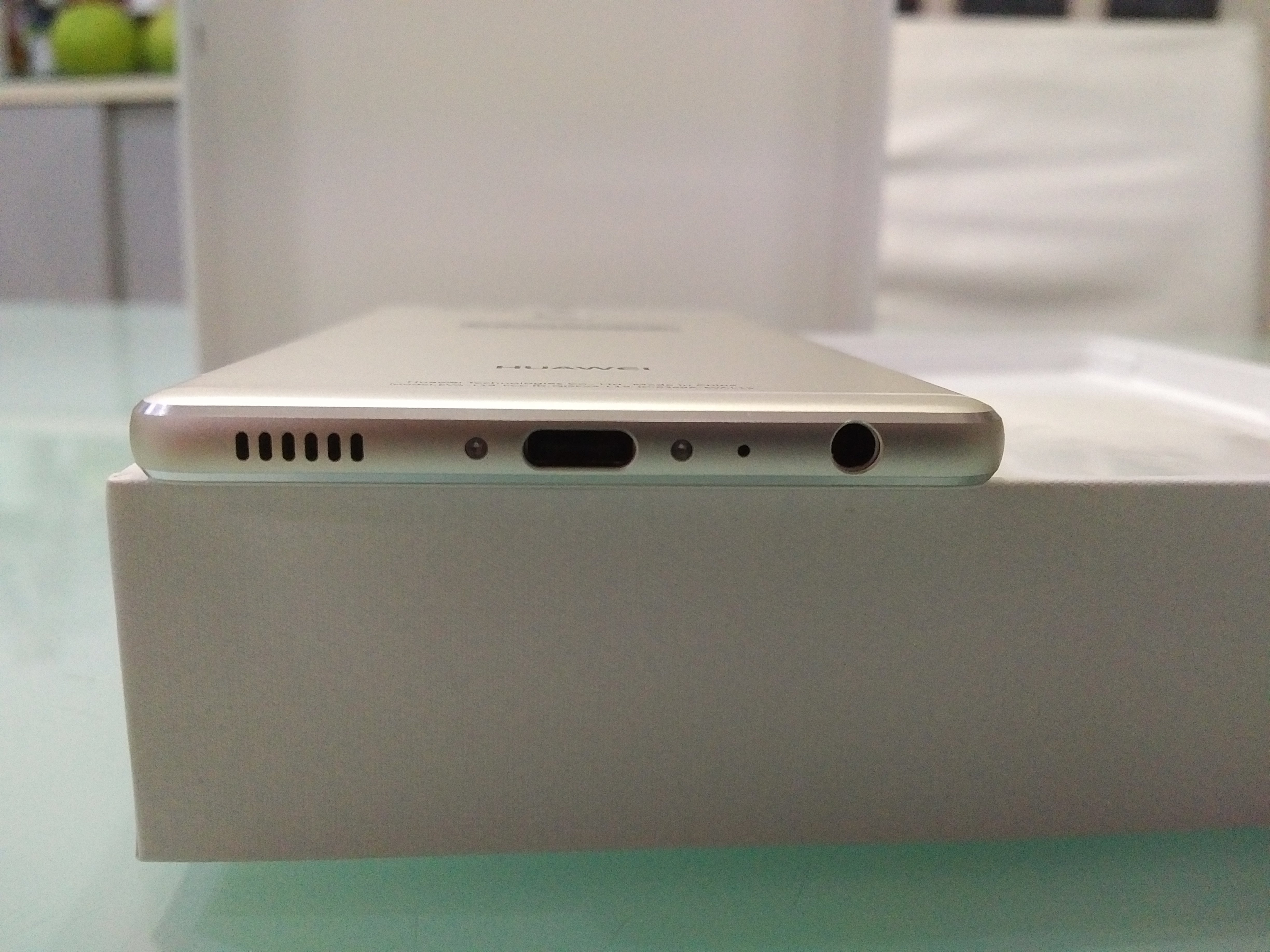
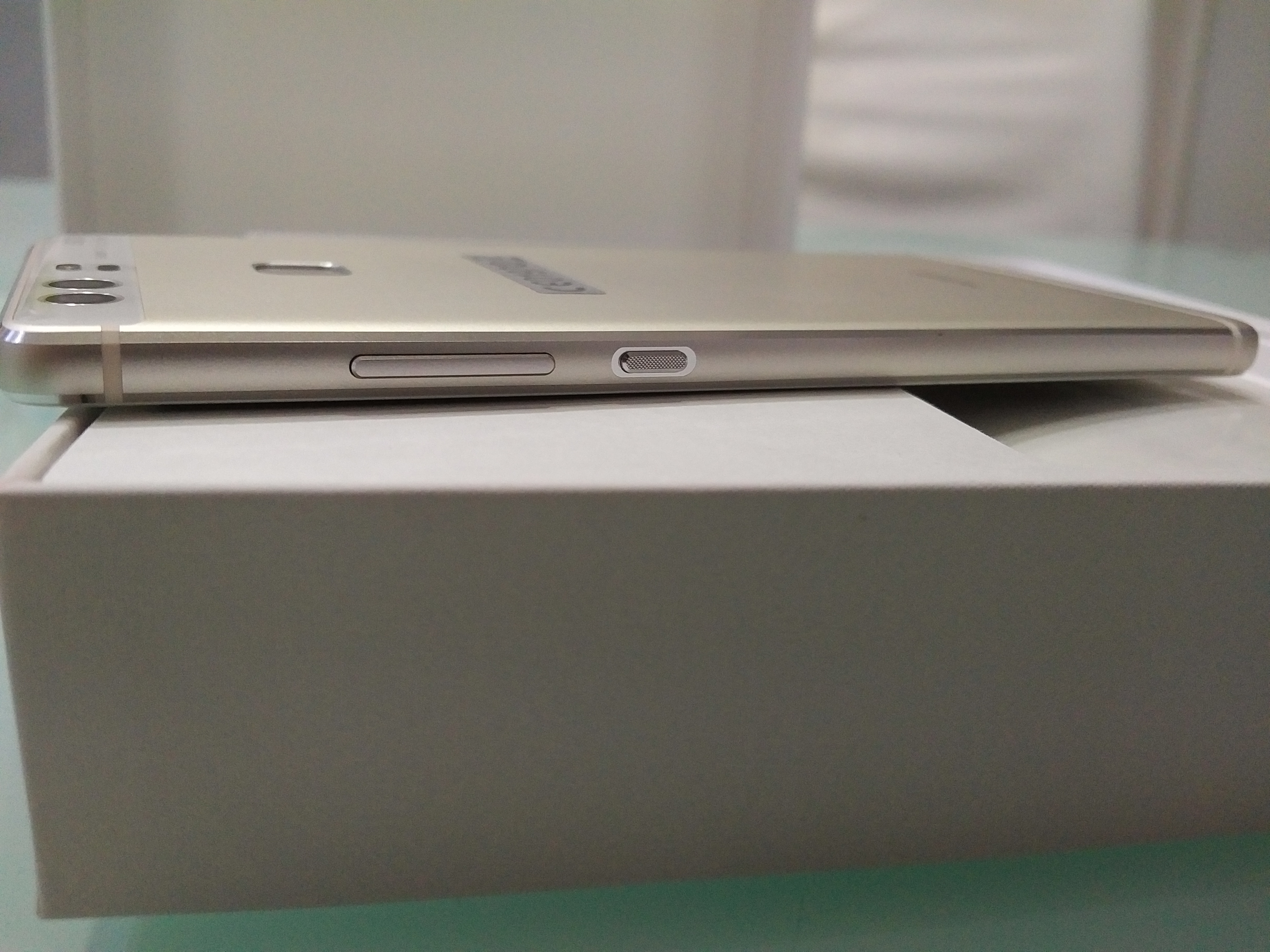
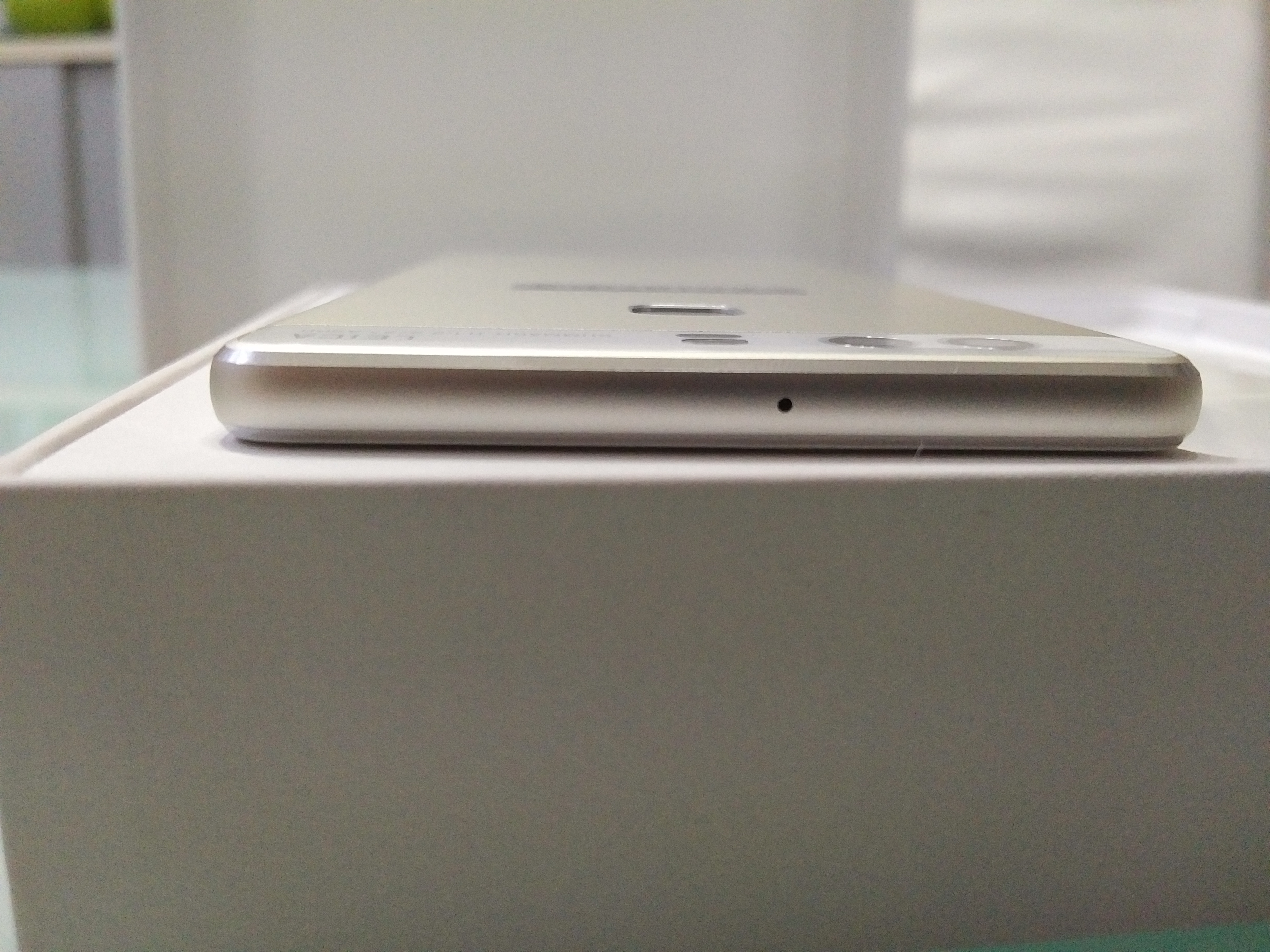
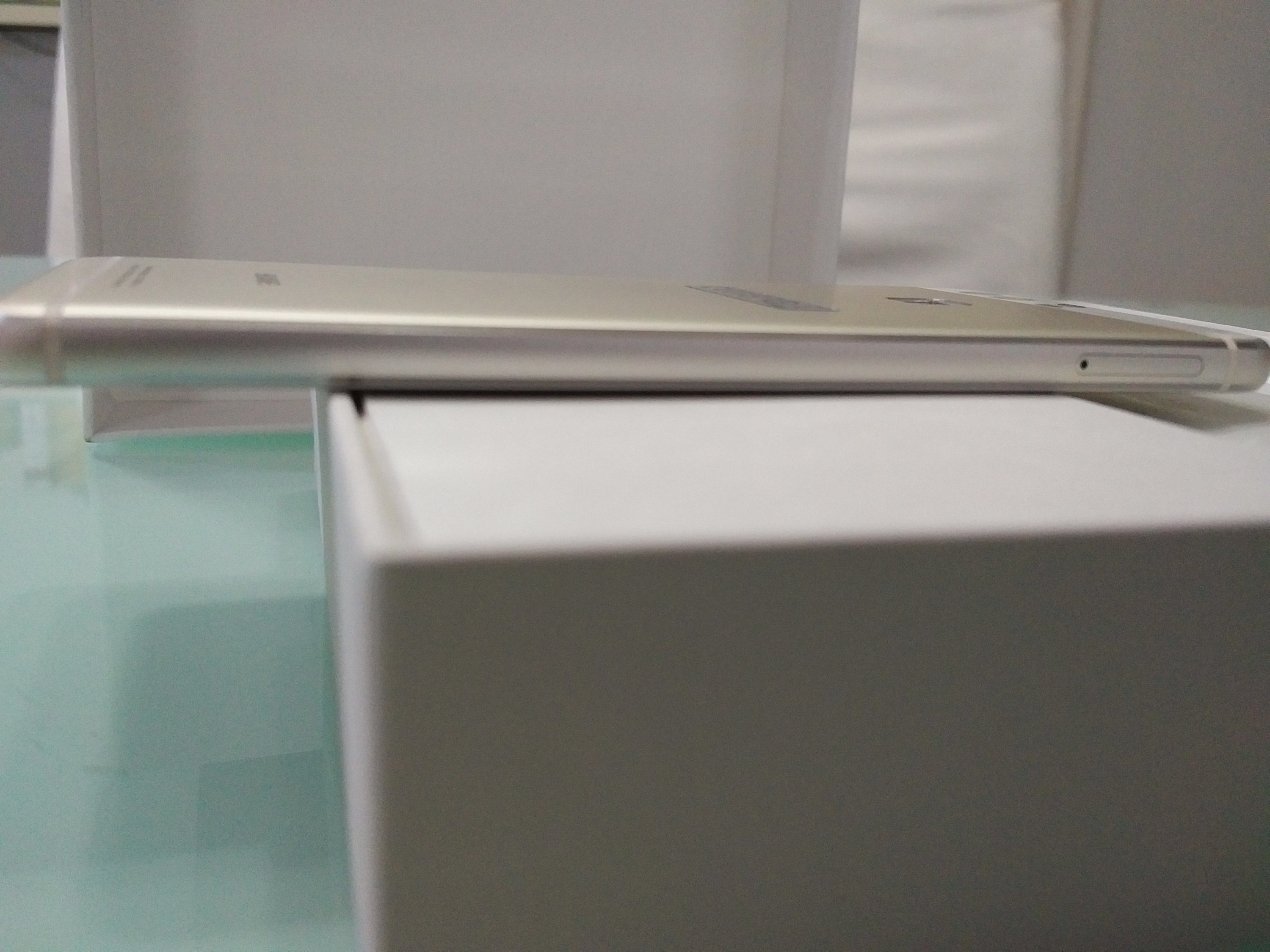
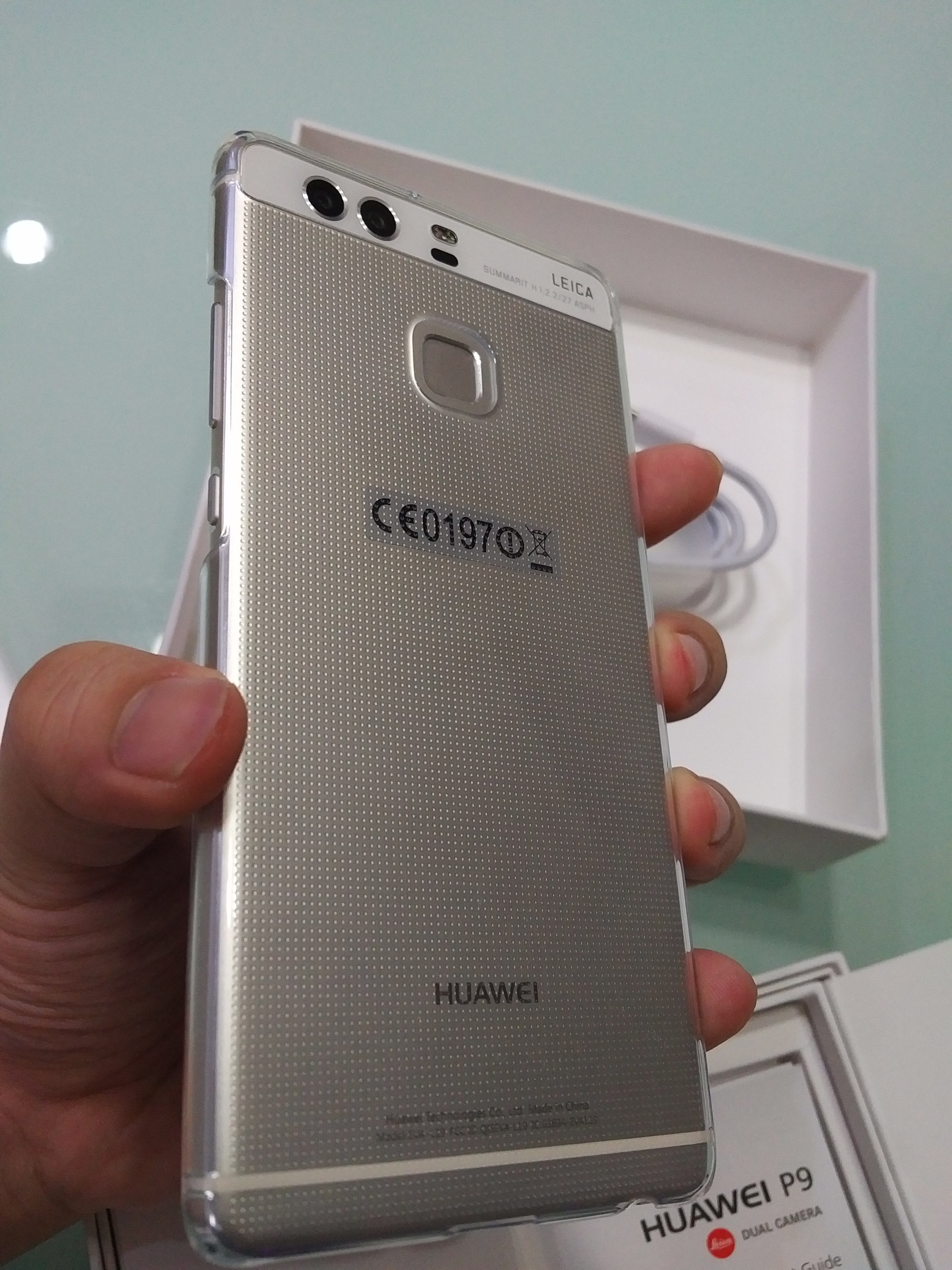
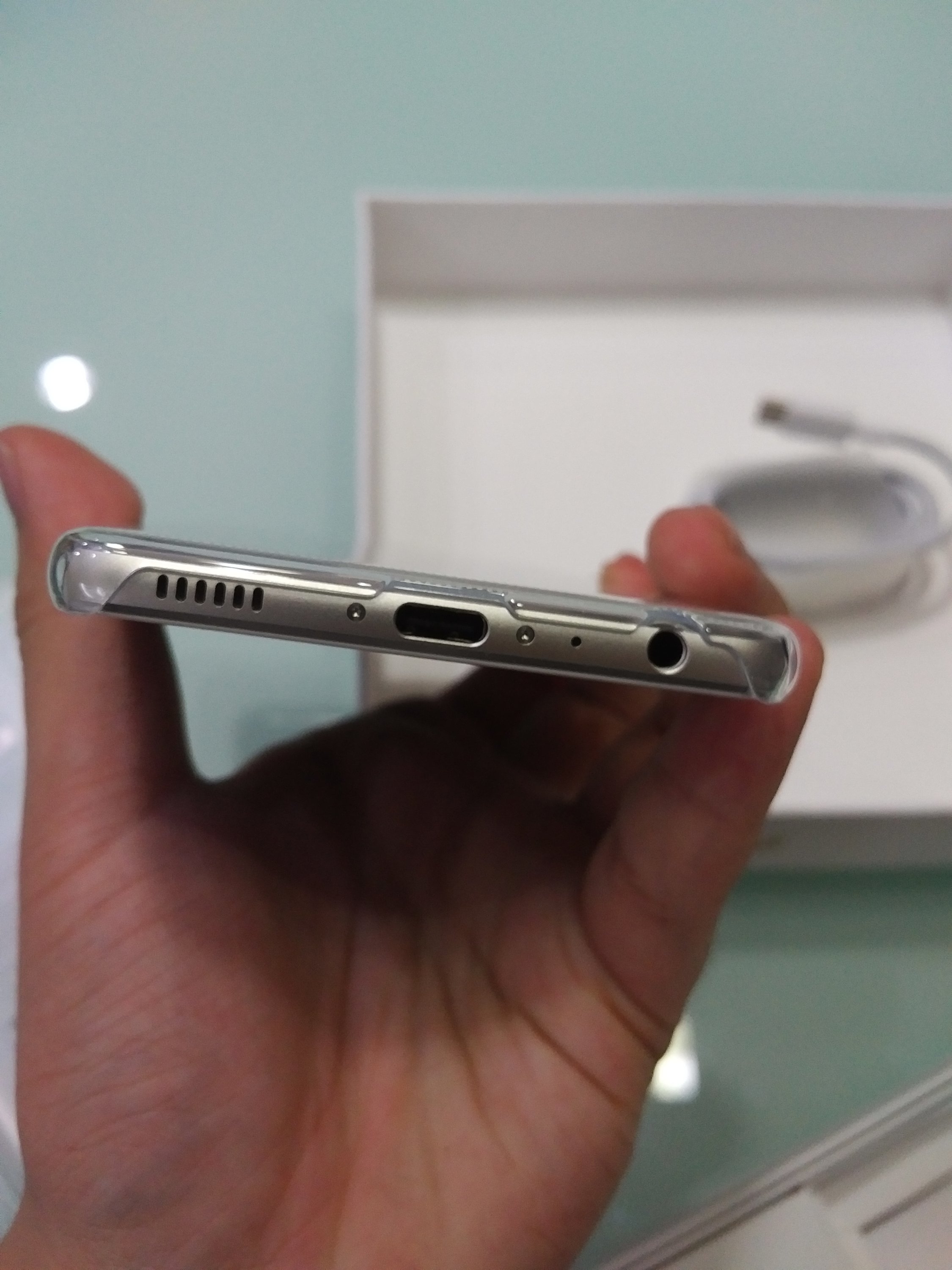
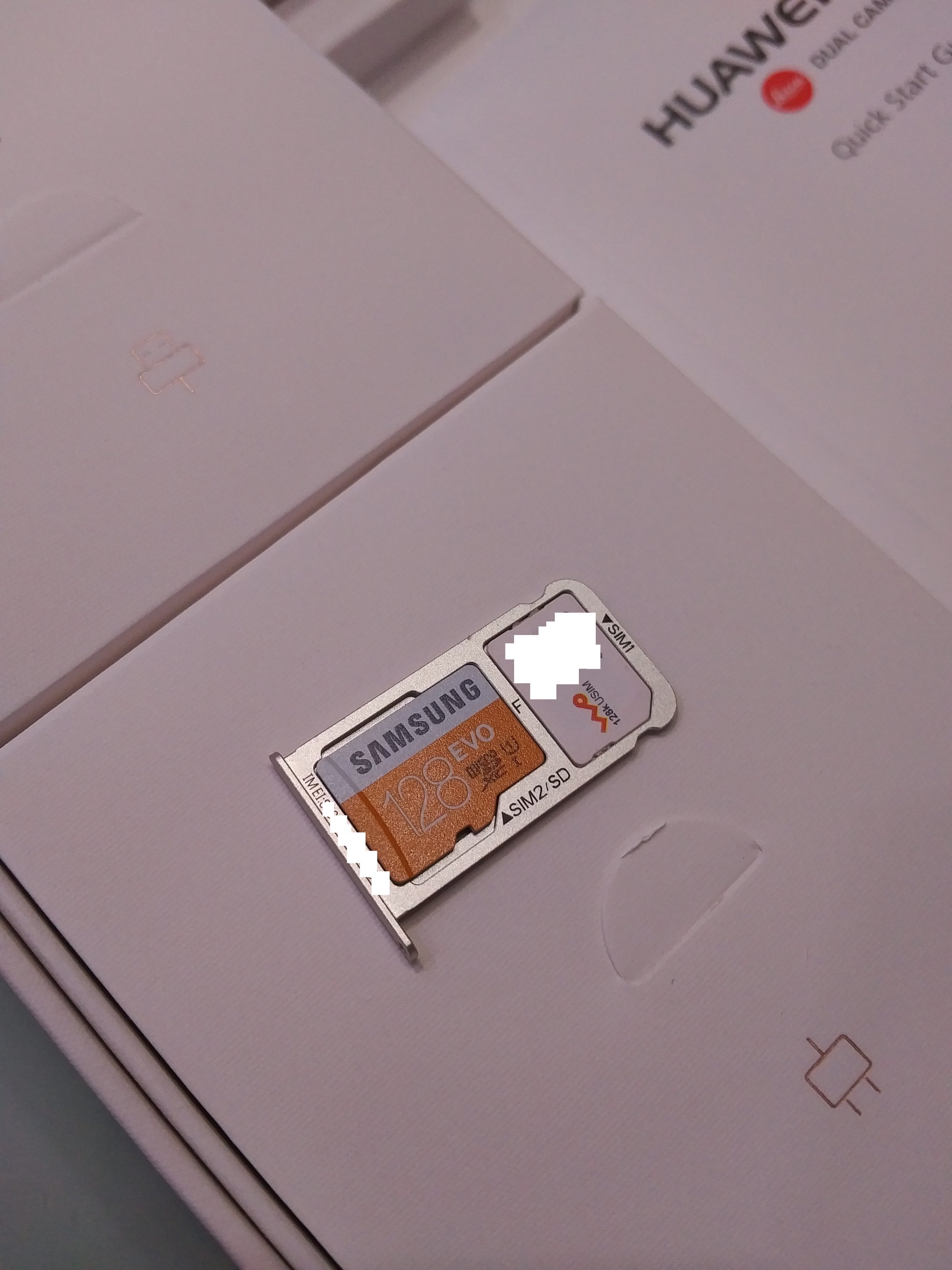
The phone is nicely built with aluminum and corning glass and fingerprint button at the back – pretty much the standard for android phones these days. With the lock/power and volume control buttons at the right side, USB-C and music (3.5mm/speaker) at the bottom, sim/microSD slot at the left side, the design whilst basic, the design works. Besides, the phone exhibits a premium feel on both look and on touch with its good build, this phone could last.
In short: It does not have the glossy back nor fancy curved edges but it fits and feels just right in the hand. That said, exterior, it borrow quite a bit of elements from apple’s iPhone. Its sandblasted aluminum back, though while matte, too doesn’t attract much fingerprints, but is definitely nice and good to hold in the hands.
https://cldup.com/i_TzPwTr-**.jpg