
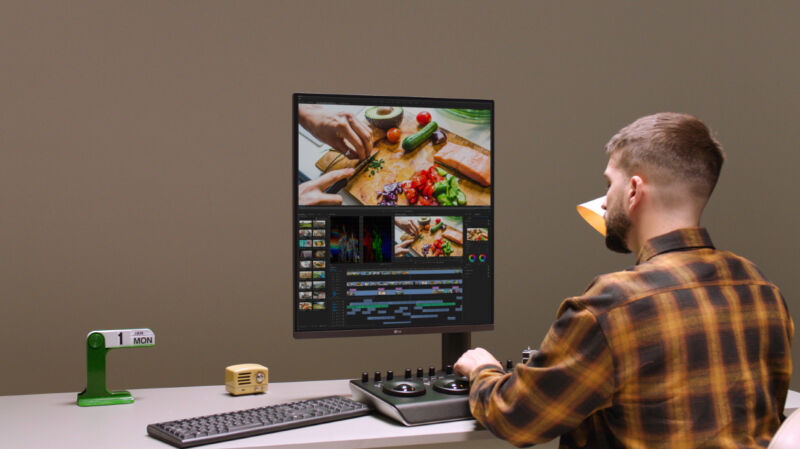
Enlarge / LG DualUp Monitor (28MQ780).
If you haven't noticed, screens have been getting taller. Laptops are the most obvious example, with more of them opting for 16:10 this year than we've seen in years, with even a 3:2 aspect ratio being an option. LG has now brought this taller view to external PC monitors by announcing today the LG DualUp Monitor (28MQ780), a 27.6-inch monitor with a 16:18 aspect ratio.
It's not like LG just took a traditional monitor's form factor and turned it sideways. The DualUp is closer to a square than more common 16:9 displays. At 16:18, the monitor's length and height are closer to the same measurement, but the monitor is still taller than it is wide. If you're sick of scrolling through long articles, spreadsheets, lines of code, and your everlasting newsfeed, this option is something to consider.
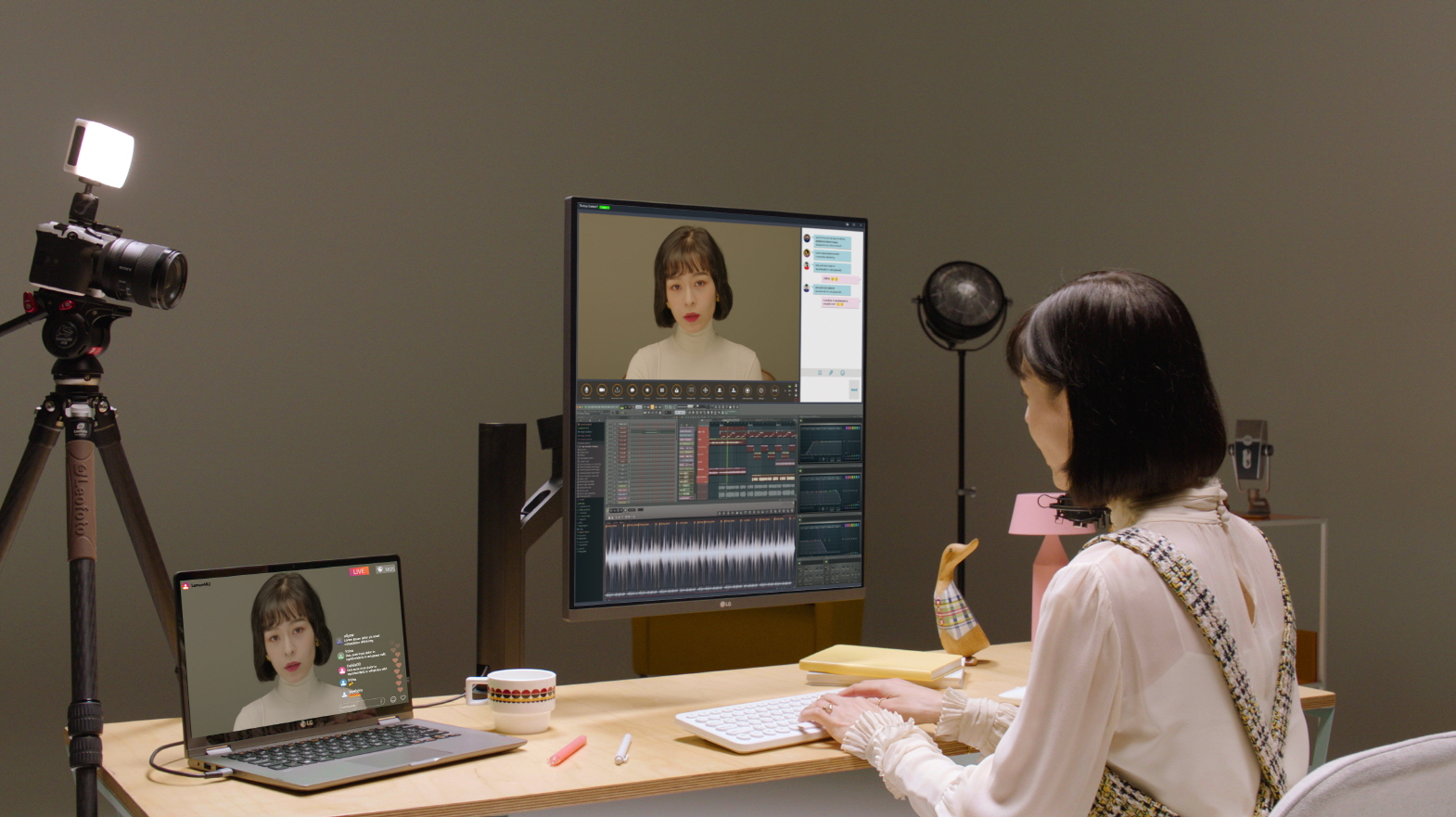
Enlarge / Some will appreciate having a less narrow view.
While taller screens are increasingly common in laptops, they're incredibly rare in PC monitors. There are plenty of ultra-wides filling the peripheral vision of gamers and productivity hounds, but it's nearly impossible to find a vertical PC monitor. We recently covered a much skinnier 7:32 vertical monitor, but it's primarily available in Japan, and as a portable monitor, it's much smaller at 8.8 inches. In terms of mainstream, widely available monitors in the US, the DualUp Monitor should be one of a kind whenever it comes out—LG didn't share a price or release date.
In addition to its unique aspect ratio, the monitor also carries a rare size. It's 27.6 inches diagonally, and, with a 2560×2880 resolution, that's a pixel density of 139.6 pixels per inch. The monitor also has the same number of pixels (7,372,800) as two 21.5-inch QHD 16:9 (2560×1440 resolution) monitors but is much taller.
Outside of its height and resolution, the other specs of the DualUp Monitor are pretty standard if not slightly below what you might expect. Contrast is typical for a good IPS panel at 1,000:1. And I wouldn't complain, but LG also happened to announce the UltraFine Display (32UQ85R) today, which debuts LG's Nano IPS Black panel. It's supposed to deliver "realistic and nuanced black tones, adding more depth to images," allowing the monitor to claim 2,000:1 contrast. Still, 1,000:1 should be plenty for a quality, accurately color-saturated (the DualUp claims 98 percent DCI-P3) monitor, and the jury is still out on LG's new IPS technology.
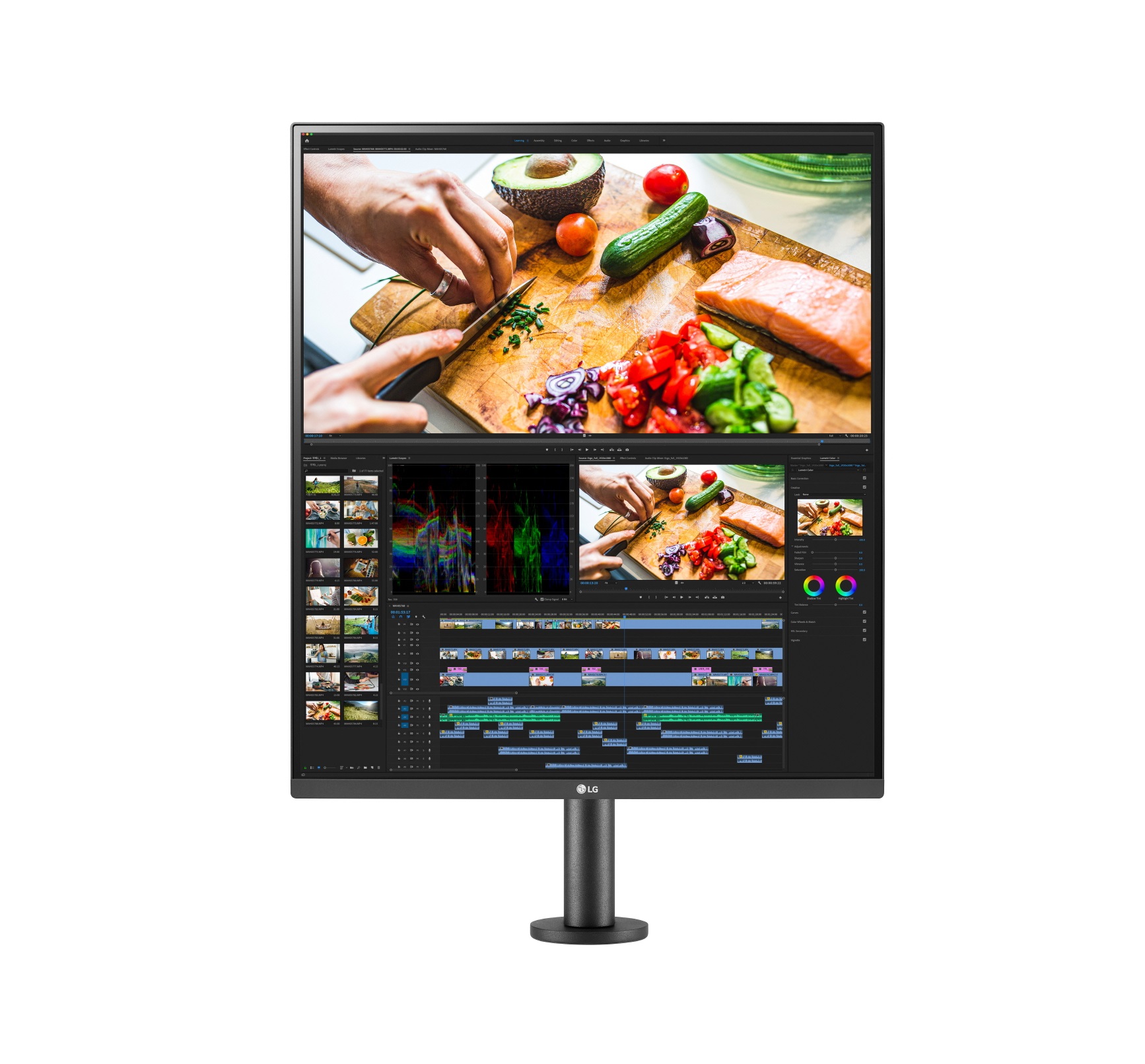
Enlarge / Speed is also standard with a 60 Hz refresh rate and 5 ms GtG response time.
There's HDR support, but LG doesn't make any claims about VESA certification, which would have implications for the monitor's brightness, which affects contrast, the factor that has the greatest impact on making HDR look different (and better) than SDR. LG says the DualUp can hit up to 300 nits of brightness, which is perfectly fine but not impressive.
LG is throwing in the updated version of its Ergo Stand, however. It makes it look more interesting than the typical monitor that sits on a base atop your desk. LG's Ergo Stand clamps onto a desk for a standout look that also saves some desk space.
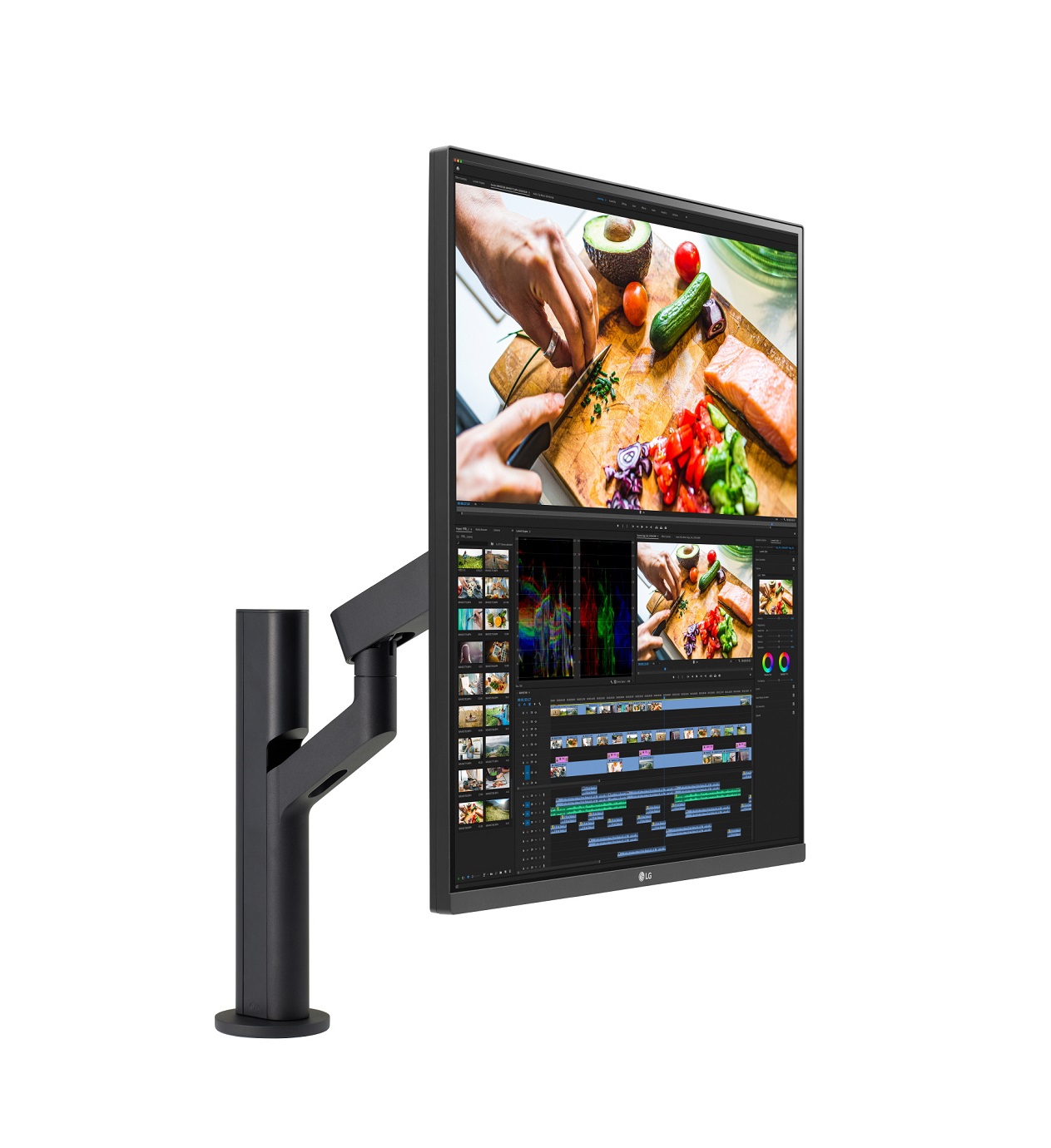
Enlarge / You can tilt, pivot, swivel, and make height adjustments to the DualUp with its Ergo Stand.
This is also a USB-C monitor, so you can charge other devices with it at up to 96 W, very close to the 100 W maximum. You're not limited, though. The monitor also includes two HDMI ports, plus DisplayPort and three USB-A ports (one upstream and two downstream). You also get a pair of 7 W speakers to complete the package beyond the panel.
https://arstechnica.com/gadgets/2021/12/lgs-1618-ultra-tall-monitor-means-less-scrolling/
Last edited:

