

LiLAsN
Master Member
- Joined
- Dec 14, 2008
- Messages
- 2,682
- Reaction score
- 495
NVIDIA releases a six-tap spatial upscaling alternative to AMD's FSR, enabled at the driver level and compatible with a much wider range of games through the GeForce Experience overlay.
Link: Nvidia Geforce driver release notes
It can be applied on all games. Thus, we finally have a true competitor to FSR when it comes to being able to use it on a wider array of games. All games in fact since this is easily controllable by us end users via the Nvidia Control Panel (NVCP).
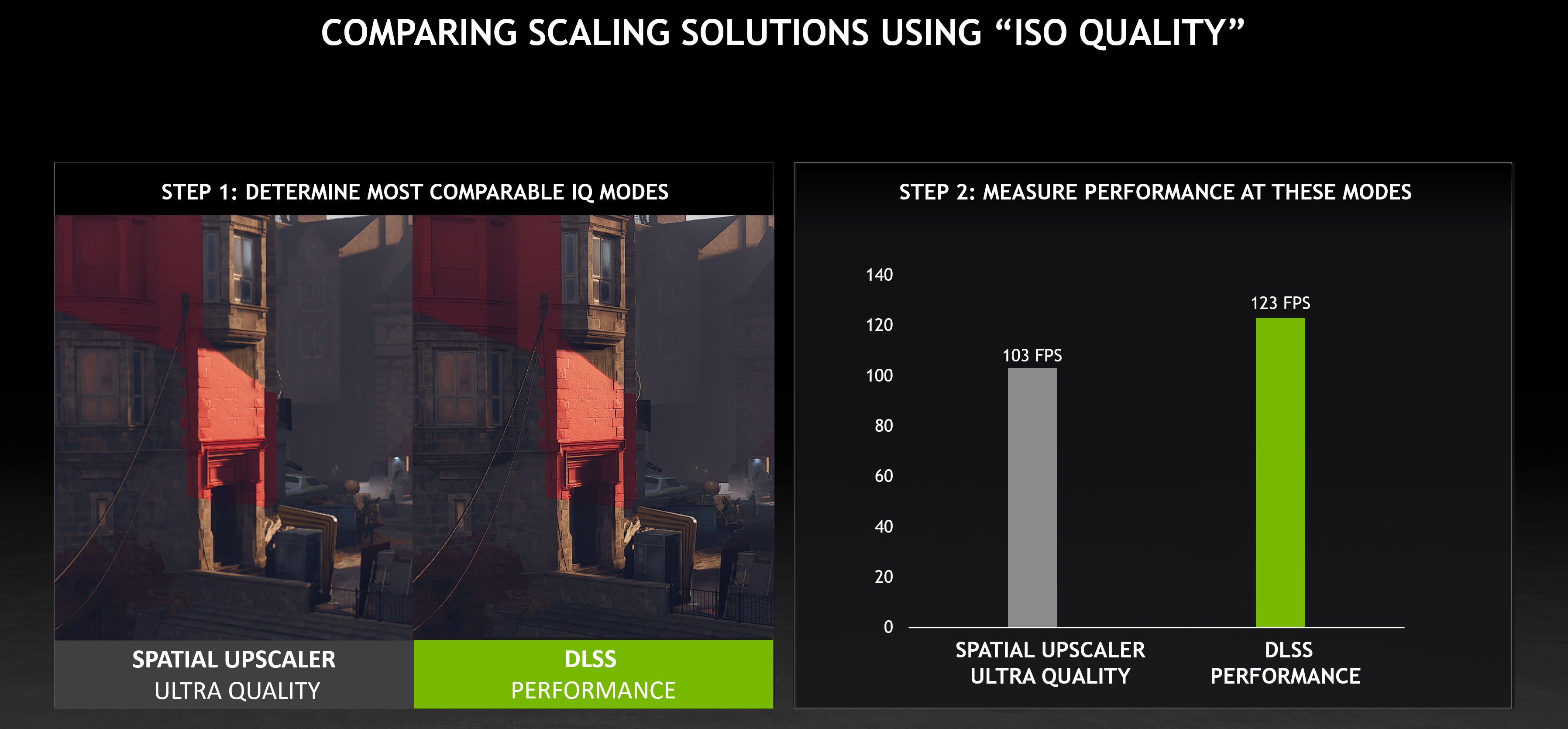
The question now is, which is better? Which gives the higher FPS and a nice balance with the graphics?
How do you get it? Well, if you have the latest Nvidia driver of 496.76, it's already there.
Can't wait for the video comparisons to be out.
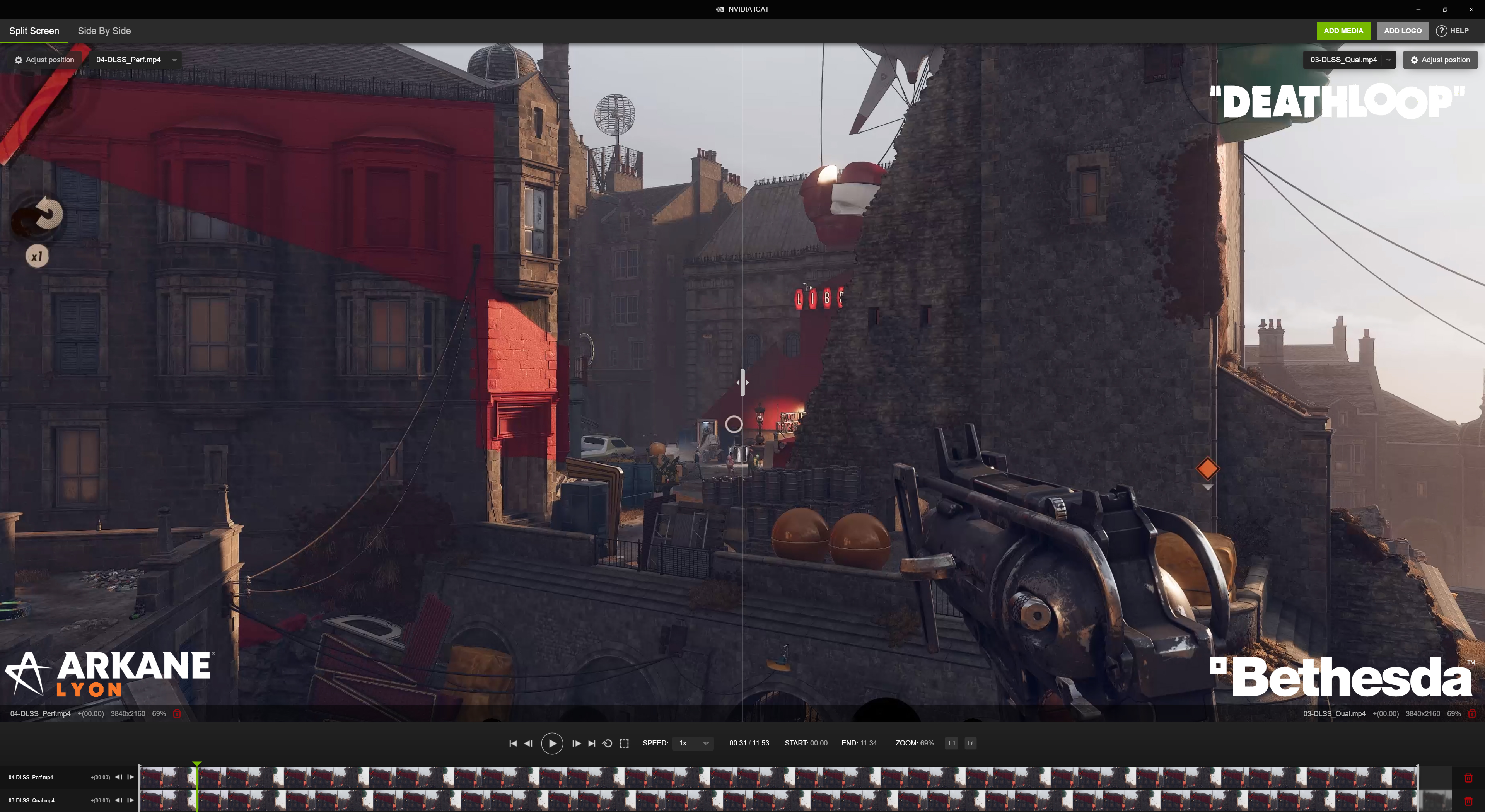
If you are gung-ho to make your own video game comparison instead of waiting for the typical YouTube sources, Nvidia has also just released an app called Image Comparison & Analysis Tool (ICAT). Which lets you put up to 4 different video recordings and align them nicely so you can do a comparison on the various upscaling technology side by side.
To me, I'm looking forward to the possibility of using this technology not just on games but video upscaling as well. A player like Media Player Classic can easily be recognised by NVCP. So it's a matter of just turning the option on in NVCP. Or better yet, wait for a better implementation in an upcoming Codec Pack for MPC with a direct integration of NIS. It could make it similar or even better than Nvidia Shield's AI implementation. We'll know soon enough.
What do you guys think of Nvidia's NIS? Does it 'look' (pun intended) useful to you guys? Is there too much of a degradation to the quality that you'll end up not using it? Looking forward to how this goes.
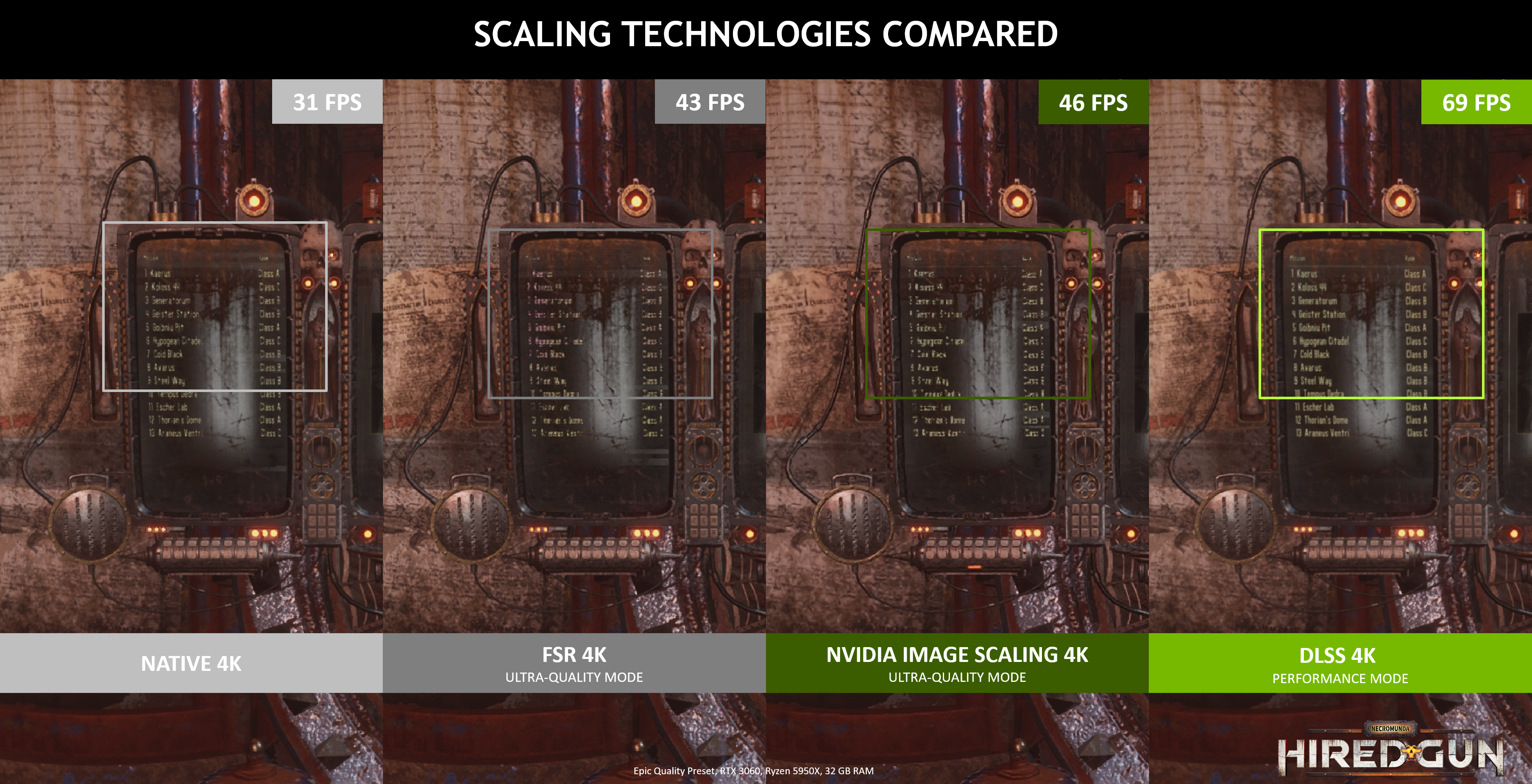
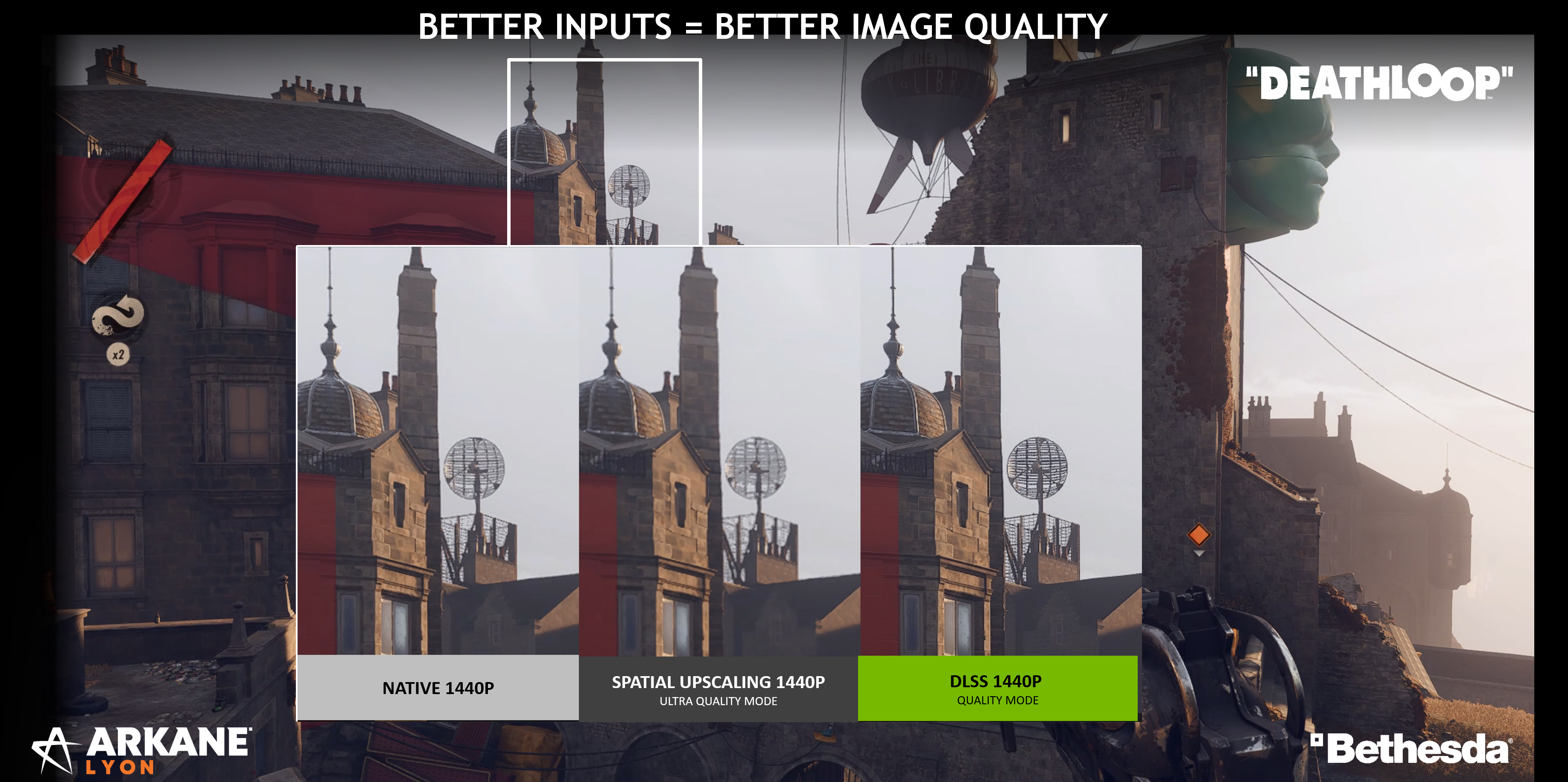
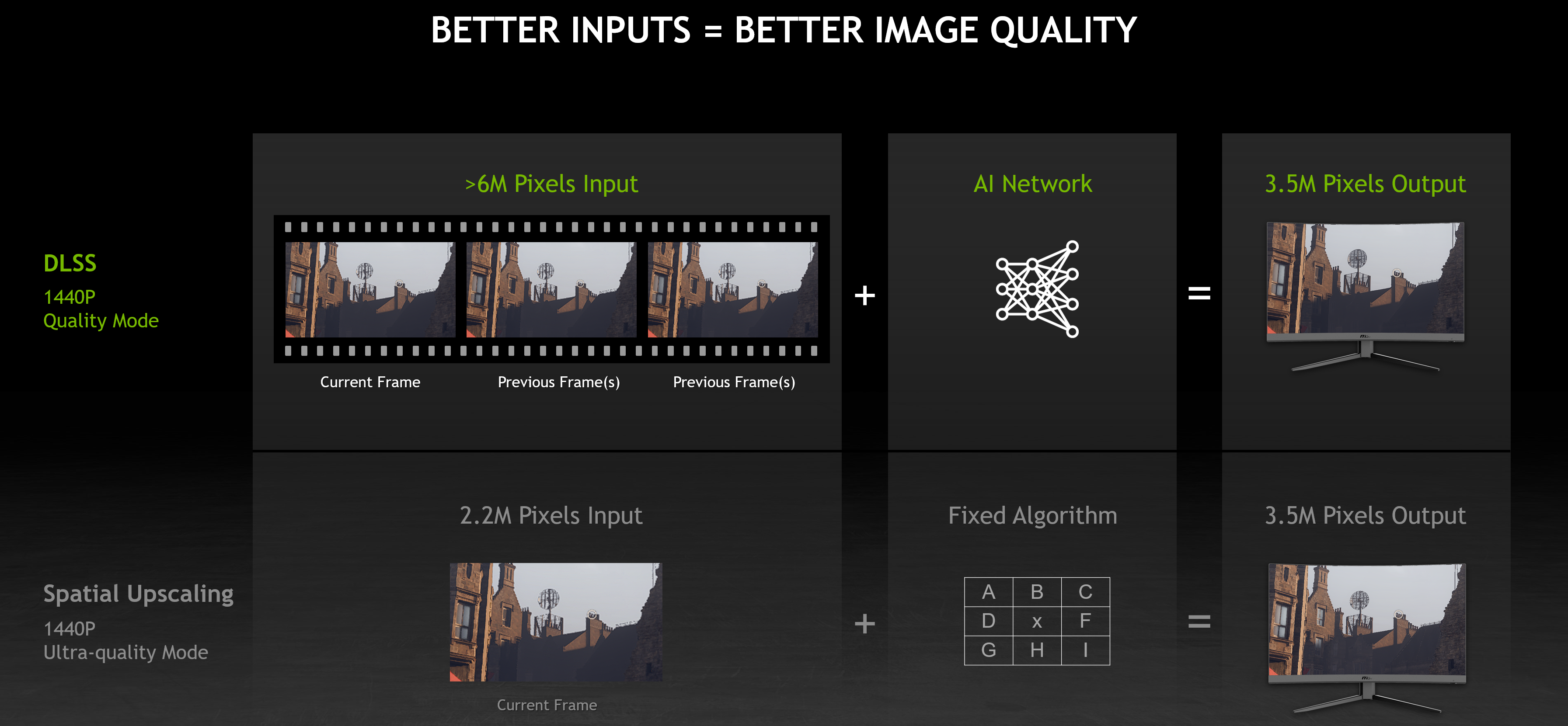
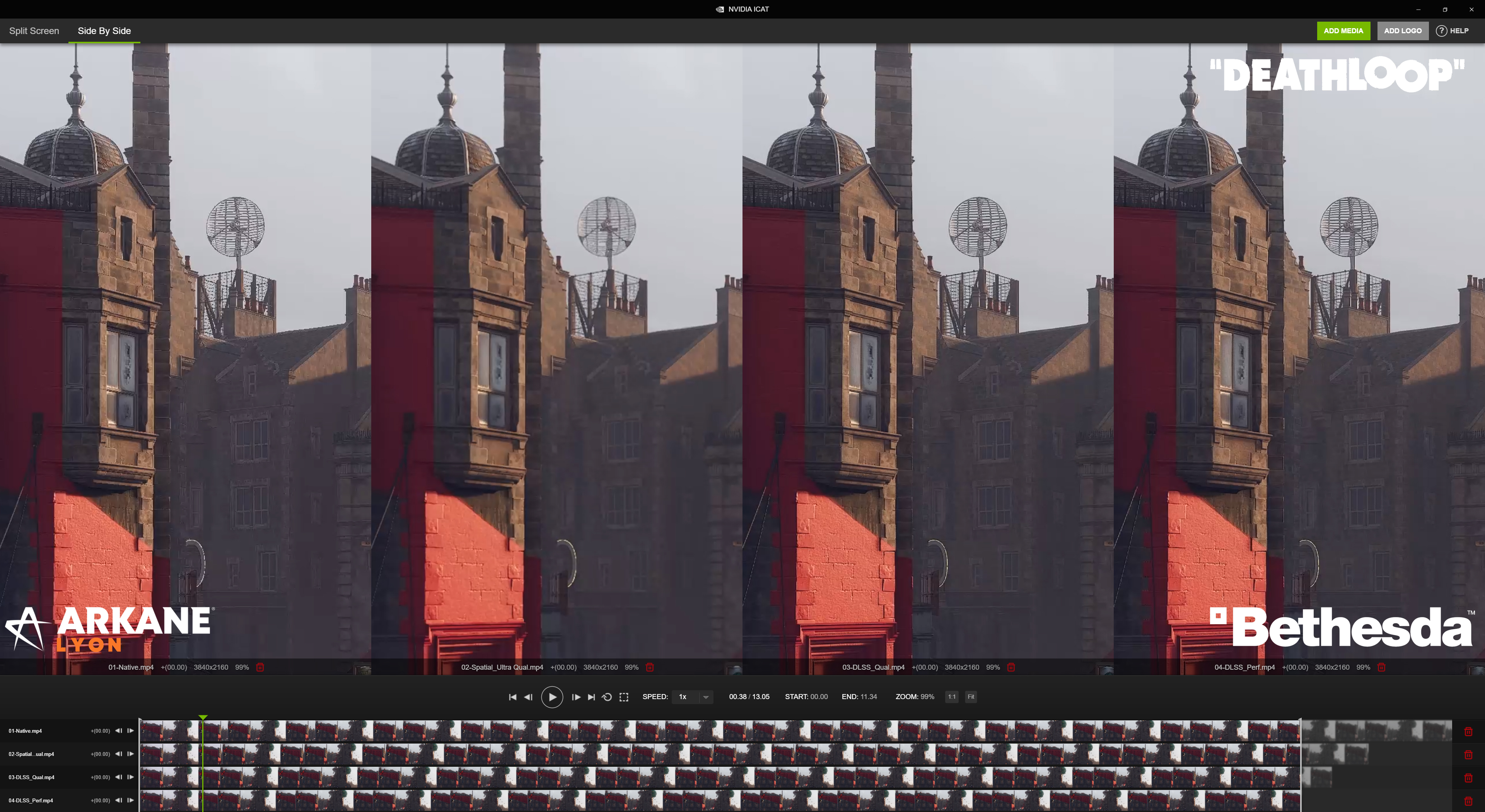
Link: Nvidia Geforce driver release notes
It can be applied on all games. Thus, we finally have a true competitor to FSR when it comes to being able to use it on a wider array of games. All games in fact since this is easily controllable by us end users via the Nvidia Control Panel (NVCP).
The question now is, which is better? Which gives the higher FPS and a nice balance with the graphics?
How do you get it? Well, if you have the latest Nvidia driver of 496.76, it's already there.
Can't wait for the video comparisons to be out.
If you are gung-ho to make your own video game comparison instead of waiting for the typical YouTube sources, Nvidia has also just released an app called Image Comparison & Analysis Tool (ICAT). Which lets you put up to 4 different video recordings and align them nicely so you can do a comparison on the various upscaling technology side by side.
To me, I'm looking forward to the possibility of using this technology not just on games but video upscaling as well. A player like Media Player Classic can easily be recognised by NVCP. So it's a matter of just turning the option on in NVCP. Or better yet, wait for a better implementation in an upcoming Codec Pack for MPC with a direct integration of NIS. It could make it similar or even better than Nvidia Shield's AI implementation. We'll know soon enough.
What do you guys think of Nvidia's NIS? Does it 'look' (pun intended) useful to you guys? Is there too much of a degradation to the quality that you'll end up not using it? Looking forward to how this goes.
Last edited:

 )
)
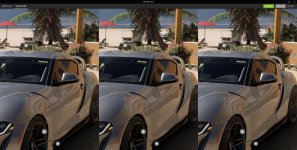
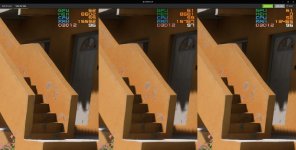

 i believe it's only suitable for gtx card that can't use DLSS by nature...at the moment I do not have a game need to use this specific feature yet

