


marshmallow96
Senior Member
- Joined
- Apr 11, 2021
- Messages
- 1,713
- Reaction score
- 1,529
Just to share my personal experience to transfer Whatsapp from Android to iOS - hope it's helpful to those who still have doubts and mulling over the potential risk and inconvenience associated with the transfer  (one would genuinely be concerned after reading all the negative reviews on Move to iOS app!)
For details and comments from my experience, scroll down and read on.
For a TL;DR version, what you need to do to transfer WhatsApp from Android to iPhone while keeping your iPhone settings:
P.S.: I forgot to take photos or screenshot for some steps due to exhaustion or excitement at that point some images are my own, while some are from publicly available images, added to the thread for clarity.
(one would genuinely be concerned after reading all the negative reviews on Move to iOS app!)For details and comments from my experience, scroll down and read on.
For a TL;DR version, what you need to do to transfer WhatsApp from Android to iPhone while keeping your iPhone settings:
- Backup iPhone and reset phone.
- Do the WhatsApp transfer from Android via the Move to iOS app.
- Upon successful transfer of WhatsApp to iPhone, immediately do a WhatsApp backup to iCloud in the WhatsApp app.
- Reset iPhone again, this time restore iPhone from the backup you made in Step 1.
- After restoration, download WhatsApp from App Store.
- Open WhatsApp and choose restore backup from iCloud.
- You’re done.
P.S.: I forgot to take photos or screenshot for some steps due to exhaustion or excitement at that point
some images are my own, while some are from publicly available images, added to the thread for clarity.
Last edited:


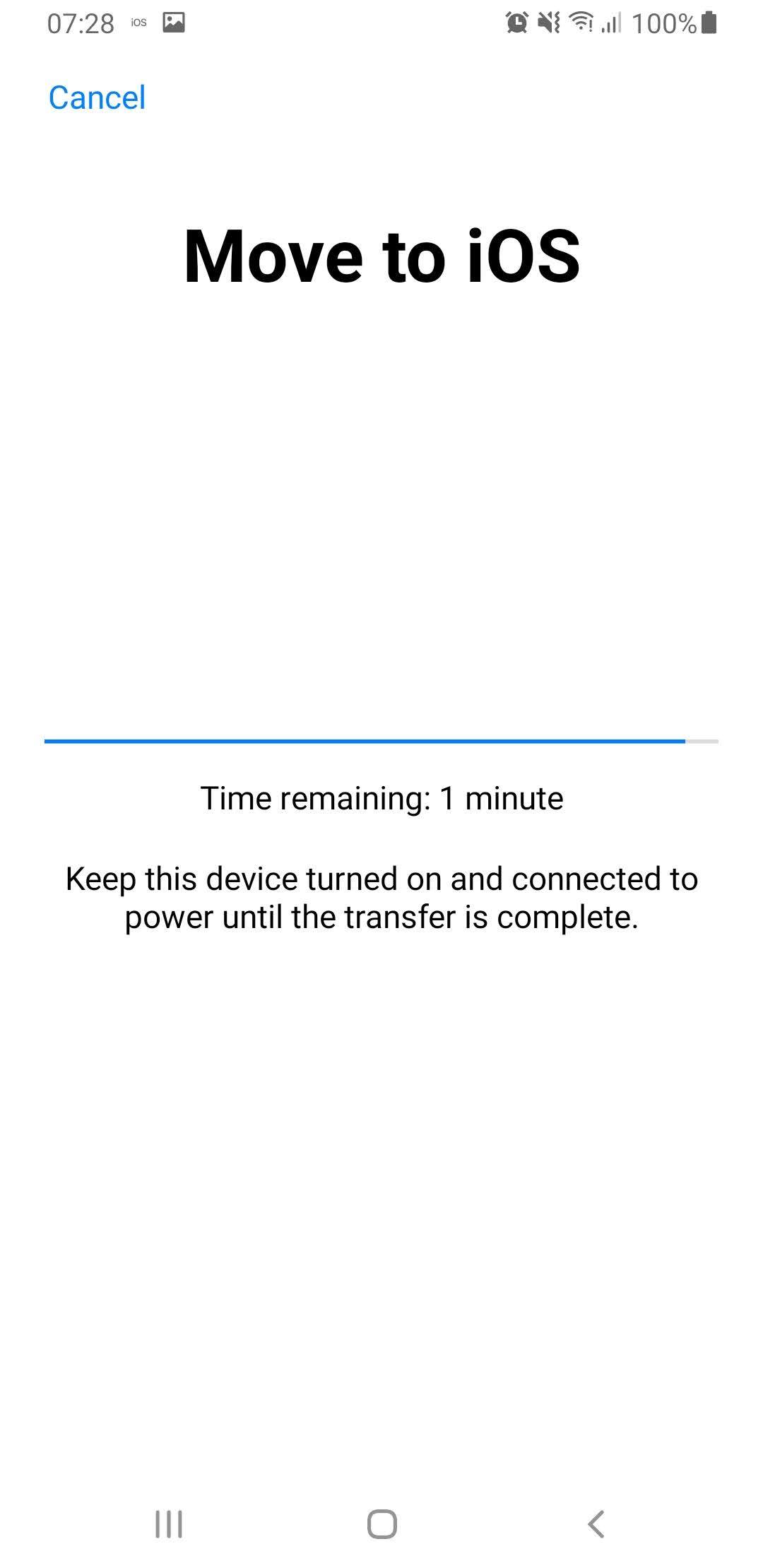
 . The app developer really needs to work on getting better time estimates tsk


