
Any Apple Studio Display users with Windows laptop?

Singrish

Senior Member
Joined
Jul 12, 2020
Messages
1,670
Reaction score
307
Anyone here uses a Windows laptop with their 27” Apple Studio Display? I have some questions 😅

And no this is not my normal setup, I have a Mac Mini but my company issued laptop is Windows based. And no i don’t have the space to buy a non apple monitor to plug my laptop into. 😂
 

reddevil0728

Great Supremacy Member
Joined
Dec 16, 2005
Messages
66,289
Reaction score
5,867
Anyone here uses a Windows laptop with their 27” Apple Studio Display? I have some questions 😅

And no this is not my normal setup, I have a Mac Mini but my company issued laptop is Windows based. And no i don’t have the space to buy a non apple monitor to plug my laptop into. 😂
why don't just ask the question direct?
 

Singrish

Senior Member
Joined
Jul 12, 2020
Messages
1,670
Reaction score
307
why don't just ask the question direct?
If no one using then how they know? Lol!

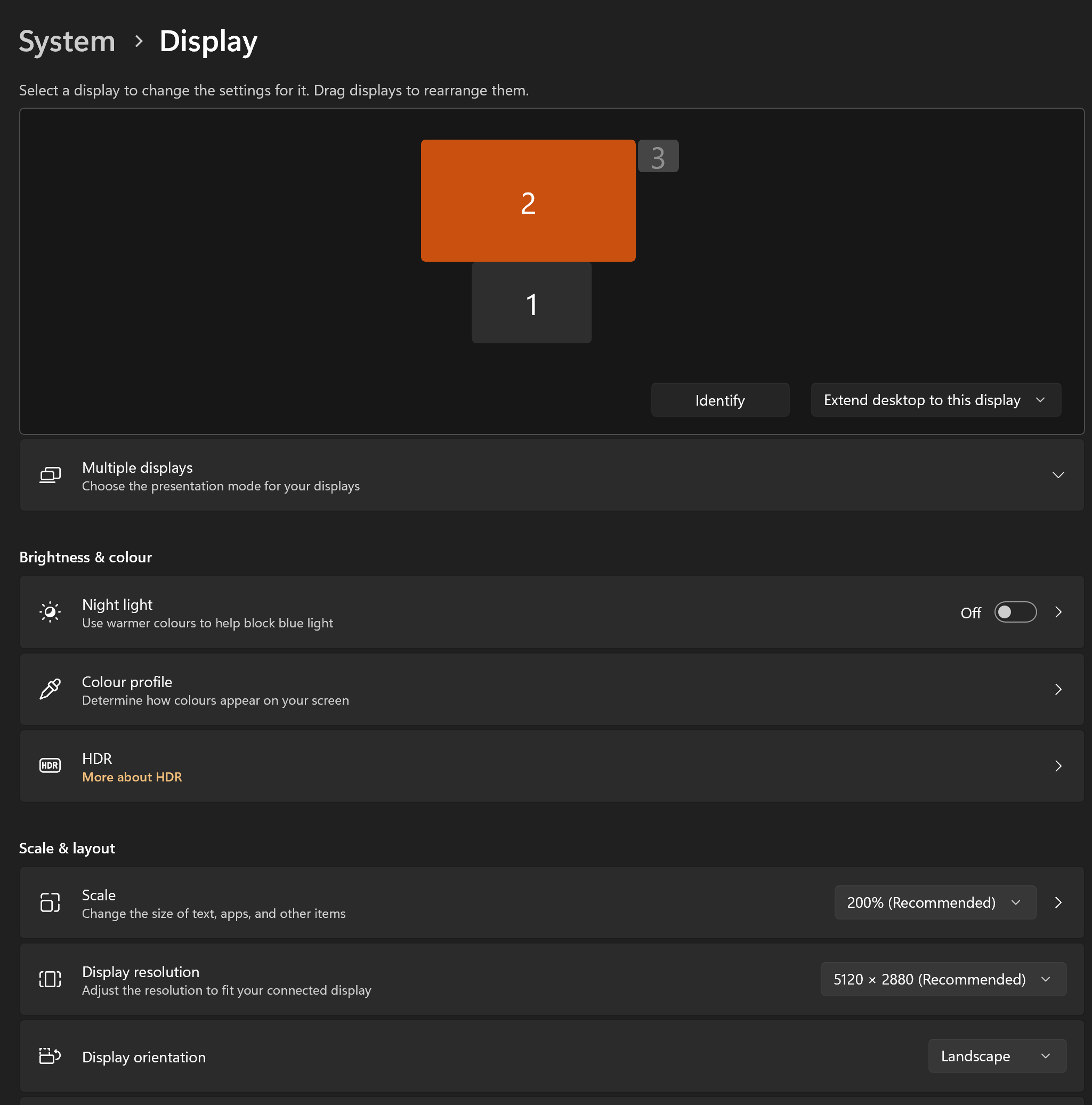
Anyway when i connect laptop to Apple Display, the laptop doesn’t have an option to “extend display” where i can drag an item from laptop screen to Apple Display & vice versa. I can only duplicate so both screen show same thing.

But in the office the laptop has extend display option. Anyone know how to overcome this shortcoming?
 

stanlawj

Arch-Supremacy Member
Joined
Jul 11, 2021
Messages
10,285
Reaction score
5,559
Anyone here uses a Windows laptop with their 27” Apple Studio Display? I have some questions 😅

And no this is not my normal setup, I have a Mac Mini but my company issued laptop is Windows based. And no i don’t have the space to buy a non apple monitor to plug my laptop into. 😂
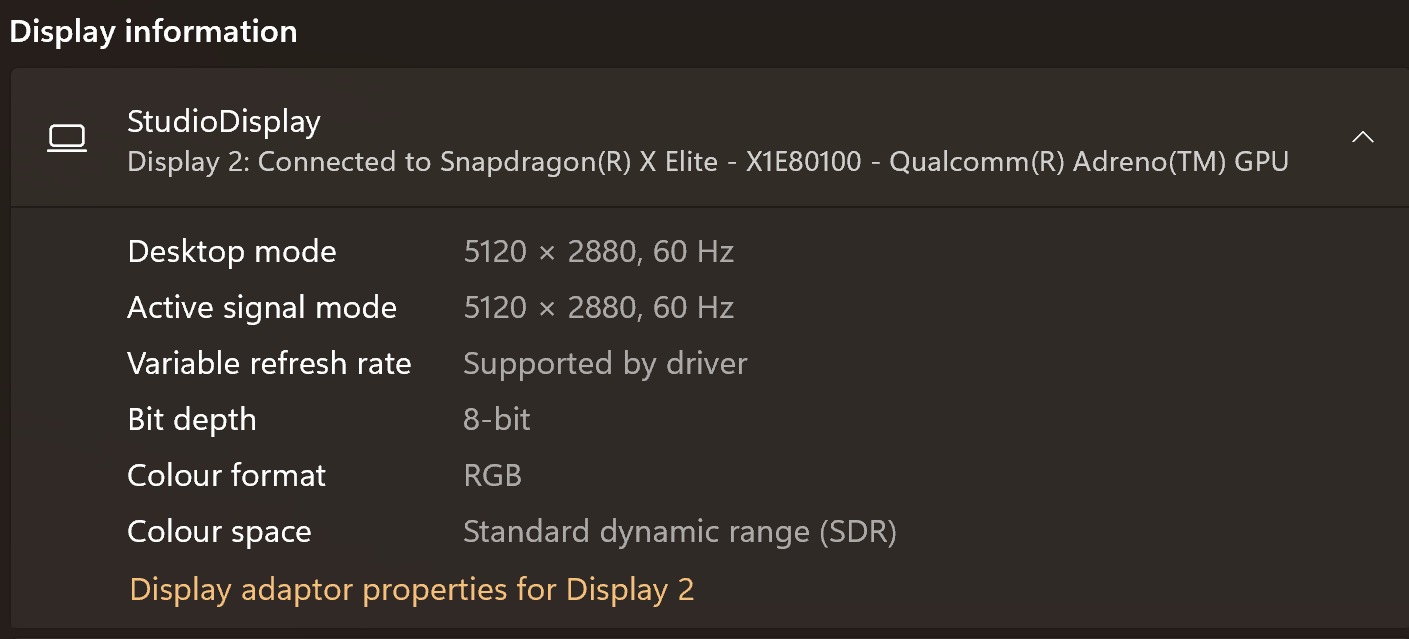
What is your Windows laptop model?
Your experience differs from other Windows laptop users.
image-2.png

Screenshot-2024-09-07-105142.png

https://merecivilian.com/apple-studio-display-on-windows/
 

Singrish

Senior Member
Joined
Jul 12, 2020
Messages
1,670
Reaction score
307
Intel or AMD?

If it is Intel, then it is likely USB-C cable issue or port issue. Need to use Thunderbolt 4 certified cable.
Intel. I am using the Thunderbolt 5 cable that came with the Studio Display leh.
 

stanlawj

Arch-Supremacy Member
Joined
Jul 11, 2021
Messages
10,285
Reaction score
5,559
I only have access to to one Apple Studio Display i.e mine 😅 But it works fine with the Samsung monitor at work. No wasnt aware of that lenovo usb-c issue.
The port should be working if it works with other monitors. This narrows down the problem to

1. Cable: since you didn't use the same cable to test other monitors, I suggest that you do test the same cable with other monitors. Also try swap the direction of the cable between monitor and laptop.

2. Lenovo GPU, motherboard and BIOS drivers: ensure they are up to date.

Hopefully the problem can be solved.
 
Important Forum Advisory Note
This forum is moderated by volunteer moderators who will react only to members' feedback on posts. Moderators are not employees or representatives of HWZ Forums. Forum members and moderators are responsible for their own posts. Please refer to our Community Guidelines and Standards and Terms and Conditions for more information.
Top