CPU temp while playing helldivers 2

86technie

High Supremacy Member
Joined
Jun 8, 2006
Messages
40,337
Reaction score
5,930
the old casing where the 14700kf kept crashing
vIUFKYV.png


its housing the 13600kf without issue with the 9070 non xt card

mhw however is hitting 90deg more times than i care to notice and my corner in the room beginning to feel like an oven again like when the 14700kf was on it

my personal feel on temp is that bigger casing is really loads better
i have order a bigger new casing from taoabo since
TBH with your bro.
If you want best performance for your PC.
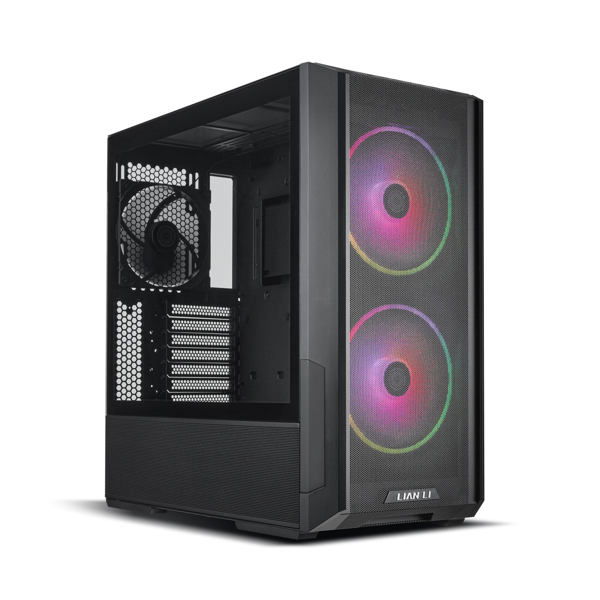
Get Lian Li or better case, if you opt for cheap case like Tecware or those from China.

The main issue is always the fan they used.
Tecware fan doesn't blow air at all.
1007_136-b.jpg


The intel i7 K chips you used can hit 300 watts TDP so case and cooling have to be good.
 

Vanyel

Arch-Supremacy Member
Joined
Sep 5, 2014
Messages
12,201
Reaction score
2,120
the argb fans i bought


unless is really got huge difference, i generally dun like to buy big brands and their more expensive price tags~
casing wise i mean unless its not designed stupidly like blocking airflow or something, i dun really see difference in buying lianli or knockoffs
 

Phen8210

High Supremacy Member
Joined
Jul 29, 2011
Messages
29,027
Reaction score
8,284
If you play games often and your CPU is always running at temperatures of 80c to 90c or even 100c.. what on earth are you doing man o_O.

You know this CPU not tanky one as per intel said, you trying to expedite its death or something?
 

Phen8210

High Supremacy Member
Joined
Jul 29, 2011
Messages
29,027
Reaction score
8,284
TBH with your bro.
If you want best performance for your PC.
Get Lian Li or better case, if you opt for cheap case like Tecware or those from China.

The main issue is always the fan they used.
Tecware fan doesn't blow air at all.

1007_136-b.jpg


The intel i7 K chips you used can hit 300 watts TDP so case and cooling have to be good.

LL 216 is very overkill i feel, but some may like it. I got my hands on a used rig a couple months ago thinking if i should keep the case as it was still pretty new, but in the end it was just way too large and I sold off the case.

LL 207 is nearer to a mainstream acceptable size and still has very good airflow due to the thicker than usual 140mm fans.

Last week, i built a rig with the Lian Li O11 Air Mini for my client and that one is fine as well, it's even shorter than the LL 207 but it makes space for PSU by being on the wide side. Overall a solid case.

Anyway, both the O11 Air Mini and 216 weights 10KG, after placing all the component it ends up more than 15KG :flash:
 

soreloser

Senior Member
Joined
Feb 26, 2024
Messages
642
Reaction score
250
Did you follow this video? You can go to load optimized defaults, then try the instructions in this video and see if it helps


Encrypted11

Supremacy Member
Joined
Jun 9, 2012
Messages
5,935
Reaction score
267
bottom and the front side panels are reverse blades, i decided to waste some $$ for aesthetics when setting up last yr
reverse fans slightly more exp T_T

btw i think i totally cannot absorb what u suggested, i tonite go research abit what u wrote haha
Its in the advanced menu.

Enable items
-Turbo Boost 3.0
-All C states
-GT CEP
-IA CEP
-Thermal Velocity Boost (Enabled, Ratio Clipping Disable)

Disable Multi-Core Enancement.

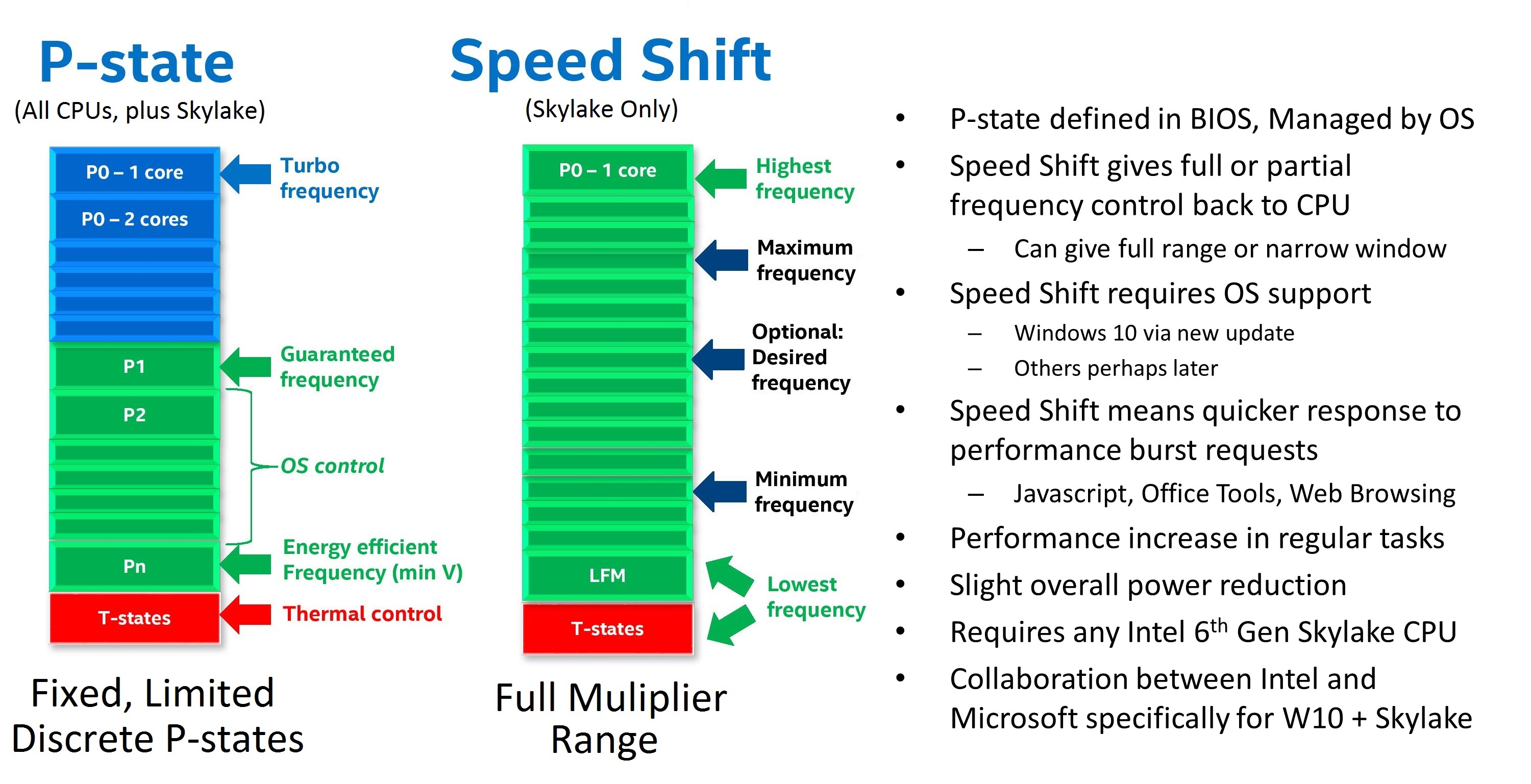
First part is enabling power management, without undervolt it should work fine. TVB + C states enabled is already innately a factory tuned undervolt which will work with less or no testing unlike a negative v/f offset.
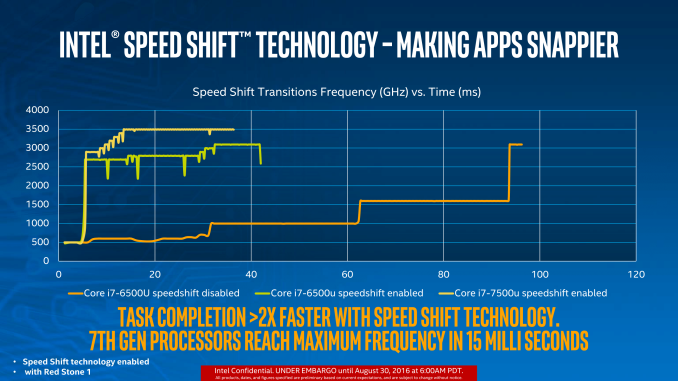
Balanced mode + C states related items enabled will usually net ~10C improvement without noticeable performance reduction.

Second part is (if), looking at enabling XMP, override Asus chosen VDD2/IMC & CPU VDDQ to ~1.2V. If necessary, VDD2/IMC ~30mV higher as a ballpark for typical XMP-ish plug and play memory profiles.
System Agent 1.15V should be alright.
Memory / IMC overclocking does increase CPU idle temps as the items like System Agent are in Fixed Voltage Override mode.

PCIE ASPM (L0S) and DMI ASPM can be enabled (optional), may net marginal temp improvements. (Again, can be soft-disabled with Ultimate Performance Plan)

(Note: RPL/ADL only, Arrowlake has a different memory tuning system)


Power management
1-7.png

PState.jpg
 

Vanyel

Arch-Supremacy Member
Joined
Sep 5, 2014
Messages
12,201
Reaction score
2,120
If you play games often and your CPU is always running at temperatures of 80c to 90c or even 100c.. what on earth are you doing man o_O.

You know this CPU not tanky one as per intel said, you trying to expedite its death or something?

bo ar, moment i knew it hits 90+ deg and close to 100deg i open up thread here liao ar
well plus minus a few days haha

and its just the 1 game with this issue ma ^^
 

Vanyel

Arch-Supremacy Member
Joined
Sep 5, 2014
Messages
12,201
Reaction score
2,120
Did you follow this video? You can go to load optimized defaults, then try the instructions in this video and see if it helps


already undervolted when someone told me to in the earlier posts

now trying to undervolt lesser as the fps dropped, but now the fps is fine again at 90-110+

so maybe i think i dun do anything first
 

Phen8210

High Supremacy Member
Joined
Jul 29, 2011
Messages
29,027
Reaction score
8,284
Who let you use this CPU with a 240mm AIO, without bracket somemore? That person should be ban from building PC.
 
Important Forum Advisory Note
This forum is moderated by volunteer moderators who will react only to members' feedback on posts. Moderators are not employees or representatives of HWZ Forums. Forum members and moderators are responsible for their own posts. Please refer to our Community Guidelines and Standards and Terms and Conditions for more information.
Top