Google / Android Apps New Features, Tips & Tricks

888blancgmail

Supremacy Member
Joined
Oct 14, 2018
Messages
8,793
Reaction score
4,963
Repost for help as Honor Support also can't solve it for weeks.

Android 15
MagicOS 9.0

Cant set permission for Desktop Shortcut

Reset All Settings don't work
Any email to Android to help me?
Tqvm

Any1 can add the Lazada Daily Lazcash Shortcut using Honor X9d?

Un/install also can't add.

Cant find the permission to allow desktop shortcut.

I added successfully previously but had to clear the data n cache due to Check in n Win as I thought there is a issue, later found out is chg in game.
 

limmk

High Supremacy Member
Joined
Jul 5, 2001
Messages
43,277
Reaction score
8,349


So far, five Google icons have undergone gradient updates. 9to5Google can now report on a complete gradient redesign for Gmail and other Google Workspace apps.

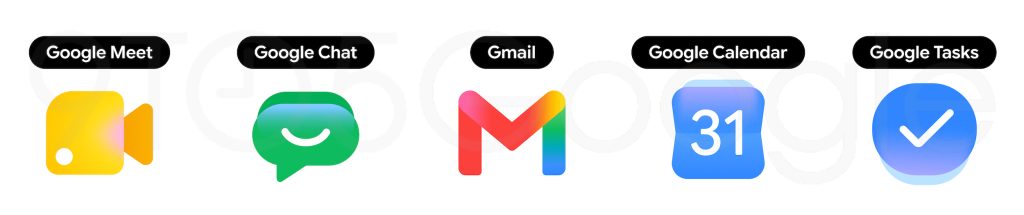
According to sources familiar with the matter, all Google Workspace apps are getting a big overhaul. There are two overarching themes at play. The gradient effect found in the Google ‘G,’ Gemini, Home, Photos, and Maps is present throughout to reflect the presence of AI-powered features.

google-new-icons-1.jpg


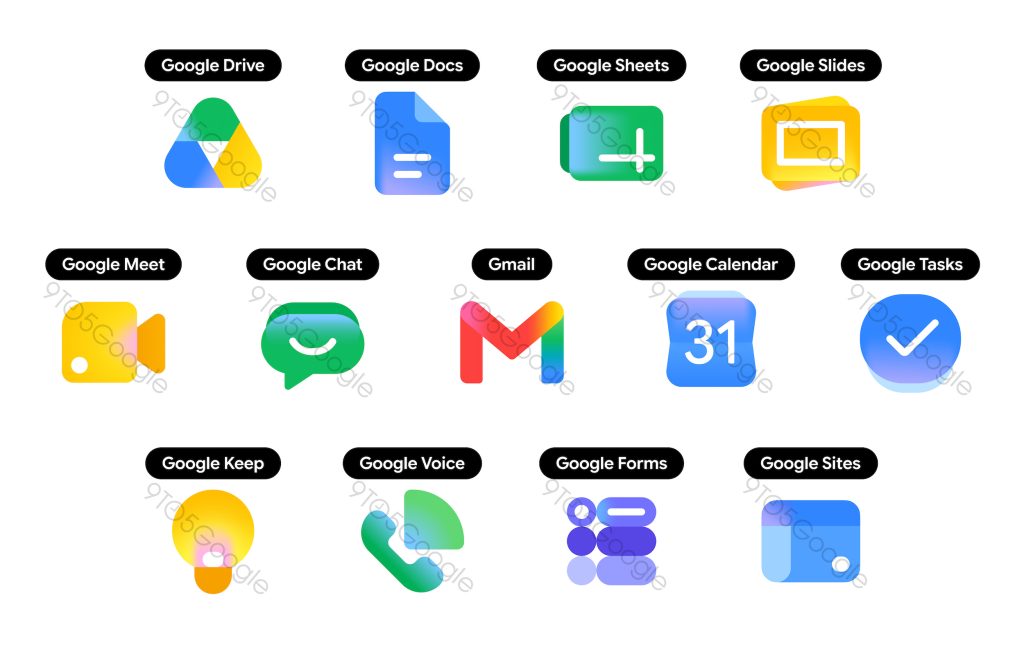
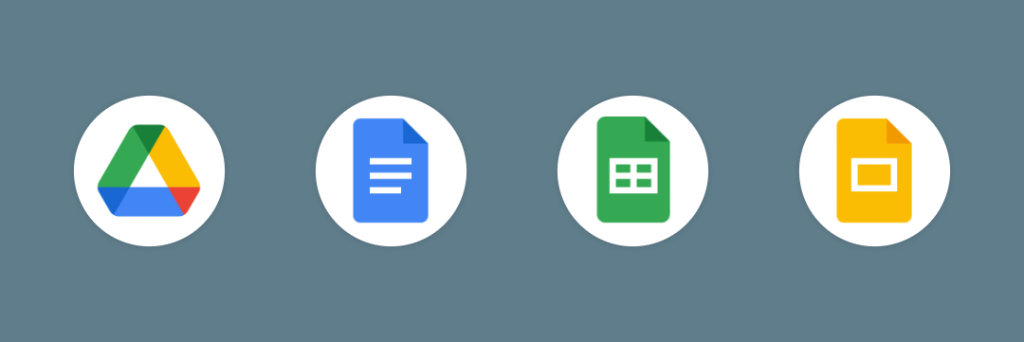
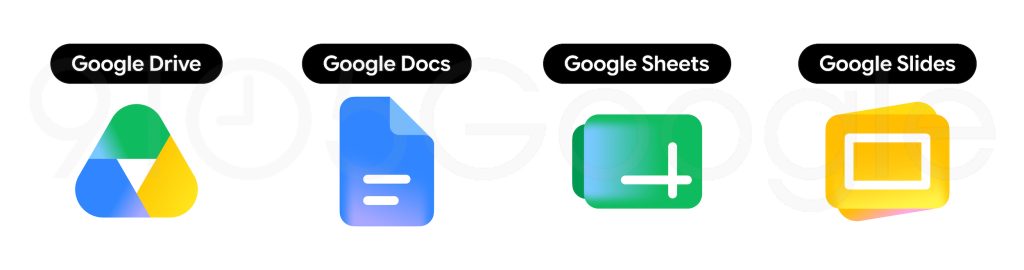
Google is addressing a major criticism of the previous icon set by making everything more distinct in terms of color and shape. Last generation’s mandate of including all four company colors in icons is clearly gone. The page container has also been removed for most apps to allow for larger, more unique icons.

Google Drive​

Drive no longer has red, just the classic green, yellow, and blue that match the three editor apps. The exterior is a very rounded triangle that almost feels bulbous, but we find a sharp one at the center.

Google Docs, Sheets, Slides​

Like before, Google’s editor apps each use a single predominant color. The Docs icon remains a vertical piece of paper, but Sheets and Slides switch to landscape in a clever reflection of the actual apps.

Google-Workspace-old-1.png

Google-Workspace-gradient-icons-1.jpg


Google Meet and Chat​

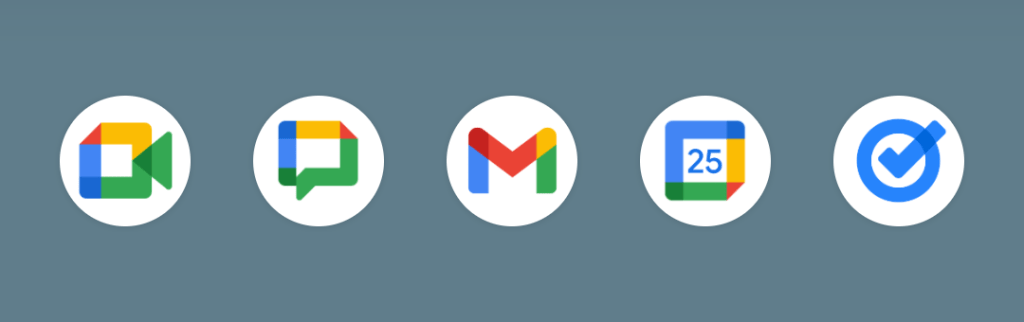
The video calling app sees a huge departure from the current design. It’s still a video camera, but yellow is the predominant color. Why Google chose that color is not very obvious.

Google Chat sees the same overhaul with a pill-shaped message bubble that has a friendly smile. Green is presumably an homage to Hangouts.

Gmail​

The ‘M’ envelope shape of the new Gmail icon is not too different from what we have today, though it’s a little bit more rounded. Red is the predominant color, with only a little bit of yellow, green, and blue. This is the right call and makes the icon much more identifiable and unique. Of the new icons, Gmail is the only one with the four Google colors.

Google Calendar​

Calendar noticeably returns to the older icon design with a skeuomorphic reference to the flip-style object. The four-color exterior container is gone, with classic blue returning. It’s absolutely a throwback.

Google Tasks​

There’s still a checkmark for Tasks, but the overall container is not very obvious to my eye. It could be a button that you tap when you’ve completed a reminder. Like Calendar, blue is the primary color.

Google-Workspace-old-2.png

Google-Workspace-gradient-icons-2.jpg

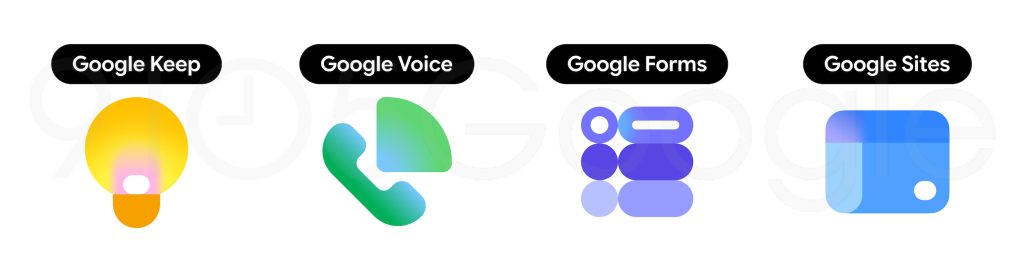
Google Keep​

Google has removed the page background to focus on the light bulb, which has quite a bit of detail.

Google Voice​

Voice retains the same shape as before, but everything is more rounded. The phone reflects how the app is primarily for calling and business customers rather than consumers. That said, its use of light green matches Google Chat.

Google Forms and Sites​

This icon drops the paper motif for multiple choice bubbles, though purple remains the main color.
However, Sites switches from a dark blue to a lighter one, with the horizontal switch reflecting desktop web.

Google-Workspace-old-3.png

Google-Workspace-gradient-icons-3.jpg
 

limmk

High Supremacy Member
Joined
Jul 5, 2001
Messages
43,277
Reaction score
8,349


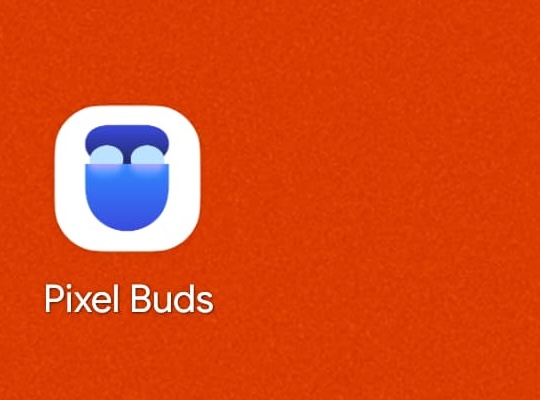
Besides new firmware for the latest earbuds, Google is also rolling out an update to the Pixel Buds app on Android.

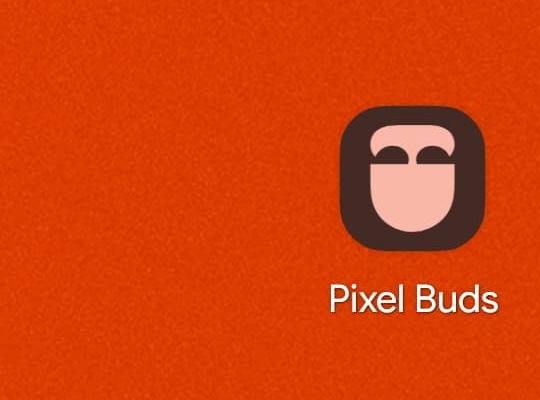
Like the Pixel Watch companion client last year, the Pixel Buds app has a new gradient icon that shows an open pebble-shaped case with the headphones seated. It uses the same blue-purple gradient as Pixel Journal, Now Playing, and other first-party apps.

Officially, the announcement explains that the app icon now has a “signature modern color palette, bringing it perfectly in line with the rest of the Google ecosystem.” This replaces the sound waves in the four Google colors.

Pixel-Buds-new-icon-2.jpg

Pixel-Buds-new-icon-1.jpg


Meanwhile, users with multiple pairs of Pixel Buds will benefit from a new Landing Page. Google says this new screen “allows you to see and select from all your paired earbuds in one place.”

Visually, each device is “displayed with a beautiful background gradient that matches its specific color, helping you identify your devices at a glance.”

Our users wanted a dedicated, personal entry point for a true Pixel Buds experience—and this is it.

Version 1.0.915175631 of Pixel Buds is rolling out now via the Play Store. It’s not yet widely available.
 

limmk

High Supremacy Member
Joined
Jul 5, 2001
Messages
43,277
Reaction score
8,349
Pixel Camera 10.4 is now more widely rolling out via the Google Play Store as a minor update.

We’re not seeing any user-facing changes or new features in this release. With the Android 17 June update, Google did list three camera fixes:

  • Fix for a camera stability issue that causes the system to crash in certain conditions: Pixel 9-10a
  • Fix for an issue that causes the camera app to freeze when changing zoom levels while recording video: Pixel 10-10a
  • Fix for an issue that causes the camera service to occasionally crash, affecting overall system stability: Pixel 6-10a
That’s not particularly surprising, with the next major opportunity for updates coming after the Pixel 11 launch. We got a Material 3 Expressive redesign (version 10.1) of Pixel Camera last October, so another visual revamp is not expected. That said, if Google does make any changes, it would debut on the 2026 phones.

Any changes and new features for existing devices would come with the next expected Pixel Drop in September.

The Camera 10.4 update started rolling out alongside the June 2026 Pixel Drop and is beginning to see wider availability today. However, it’s not yet fully released.

// 9to5Google
 
Important Forum Advisory Note
This forum is moderated by volunteer moderators who will react only to members' feedback on posts. Moderators are not employees or representatives of HWZ Forums. Forum members and moderators are responsible for their own posts. Please refer to our Community Guidelines and Standards and Terms and Conditions for more information.
Top