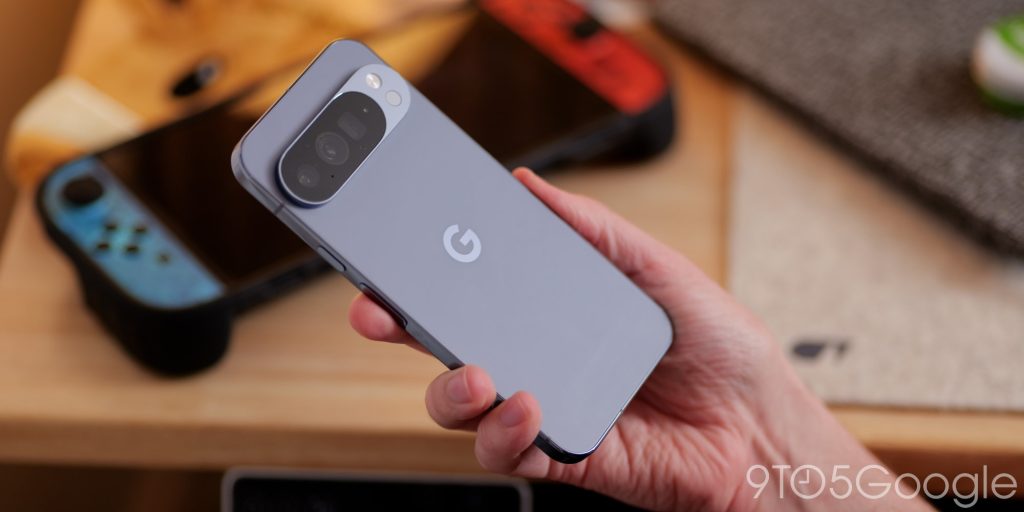
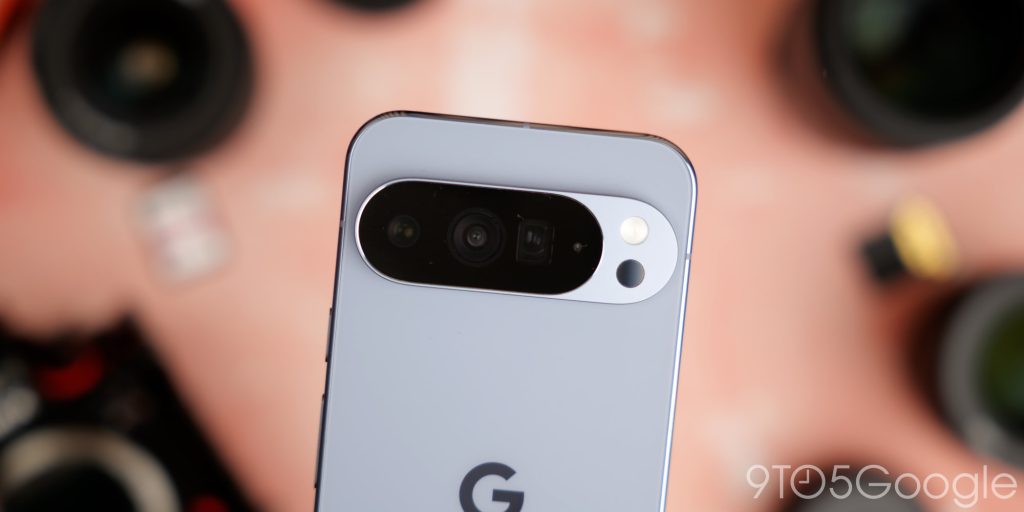
On a recent trip to Japan, I ditched my most pocketable camera –
the Panasonic Lumix S9 – in favor of the Pixel 10 Pro XL. After thousands of photos, as good as it can be, there are a few things that feel like they might need tweaking to be truly perfect.
The modern smartphone camera: Consistency is key
Prior to leaving the UK, I was undecided about whether to bring one of my many cameras to capture the memories of a trip that had been years in the making. In the end, and in the interest of travelling light, I figured I would do the modern-day tourist thing and just go with my phone. No extra lenses, tripod, filters, or the usual stuff I take to just about every tech event I’ve ever attended.
I’d just taken delivery of
the Oppo Find X9 Pro. The early sentiment is that it has an incredible camera, but my Pixel 10 Pro XL felt like the obvious candidate given it’s my
main phone right now and no doubt will be for a massive portion of 2026.
We’ve gassed up the consistency of a Pixel camera for years here, and that also was in the back of my mind. Reliability was of the utmost importance – it’s not every day you fly almost 6,000 miles and spend thousands on a trip, so in essence, it was the Pixel or bust. Not that I was particularly worried.
I can’t lie; it was really liberating, given my penchant for a dedicated camera system. Google has really excelled again, but as I browse my best shots back home, I just feel there may be a little room to tweak and refine.
The good
Let me first state that capturing a good photo is
almost guaranteed with practically any Pixel camera – including the Pixel 10 lineup.
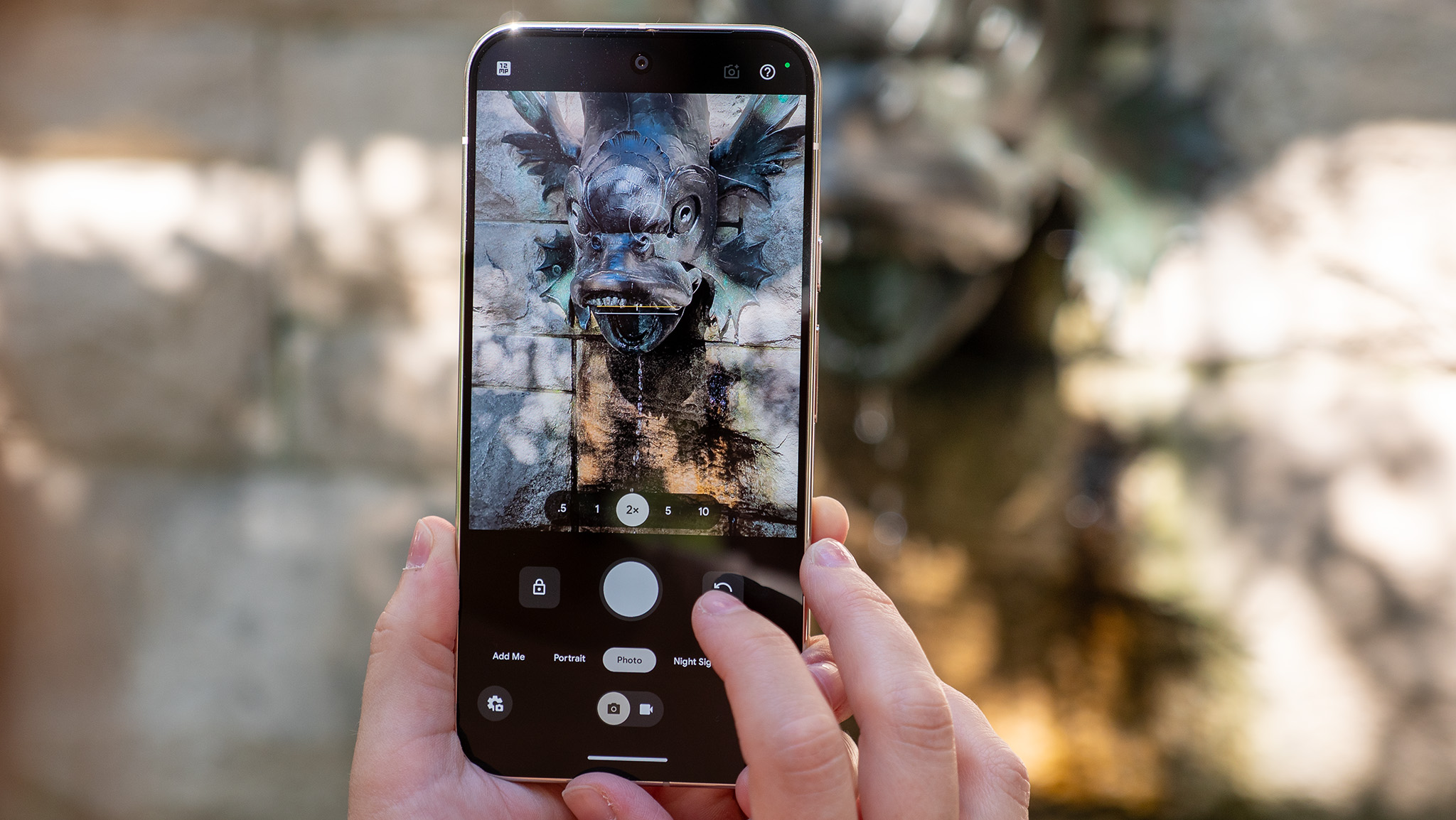
Zoom has come on leaps and bounds. So long as you are cautious with the 100x zoom, even up to around 50x looks great, even at night. Don’t go beyond that range unless it’s for a bit of fun. As I noted, in the three or so months since the Pixel 10 was launched, Pro Res Zoom has been tweaked, tuned, and although it isn’t perfect and you shouldn’t rely on it too heavily, it can help bridge the gap between a “real” telephoto lens on a dedicated camera system and the tiny setups we use on our everyday devices. I treat it like an augmentation rather than a reimagining of my photos.
To add: There is simply no other smartphone maker that handles moving subjects quite so well, and while the contrasty look that once defined a Pixel photo has evolved, I do mostly love most of the pictures I took over a 15-day trip.
Night Sight continues to be such a great camera feature. Heading out into the evening, I’m struck by just how neon (well, technically LED) lit streets are captured in such vivid detail. You can create Gotham-esque scenes with just a quick shutter press. It remains one of the “wow” factors of the Pixel camera and something that feels unreal, almost a decade after these modes were first added to smartphone camera systems.
The not-so-good
One of the most annoying things that I think almost all modern phone cameras suffer from is too much HDR processing. The bracketing means you get something that fully captures all the details you might not see with the naked eye. Call me old-fashioned, but I don’t always want that.
Shadows in photos can be nice. Seeing shaded areas that are almost fully exposed evokes a weird, uncanny feeling. I don’t particularly like images that are “flat” across the entire scene. The Pixel 10 Pro does this more often than ever before.
I get it. Bright photos stand out. If there is one thing that Marques Brownlee’s blind camera test has taught us, it is that most people prefer brighter images. The Pixel has historically fared well in the YouTuber’s tests. Maybe I’m in the minority in that regard, but I want shadows to be shadows. It’s not a negative trait in a photo to me.
Lens flares are still a problem (and not just for Google), completely ruining an otherwise good photo, and they make the camera almost unusable in certain circumstances. If Google is using AI, then surely we could use the technology to diminish or eliminate the photo-ruining glowing orbs from various light sources. It’s so bad with many LED lights that I couldn’t take some photos of Tokyo landmarks without it looking like a complete mess.
Without defending that somewhat major issue, the iPhone suffers from this to an even greater extent and has for a number of years. I kind of hope that Google can at least try to address it, as it sort of diminishes the consistency strength of a Pixel camera system that I think most of us buy these devices for.
My solution: a limited, toned-down Pixel camera
It’s almost as if the Pixel camera gets in its own way at times, and, yes, the solution to this is undoubtedly to shoot in RAW format as much as possible for greater control.
To be 100% honest,
I am lazy. I really don’t want to spend minutes or hours tweaking photos after I’ve taken them. I want to point, tap, and have something I can share or save to look at later. I know, I know, I’m a heathen, and I should be ashamed. Maybe deep down I am a little bit, but when these photos end up on my Pixel Tablet photo slideshow or my often neglected Instagram account, time is important to me.
I want less processing in a lot of cases. Not more. My solution to this has been to try an app that tones things down.
Now, I don’t want this to come across as a direct ad
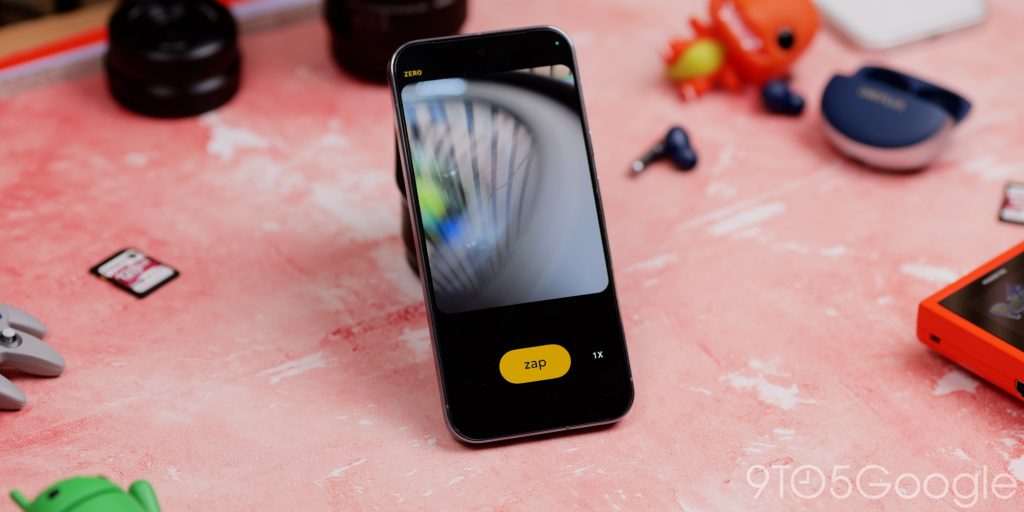
for Zerocam, but at times, I have been blown away by the zero processing route for photos. I’m a convert, and it’s not just me. My partner has also been using the service for a few months now as a “alternative” take on our holiday photos.
We tried using a similar application called Unprocessed, which is open-source and must be sideloaded. It is similarly basic, but didn’t allow for lens switching at all on my Pixel 10 nor my partner’s Oppo Find X8 Pro. Hence, using this more prominent app.
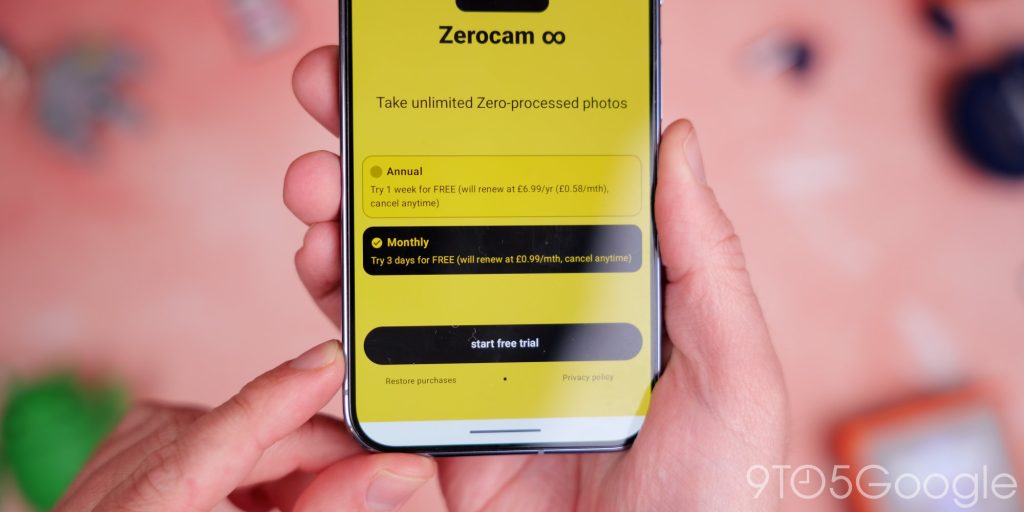
I do wish the company offered a lifetime license. I think I would happily pay $25 for that rather than
paying $10 a year, but I do think that the simplicity and consistency of the images, in tandem with the Pixel 10 camera setup, is one of the reasons I love it. Sadly, as of the time of writing, updates have slowed, and you can only access the 1x and 2x lenses. No support exists for the 0.5x or the 5x camera system, like on iOS. This holds me back from recommending it to everyone, but I do think the photos speak for themselves.
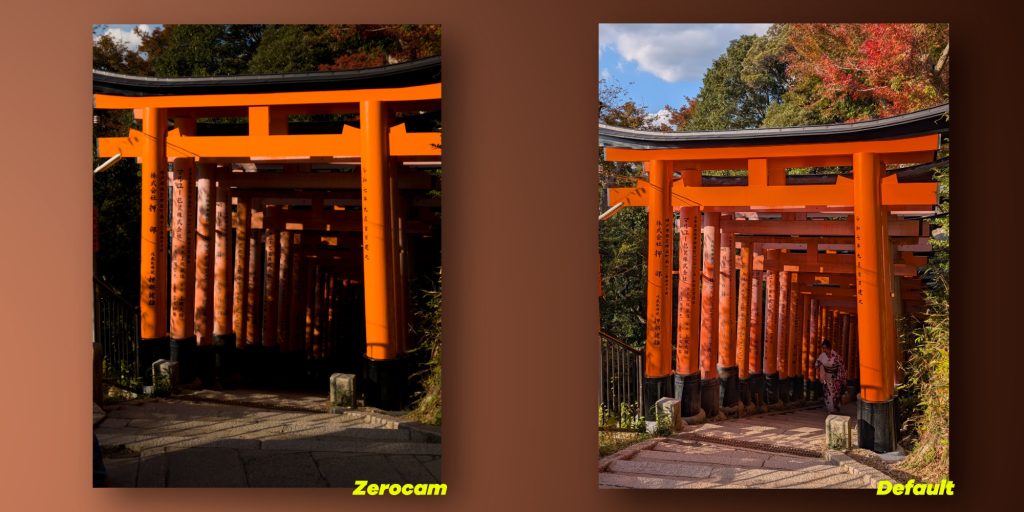
There is a stark difference in what an unprocessed, “pure” photo looks like versus the highly processed Pixel 10 camera image. Sometimes I prefer the default camera look, but most of the time, in the right lighting conditions, the natural look is light-years ahead. An app like this lets the camera hardware do the talking – something that I hope that Google will continue to keep upgrading, as the advancements in camera hardware have been something the company sort of drags their heels with, and it holds things back.
Google could easily make this a toggle in the default camera app. Heck, make a “simple mode” that just mimics what Zerocam does – but natively.
I also feel that sometimes we’re spoiled for choice with modern high-end smartphone camera setups. I don’t want to give up a triple or quad camera system, but having certain limitations in place means you are forced to be creative. That said, I tend only to use the 2x or 3x on my Pixel camera as I find this is the sweet spot in almost every situation.