Google Pixel 9 series

Which Pixel 9 series devices are you most interested in?

  • Pixel 9

  • Pixel 9 Pro

  • Pixel 9 Pro XL

  • Pixel 9 Pro Fold

  • Other [comment]


Results are only viewable after voting.

limmk

High Supremacy Member
Joined
Jul 5, 2001
Messages
38,647
Reaction score
7,911

Nose Bleed GIFs | Tenor
Nosebleed GIFs | Tenor
 

limmk

High Supremacy Member
Joined
Jul 5, 2001
Messages
38,647
Reaction score
7,911

Summary​

  • Pixel 9 owners are experiencing a weird issue with their alarms not going off or mysteriously being disabled.
  • The issue may be related to Gemini or the Google Clock app.
  • You should set up alarms on another device to ensure you don't miss important meetings.


Pixels and quirky bugs seem to go hand in hand. Over the years, Pixel devices have been plagued by bizarre glitches and even serious hardware problems, like the Pixel 7's rear camera glass spontaneously shattering for some users. Continuing that trend, Pixel 9 owners are complaining about their alarms failing to go off at the scheduled time or discovering that all their scheduled alarms have mysteriously been disabled.

Frustrated Pixel owners have flocked to Reddit, sharing stories of missing meetings and being late to work after their scheduled alarms failed to go off. Many users also discovered that their scheduled alarms had inexplicably turned off. The bizarre issue primarily seems to affect the Pixel 9, though there are sporadic reports from some older Pixel phone owners as well. In some cases, users found as many as 10+ of their scheduled alarms turned off.

The problem seems to be affecting Pixel owners for at least a couple of weeks. Some users think Gemini is to blame, as asking it to turn off any ongoing timer also causes the AI assistant to turn off all alarms. However, I could not replicate this functionality on my Pixel 8 Pro running the latest Android 16 beta with Gemini.

The issue might also be tied to the Google Clock app, given that similar problems have occurred with it in the past.

Set up backup alarms on other devices to be safe​


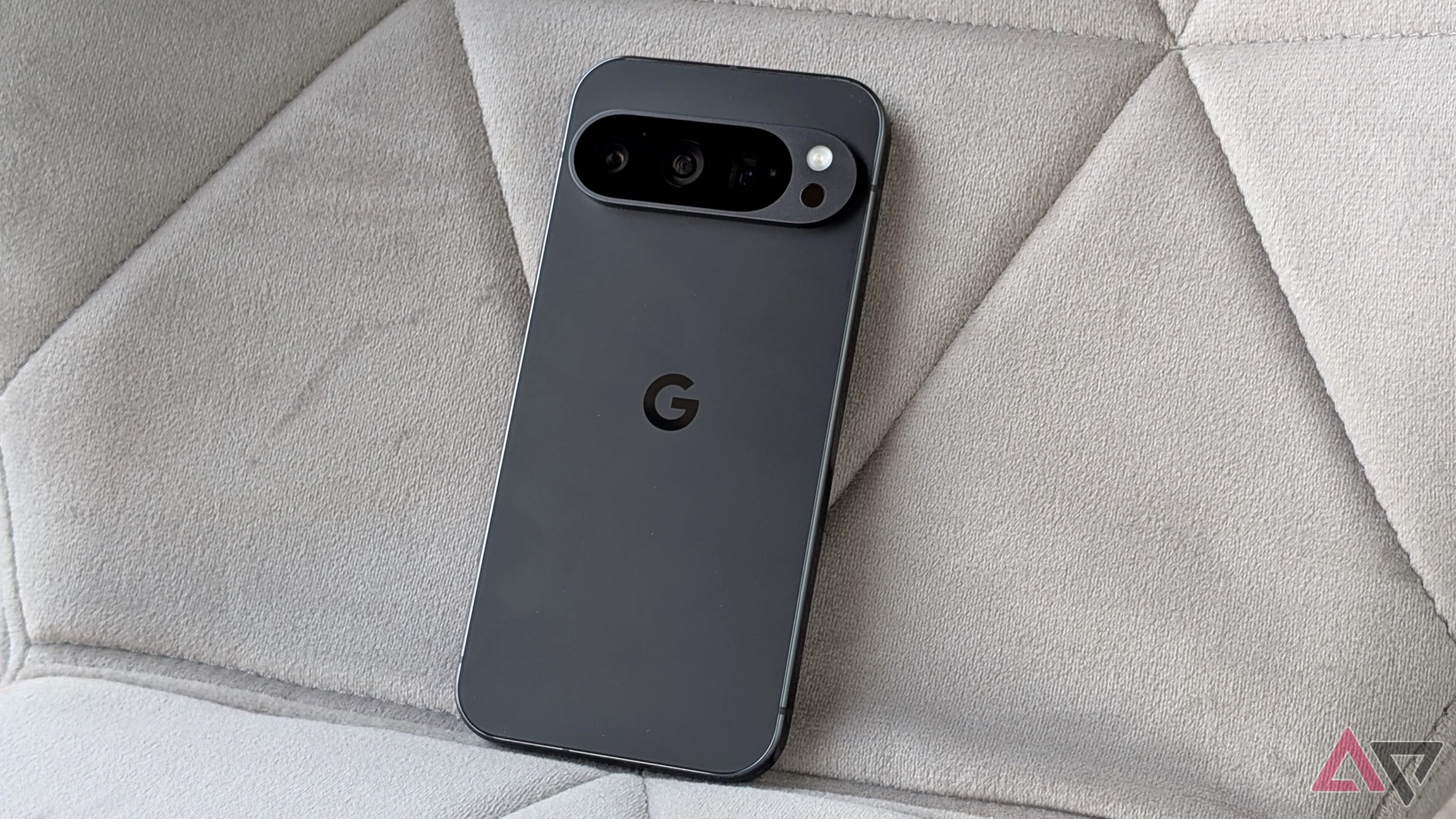
  • Pixel 9 Pro laying on a gray chair
  • Link Image
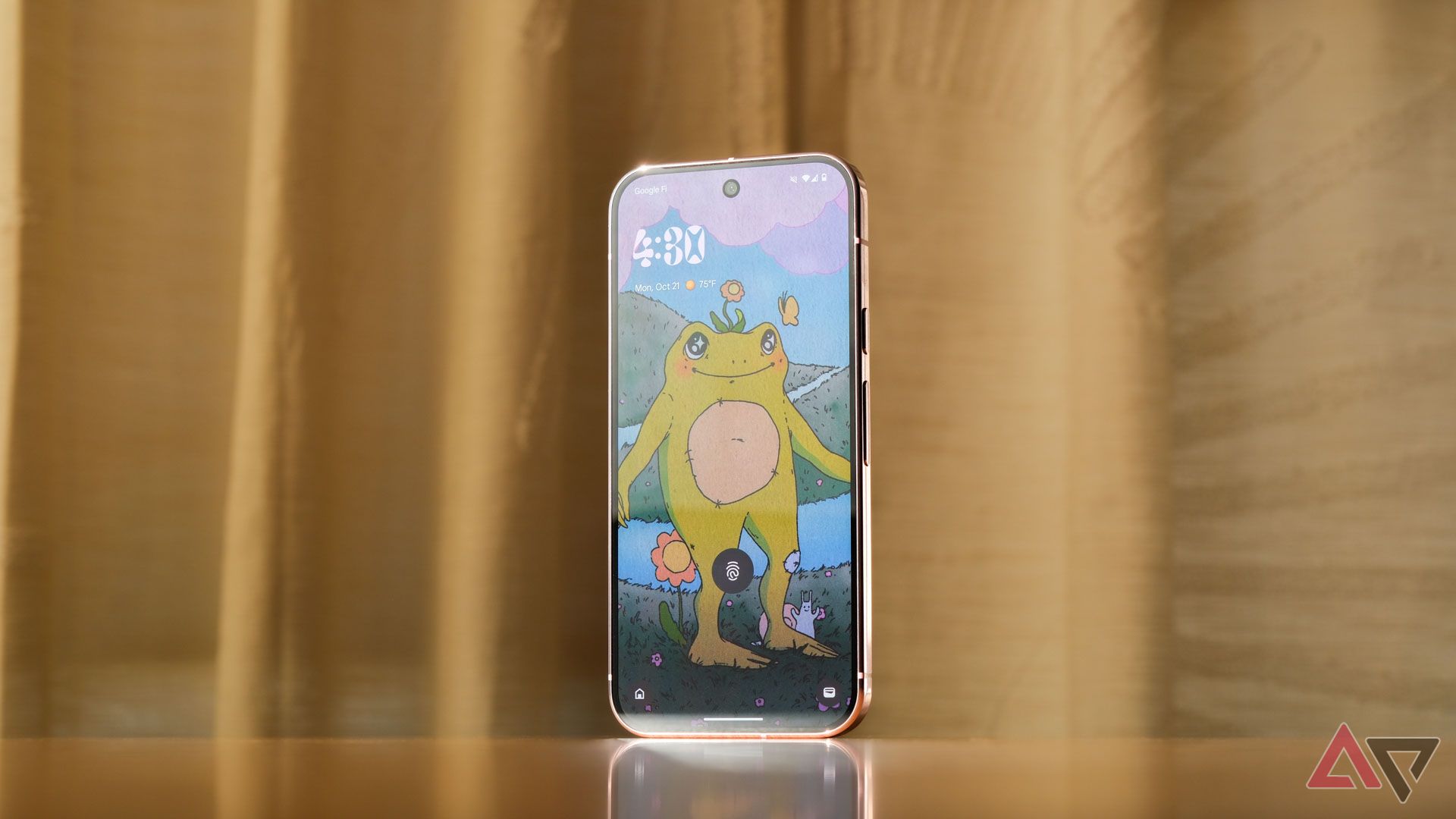
  • google-pixel-9-pro-lock-screen-android-15
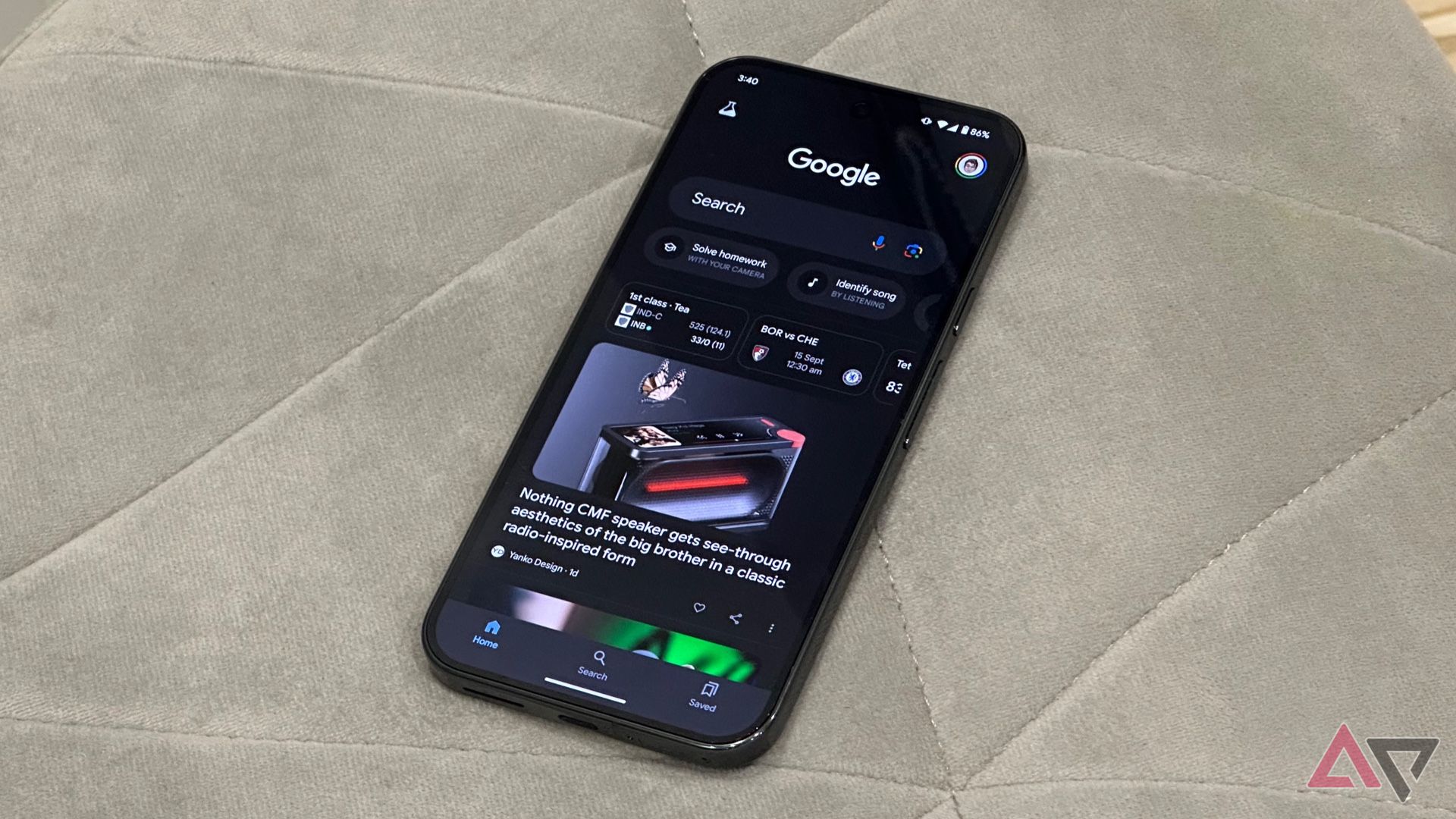
  • Google app on the Pixel 9 Pro XL showing the Discover Feed

If you own a Pixel, it's a good idea to double-check your scheduled alarms to make sure they haven't been turned off. And keep in mind that just because you haven't experienced the bug yet, there's no reason you won't face it down the line. So, if you have any critical alarms, you might want to use a third-party clock app on your Pixel or rely on a physical clock for once.

This is not the first time Pixel users have encountered such a weird alarm bug. In April 2022, a bug inadvertently led to ringtones, alarms, and notification sounds changing for many Pixel owners without them changing any settings. Before that, in September 2021, a weird bug with Spotify prevented Google Clock from firing alarms at their scheduled time.

 

Loser

Arch-Supremacy Member
Joined
May 7, 2019
Messages
23,509
Reaction score
10,422
why like that ah? lousy phone

EYfDmO6.png
The A.I. knew you were going to be out longer that day and calculated that you need extra 3% battery to make it back without the phone shutting down. :o

Or the simpler explanation: pixel software is buggy. :s13:
 

limmk

High Supremacy Member
Joined
Jul 5, 2001
Messages
38,647
Reaction score
7,911
Like that say also not correct leh, since it stopped charging at 83% :s13:
The phone is trying to recalibrate the battery so the feature can work properly again. give it some time, and it should resume normal charging behavior
 

otacon

Arch-Supremacy Member
Joined
Apr 11, 2001
Messages
18,319
Reaction score
253
Just gotten my P9P but Whatsapp keep crashing when I check group message, personal message is ok.

I checked online, seems like not much ppl discussing about this in recent months

I tried to close the app, clear cache, uninstall n install back. Problem keeps coming back

Anyone got same problem? Thought wanna move away from Samsung but seems like Samsung doing so much better these days
 

limmk

High Supremacy Member
Joined
Jul 5, 2001
Messages
38,647
Reaction score
7,911
Just gotten my P9P but Whatsapp keep crashing when I check group message, personal message is ok.

I checked online, seems like not much ppl discussing about this in recent months

I tried to close the app, clear cache, uninstall n install back. Problem keeps coming back

Anyone got same problem? Thought wanna move away from Samsung but seems like Samsung doing so much better these days
Moi using Android 16 Beta 3.1 and WhatsApp version 2.25.9.9 have no issues

If you're on Android 15, try using an older version of WhatsApp for now
 

Lazyfoolz

Member
Joined
Jul 12, 2022
Messages
201
Reaction score
142
Just gotten my P9P but Whatsapp keep crashing when I check group message, personal message is ok.

I checked online, seems like not much ppl discussing about this in recent months

I tried to close the app, clear cache, uninstall n install back. Problem keeps coming back

Anyone got same problem? Thought wanna move away from Samsung but seems like Samsung doing so much better these days
Did u use beta whatapp? Or stable version of whatsapp.

So far my p9xl no issue on crashing & running on beta for Whatsapp. Could be some issue that cause crashes also or either u roll back to previous version lo
 

Loser

Arch-Supremacy Member
Joined
May 7, 2019
Messages
23,509
Reaction score
10,422
Just gotten my P9P but Whatsapp keep crashing when I check group message, personal message is ok.

I checked online, seems like not much ppl discussing about this in recent months

I tried to close the app, clear cache, uninstall n install back. Problem keeps coming back

Anyone got same problem? Thought wanna move away from Samsung but seems like Samsung doing so much better these days
Quite a niche problem you have. I have my pixel 9 pro since launch and have never had a problem with Whatsapp app.

Running stable versions of both firmware and Whatsapp.
 
Important Forum Advisory Note
This forum is moderated by volunteer moderators who will react only to members' feedback on posts. Moderators are not employees or representatives of HWZ Forums. Forum members and moderators are responsible for their own posts. Please refer to our Community Guidelines and Standards and Terms and Conditions for more information.
Top