The
Google TV Streamer is a major shift of direction from the Chromecast with Google TV but, for the most part, it’s a positive change. While there’s a lot to like about the new streamer, nothing is without faults. Most users will likely never run into any major issues or glitches, but it can happen.
In this guide, we take a look at some of the most common Google TV Streamer problems and how to fix them. To be fair, many of these problems are also common on nearly all Android TV devices, so we’re only focusing on a few of the biggest issues and those specific to the Google TV Streamer. For an even deeper look check out our guide to general
Android TV problems.
Editor's note: It's important to remember that not every Google TV Streamer will have these problems. In fact, you might not come across any issues at all.
Audio syncing issues
If you’ve run into issues where the Google TV Streamer loses sync between video and audio, you aren’t alone. This isn’t a super common issue, but it is significant enough that Google has officially confirmed its existence and that it will be fixed in a future update. Of course, it’s still worth doing a little troubleshooting before you just assume your audio syncing issue is related to this bug.
Potential solutions
- Are you using a Bluetooth device like headphones or a Bluetooth soundbar? If so, try testing out other audio sources to see if the problem persists. If you don’t run into issues with a different speaker or audio source, odds are the syncing is related to faulty Bluetooth hardware.
- If it wasn’t related to speaker issues odds are it’s the problem Google says will be fixed in the future. Before you give up entirely it wouldn’t hurt to perform a restart or even a full factory reset. You’ll find instructions for how to do both toward the bottom of this guide.
The Google TV Streamer remote is not working
C. Scott Brown / Android Authority
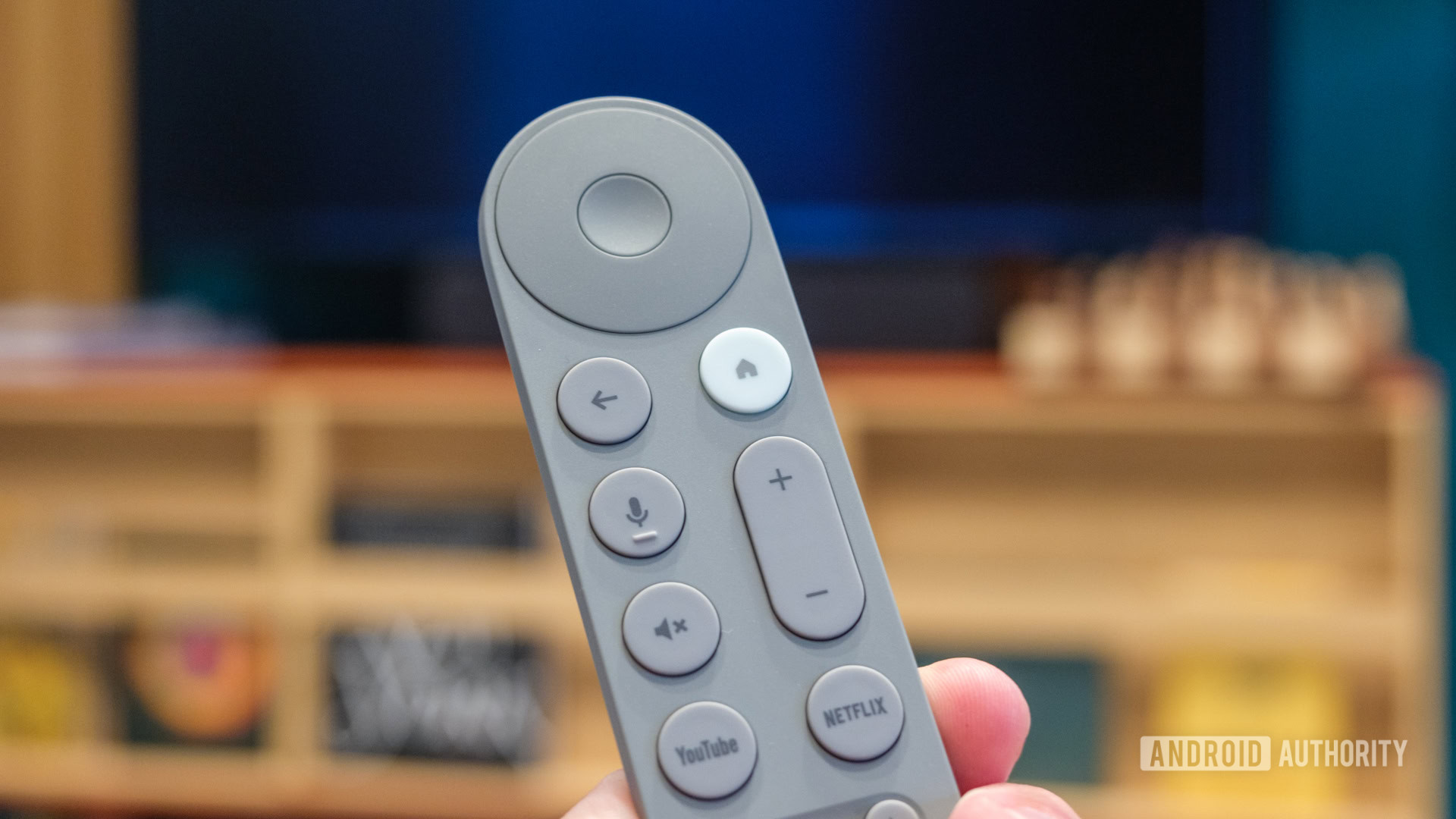
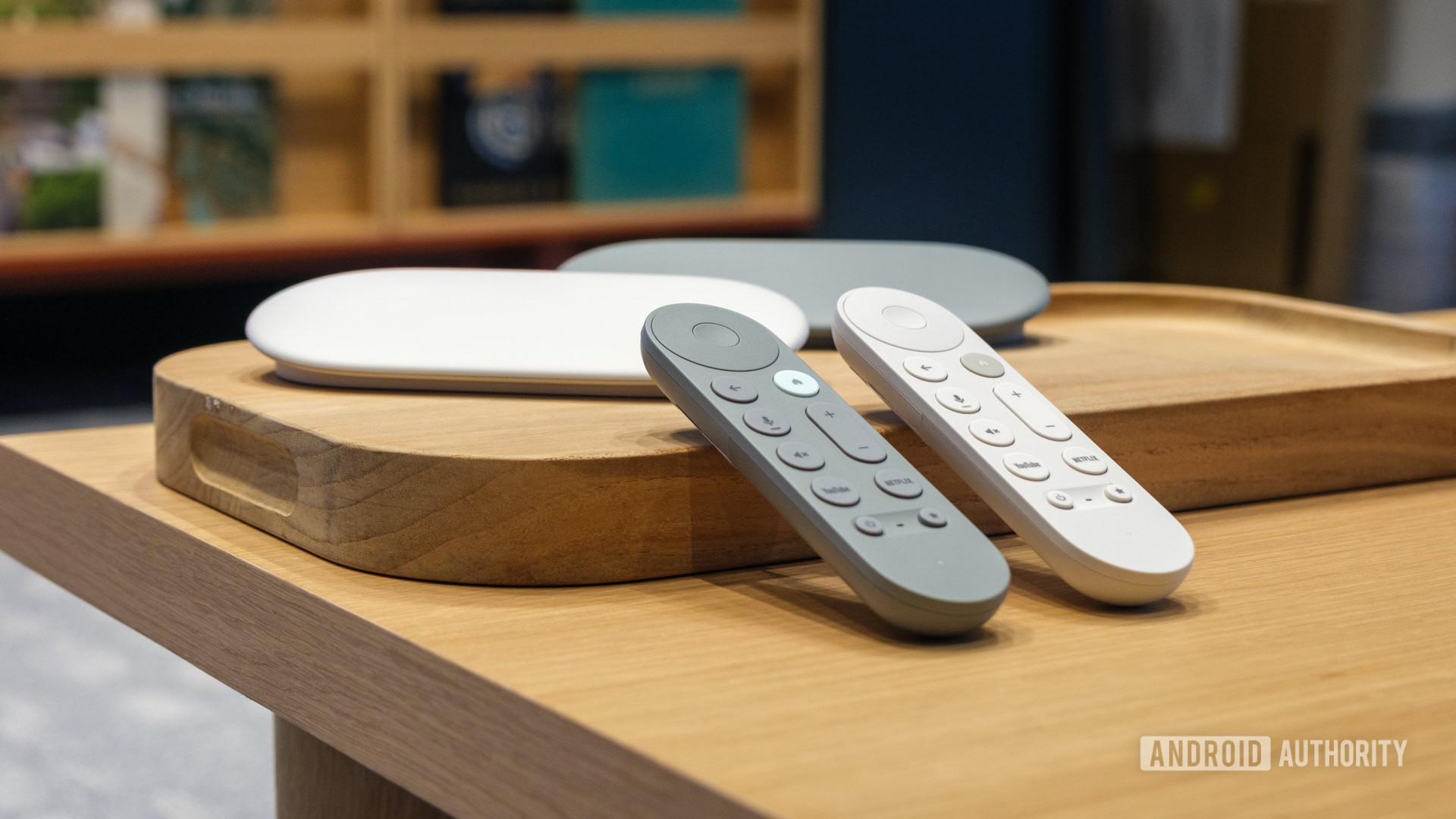
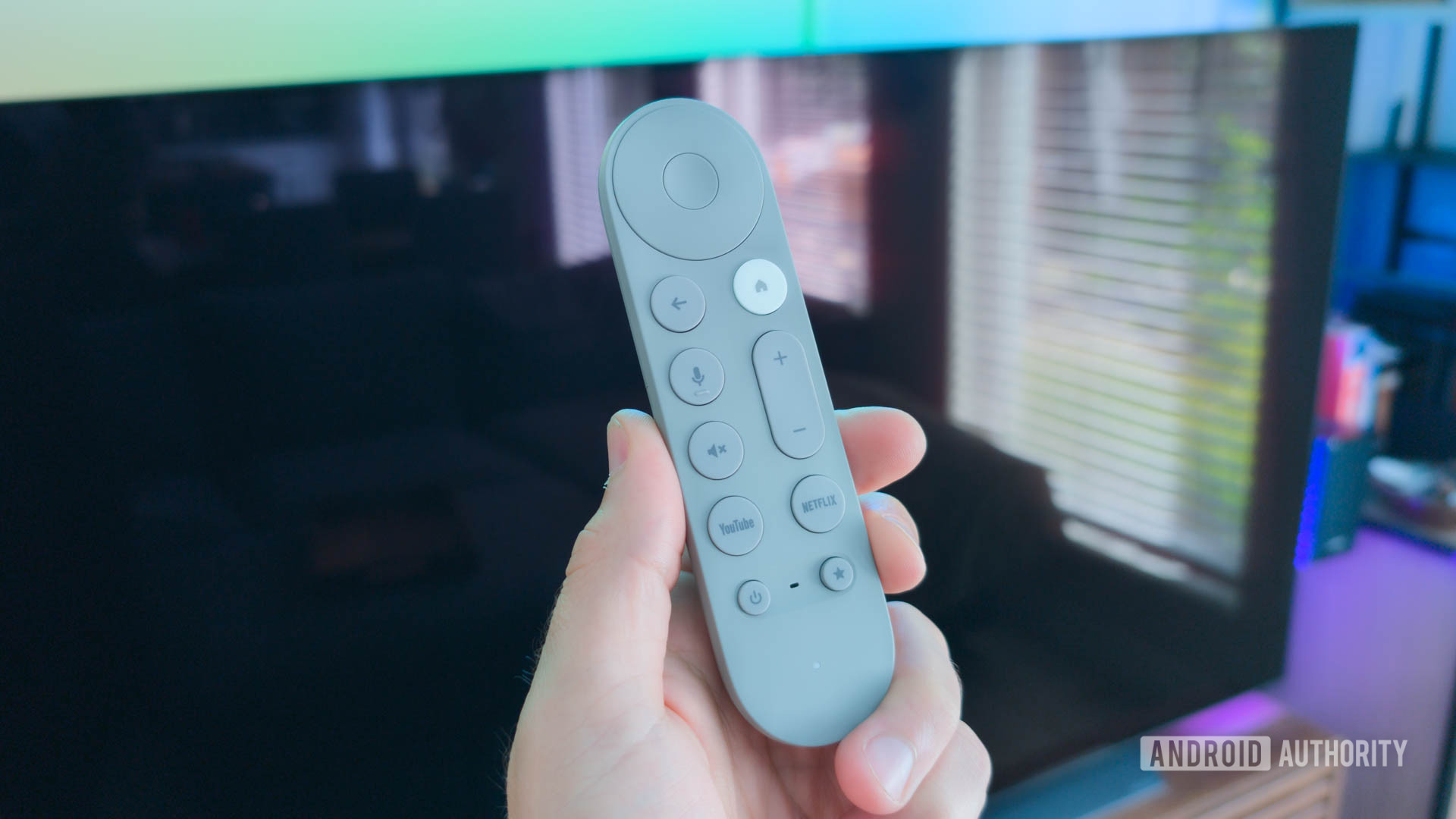
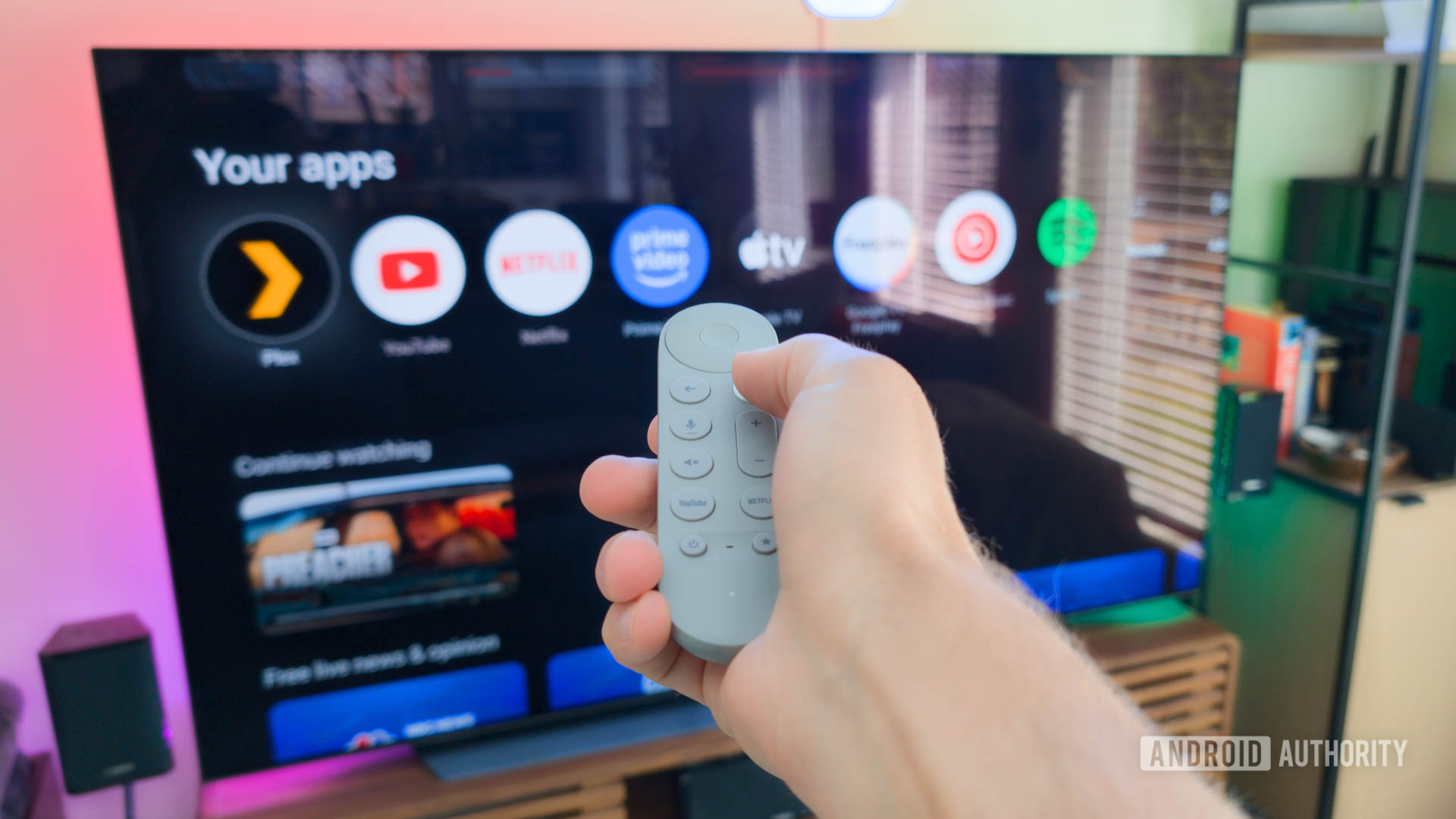
While you can technically get by without a remote by using the Google TV or Google Home app as a virtual remote, no one wants that unless they have no other choice. Unfortunately, remote problems are one of the most common Android TV problems around. The first step is to ensure you have fresh batteries as that is litearl. Odds are you did that before coming here, but you never know. If that wasn’t your problem, we have a few other possible solutions below.
Potential solutions
- Try restarting the TV and the remote to re-establish the connection. To do this you’ll need to use an app to control your TV and then you’ll want to go to
- Settings (gear icon)>Device Preferences>Reboot. While the device reboots you’ll want to remove the batteries and put them back in only once the TV has restarted.
- Still no go? You could try unpairing and repairing the device (and you’ll need to use your phone as a remote). You’ll want to go to Remote & Accessories and you’ll want to pick the remote that isn’t working and select the remove option. You’ll then go to Remote & Accessories > Pair remote or accessory. Hold the Home and back buttons on the remote and it should show up in the options. Select it and hit Pair. If the remote now works properly the problem is solved.
- If the remote still isn’t working, it might be a hardware problem. You will need to get a replacement. You can consider a third party remote, but it’s worth noting Google also sells the OEM remote as a replacement as well.
Sluggish app performance or sudden crashes
The Google TV Streamer has more processing power, more storage, and more RAM than the Chromecast with Google TV. As you might guess, it typically performs pretty flawlessly. Until it doesn’t. If your favorite apps are slower than usual or end up crashing completely, there are a few potential solutions.
Potential solutions
- If an app is failing to load or loads slowly, you’ll first want to make sure you’re not having internet issues. One way to check is to run a speed test on another device on your network. If all works well, it’s likely not your connection that’s behind the slowness. In fact, if you’ve noticed a general sluggishness that’s likely down to an app problem.
- Is this happening to all your apps, it doesn’t hurt to try restarting your device or running a system update. You’ll find instructions for both below.
- Only happening to one app or just a few? In that case you’ll want to go into each app that’s having an issue. You’ll go to Settings > Apps. Find the app and select it. From there you’ll select both Clear cache and Clear data. Be aware that while this may fix the problem, you will have to log on and off again.
- At this stage, you’ll want to ensure you’re not running into issues due to a lack of storage space. To do this you’ll want to go to Settings (gear icon)>Device preferences>Storage. Go to Internal shared storage for a detailed breakdown
- Still not working? You’ll want to remove the app and reinstall it.
- If you still aren’t having any luck it’s likely time to do a full factory reset. After that, you are likely out of moves.
Google Play Store “download pending” error
This is another issue that applies to many Android TV and Google TV devices, as well as phones of course. When it comes to the Google TV Streamer, there’s a few possible solutions for the issue.
Potential solutions
- First, let’s try to troubleshoot the app itself. You’ll want to go to Settings > Apps > See All Apps and then Google Play Store > Force Stop.
- Still have the error? Go back to Settings > Apps > See All Apps > Google Play Store and select Clear Cache and Clear Data.
- At this stage if the other two steps didn’t help you’ll want to factory reset your Google TV streamer by going to Settings > Device Preferences > About > Factory Reset. From there you’ll select Factory Reset. Once it’s reset you’ll have to set up your device again but hopefully, the problem is gone now that the slate is clean again.
Screen flicker issues
We’ve seen a few reports of issues with screen flickering on the Google TV Streamer, the good news is the solution seems to be pretty easy, though there are a few possible fixes.
Potential solutions
- Check your HDMI cables by swapping them out for another pair. Believe it or not, the problem really can’t sometimes be that simple.
- It’s also possible the variable refresh rate or the display resolution could be the issue here. One possible fix is to change the display setting from Auto to your TV’s native resolution. Sometimes there’s a small problem that’s preventing it from properly detecting your display.
Quick Guides: How to restart, factory reset, and more
Below are quick guides for core functions like restarting, factory resetting, and more.
How to restart the Google TV Streamer
There are three ways to restart the Google TV Streamer. First, you can simply unplug the power cable and leave it unplugged for a minute, and then plug it back in. You can also go to
Settings (Gear) > System > Restart with your remote or you can press the power button on your remote for eight seconds to reset it completely.
How to Factory Reset the Google TV Streamer
There are two methods actually, but let’s start with using the remote.
- Go to Settings (It’s a gear) and select System > About > Factory reset.
- Follow the onscreen prompts, if any, and once complete your device will be fully reset.
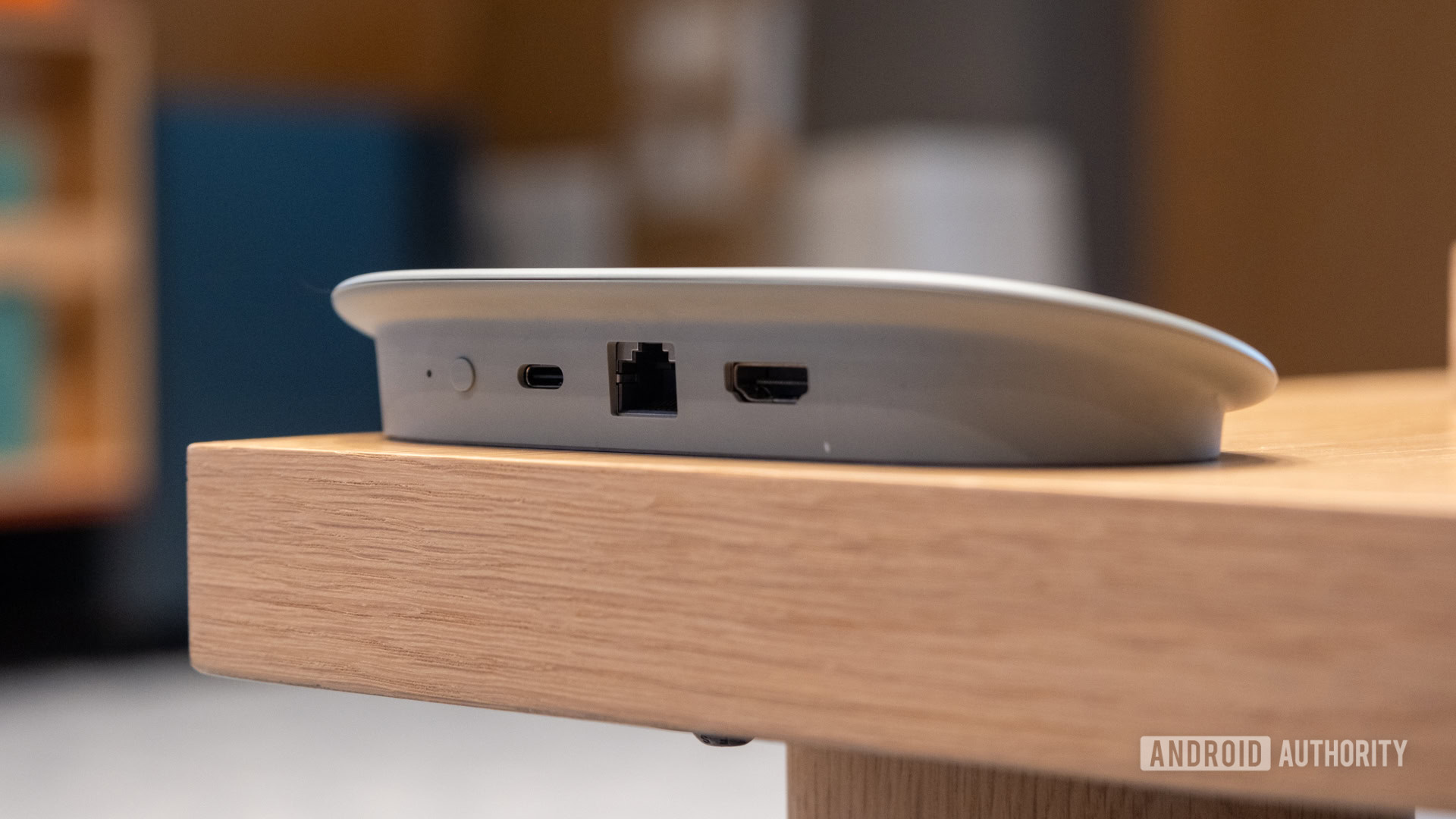
You can also reset the device directly, such as in situations where it won’t boot into the OS properly by pressing and holding the the button on the back for 10-12 seconds, and then the LED will start blinking yellow. Once the LED turns white you’ll release the button and the factory reset process will begin.
How to update the Google TV Streamer
To update your Google TV Streamer you’ll want to go to
Settings > System > About > System Update. If your device finds an update you can click
Install Update and follow the prompt.