[help] black screen with 100% gpu fan

jkohlc2

High Supremacy Member
Joined
Jan 2, 2007
Messages
47,968
Reaction score
14,768
been getting this issue lately, use PC halfway (gaming or web browsing or idling), monitor will lose signal and gpu fans will go to 100%

if i press reset button, system will reboot with 1 long beep and 2 short beep (MSI manual says is VGA fault)

is my motherboard dying? or suay suay 2 GPU faulty?

motherboard: MSI B450 Tomahawk Max on latest bios
OS: Windows 10
CPU: AMD Ryzen 5900X
GPU: AMD 5700 XT and Nvidia GTX 1060
PSU: 850W

steps taken:
  • replaced cmos battery
  • tested on 2 different gpu, both had same issue
  • tested on 2 different PSU, both had same issue
 

Dis2012

Banned
Joined
Dec 23, 2010
Messages
6,373
Reaction score
309
been getting this issue lately, use PC halfway (gaming or web browsing or idling), monitor will lose signal and gpu fans will go to 100%

if i press reset button, system will reboot with 1 long beep and 2 short beep (MSI manual says is VGA fault)

is my motherboard dying? or suay suay 2 GPU faulty?

motherboard: MSI B450 Tomahawk Max on latest bios
OS: Windows 10
CPU: AMD Ryzen 5900X
GPU: AMD 5700 XT and Nvidia GTX 1060
PSU: 850W

steps taken:
  • replaced cmos battery
  • tested on 2 different gpu, both had same issue
  • tested on 2 different PSU, both had same issue

1) Flash to Latest Bios
2) Download latest Chipset Drivers and GPU drivers
How come u using 2x GPU?
3) Try single GPU
 

86technie

High Supremacy Member
Joined
Jun 8, 2006
Messages
40,356
Reaction score
5,945
Can be driver conflict especially AMD and Nvidia.

Before updating/uninstall previous driver by disconnecting from internet.
Than install the latest graphic card driver.

Which power supply are you using? Could be PSU issue.

amd-radeon-rx-5700-rx-5700-xt-review-04269.jpg


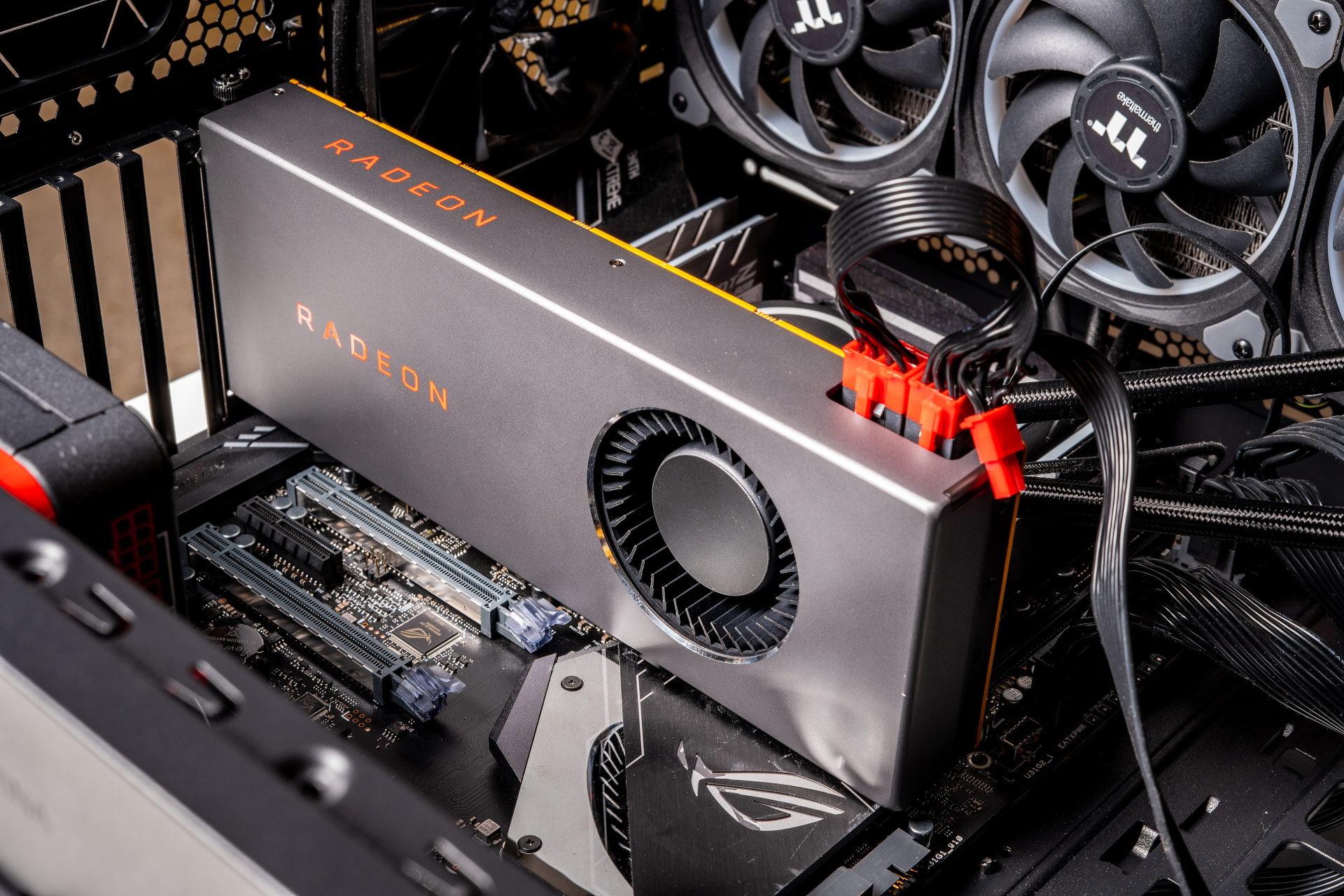
For AMD RX5700 recommend use two separate PCI cable but not piggyback which is on 1 cable.
Before you change graphic card, reset the PSU by flipping the switch 5 times.
*Disconnect the power cord before resetting the PSU.

To me I suspect PSU issue especially if it is very old PSU.
My rig lately also have similar issue, during gaming it will switch off.
Went to RMA the PSU and the PC is working fine.
 

jkohlc2

High Supremacy Member
Joined
Jan 2, 2007
Messages
47,968
Reaction score
14,768
How is it that you are using 2 different brand gpus?


1) Flash to Latest Bios
2) Download latest Chipset Drivers and GPU drivers
How come u using 2x GPU?
3) Try single GPU

Paiseh for confusion, i tested with 2 separate gpus

Test with 5700 XT, black screen and 100% fans after few minutes

Boot to safe mode, ran DDU, shut down and swap to GTX 1060 and install nvidia drivers

Same thing, black screen and 100% fans after few minutes


Read HWZ Forum Rules!
 

ronnie_gogs

Member
Joined
Apr 4, 2012
Messages
472
Reaction score
60
Might be a RAM issue as well. Try with one module only and at every slot. B450 Toamhawk is a AMI bios if I am correct. The 1 long 2 short according to different website means video card memory issue.

https://www.computerhope.com/beep.htm#ami
  • Try single ram in different slots
  • Different PCIex lane
  • Do have overclocking software installed like MSI Afterburner. You can try lowering the GPU memory clock.
 
Important Forum Advisory Note
This forum is moderated by volunteer moderators who will react only to members' feedback on posts. Moderators are not employees or representatives of HWZ Forums. Forum members and moderators are responsible for their own posts. Please refer to our Community Guidelines and Standards and Terms and Conditions for more information.
Top