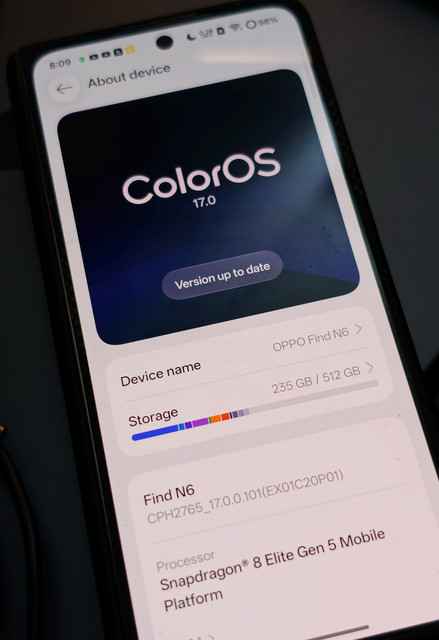
Ive , went to test just were the steps,
incase if anyones is curious,
the OS Updater app, seems to be the trick to all , however im not sure where its getting those zip files via the app on mobile,
Mostly it was meant for Oneplus owners who cant seem to get OTA, but oddly it works.
Problem again, as ive pointed out, earlier, as well as the safety concern from
Steps
Part 1: Get the two files
- Open your OS updater app.
- In its settings, set the update method to Stable Full.
- Refresh the file list.
- Download ColorOS 16 Stable Full, SG (Singapore) version. This file is the “decoy” that passes the phone’s check.
- In the updater settings, change the device to OPPO Find N6, APC version.
- Refresh the file list again.
- Download ColorOS 17 Stable Full, APC version. Check the size: about 9.49 GB. If it shows about 3.8 GB, you have the incremental file. Delete it and repeat steps 2 to 7.
Part 2: Validate with the SG file
- Put the SG ColorOS 16 file in the phone’s root folder (the top level of internal storage).
- Write down the exact file name of the SG file.
- Go to Settings → About device → ColorOS version → Local install. The menu names can differ a little on your build.
- Select the SG ColorOS 16 file.
- Wait for validation to finish. Do not press Install yet.
Part 3: Swap the files
- Open the file manager. Leave the install screen open in the background.
- Move the SG file to a different folder.
- Rename the APC ColorOS 17 file to the exact SG file name from step 9.
- Move the renamed APC file into the root folder, in the place where the SG file was.
Part 4: Install
- Go back to the install screen.
- Press Proceed / Install.
- Do not touch the phone until it restarts.