time machine Qns

vofzxy

Supremacy Member
Joined
May 15, 2006
Messages
6,282
Reaction score
518
Hi bros,
"first time" using a mac since 15 years ago...
windows machine camera died, so borrowing a spare mac (probably air) from a friend
need camera for zoom and all that

can i ask how time machine works?
if i make a back up on the day i get it... after that i can install and uninstall anything i want right?
like chrome, brave, MS 365, anti-virus etc etc

as and when i restore the back up and return the mac to my friend.....
the back up will restore everything that is uninstalled and remove any extra installed programs right?

just wanted to confirm in advance, thank you for your help #gratitudemuch
 

clokwerk0

Senior Member
Joined
Feb 12, 2005
Messages
922
Reaction score
6
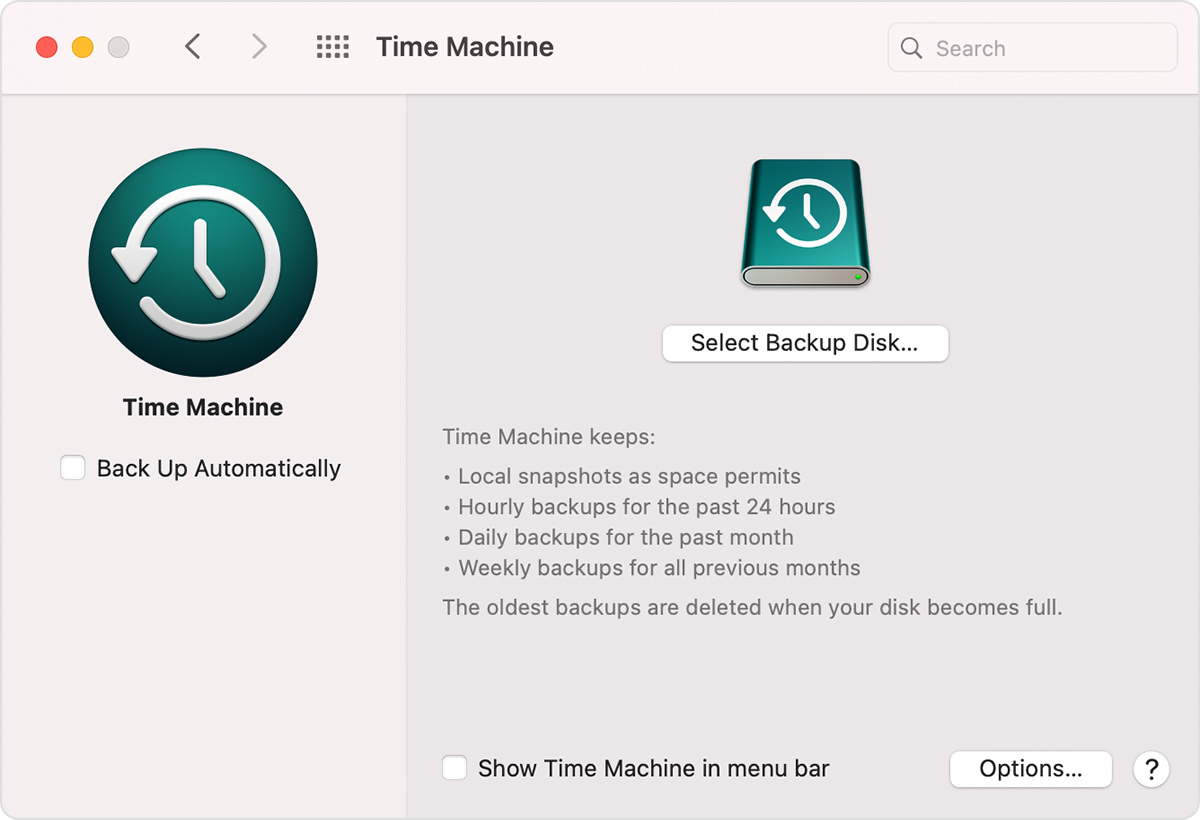
Back up Your Mac with Time Machine: https://support.apple.com/en-us/HT201250

macos-big-sur-system-prefs-tm.jpg


Restore your Mac from a backup: https://support.apple.com/en-us/HT203981

So before you return your friend‘s MBA, you’re purchasing a replacement Mac? If so, you can run Migration Assistant and set up your new Mac and migrate from borrowed MBA before you return it.
 

vofzxy

Supremacy Member
Joined
May 15, 2006
Messages
6,282
Reaction score
518
Back up Your Mac with Time Machine: https://support.apple.com/en-us/HT201250

macos-big-sur-system-prefs-tm.jpg


Restore your Mac from a backup: https://support.apple.com/en-us/HT203981

So before you return your friend‘s MBA, you’re purchasing a replacement Mac? If so, you can run Migration Assistant and set up your new Mac and migrate from borrowed MBA before you return it.

probably the M1X MBP

i only need 1 x backup on the day i receieve it, unless of course my freiend confirms he has done it liao
or give me a cleaned mac

nonetheless, because the current mac is borrowed, so need some confirmation insurance haha

thanks buddy !!!
 

Parka

Master Member
Joined
Jan 26, 2003
Messages
3,638
Reaction score
248
You wrote MS 365.

Do you have the 1TB OneDrive cloud storage? Is so just install OneDrive app on your Mac and sync all your desktop files online.

On the day you return the Mac to your friend, you just erase and reinstall MacOS.

When you get your new Mac, you just have to install the apps you use. All your files/data will be there in OneDrive sync back automatically to your desktop.

This is good because if your Mac crashes/breaks, you can still retrieve your files from any computer/phone/tablet. When you get your Mac back from repair, you also don't need to restore from Time Machine because no files were lost.

I only use Time Machine to go back in time to retrieve accidentally deleted files.

That's just my workflow.
 
Important Forum Advisory Note
This forum is moderated by volunteer moderators who will react only to members' feedback on posts. Moderators are not employees or representatives of HWZ Forums. Forum members and moderators are responsible for their own posts. Please refer to our Community Guidelines and Standards and Terms and Conditions for more information.
Top