Asus Laptop Users Thread - Part 2

kelun84

Senior Member
Joined
Jul 27, 2003
Messages
574
Reaction score
0
hi guys! me and 3 of my friend just joined the club today!

i would like to know is there any software that i can use to loop it for like 1 whole night to stress test the the lappy to see if it its stable or not?

wanna stress it cos it has 7days 1 to 1 exchange by Harvey Norman. wanna make sure its ok before the days end.

thank you very much =D
 

cnt

Greater Supremacy Member
Joined
Dec 1, 2000
Messages
99,887
Reaction score
146
anyone know where i can download the usb2.0 drivers for k43sv?

cant seem to find it anywhere.. asus website only have usb3.0 one..
usb 2.0 need driver meh? :s42:
 

cnt

Greater Supremacy Member
Joined
Dec 1, 2000
Messages
99,887
Reaction score
146
hi guys! me and 3 of my friend just joined the club today!

i would like to know is there any software that i can use to loop it for like 1 whole night to stress test the the lappy to see if it its stable or not?

wanna stress it cos it has 7days 1 to 1 exchange by Harvey Norman. wanna make sure its ok before the days end.

thank you very much =D
dun tink it is goot idea. laptop cpu run 100% for 24 hrs wait got smoke cum out :s42:
 

cnt

Greater Supremacy Member
Joined
Dec 1, 2000
Messages
99,887
Reaction score
146
for cpu got intelburn test n occt. ram can use memtest. hd got hdtune to test speed n scan surface. can also use realtemp to monitor cpu temp.

1st use realtemp check cpu temp when idle. i see the temp dare not do any test on cpu already :s42:
 

kelun84

Senior Member
Joined
Jul 27, 2003
Messages
574
Reaction score
0
for cpu got intelburn test n occt. ram can use memtest. hd got hdtune to test speed n scan surface. can also use realtemp to monitor cpu temp.

1st use realtemp check cpu temp when idle. i see the temp dare not do any test on cpu already :s42:

ah ha! ty very much! i will just loop awhile =D

tyty!!
 

kelun84

Senior Member
Joined
Jul 27, 2003
Messages
574
Reaction score
0
ok now i know why you say when i see the temp i will not test... whopping 90c! :love:
 

Nichi

Arch-Supremacy Member
Joined
Aug 28, 2002
Messages
21,251
Reaction score
2
usb 2.0 need driver meh? :s42:
i thought so too but device manager is saying my driver is missing or corrupted.

try to delete and re-detect but same thing still..
 

Nichi

Arch-Supremacy Member
Joined
Aug 28, 2002
Messages
21,251
Reaction score
2
i thought so too but device manager is saying my driver is missing or corrupted.

try to delete and re-detect but same thing still..
this is the problem.

Capture.jpg


it's affecting the usb ports. my mouse connected to it moves very very slowly and jerkly. tried other mouses also still the same
 

cnt

Greater Supremacy Member
Joined
Dec 1, 2000
Messages
99,887
Reaction score
146
this is the problem.

Capture.jpg


it's affecting the usb ports. my mouse connected to it moves very very slowly and jerkly. tried other mouses also still the same
u got try to install the usb 3.0 driver? or can also try to install the intel chipset driver :s42:
 
Last edited:

cnt

Greater Supremacy Member
Joined
Dec 1, 2000
Messages
99,887
Reaction score
146
tried all liao...

still cannot..
by rite i tink it shld be the chipset driver, Version V9.2.0.1015 tht one. try del the thing from device manager, install the chipset driver den reboot :s42:
 

Nichi

Arch-Supremacy Member
Joined
Aug 28, 2002
Messages
21,251
Reaction score
2
by rite i tink it shld be the chipset driver, Version V9.2.0.1015 tht one. try del the thing from device manager, install the chipset driver den reboot :s42:
just tried that again..

still doesnt work.

i uninstall both devices, install the chipset driver and restart.

now it is detected as Standard Enhanced PCI to USB Host Controller but still with the same error message.

guess i will bring it down to asus for them to take a look.

hope nothing drastic needs to be done as its my work laptop
 

cnt

Greater Supremacy Member
Joined
Dec 1, 2000
Messages
99,887
Reaction score
146
just tried that again..

still doesnt work.

i uninstall both devices, install the chipset driver and restart.

now it is detected as Standard Enhanced PCI to USB Host Controller but still with the same error message.

guess i will bring it down to asus for them to take a look.

hope nothing drastic needs to be done as its my work laptop
ok goot luck. btw how it becum like this? u reinstall os? :s42:
 

shachok86

Member
Joined
Jan 9, 2012
Messages
242
Reaction score
27
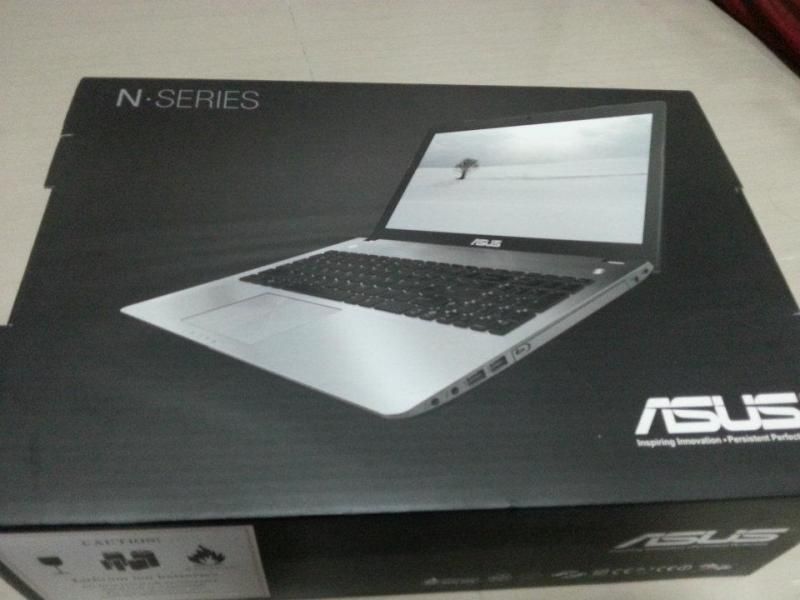
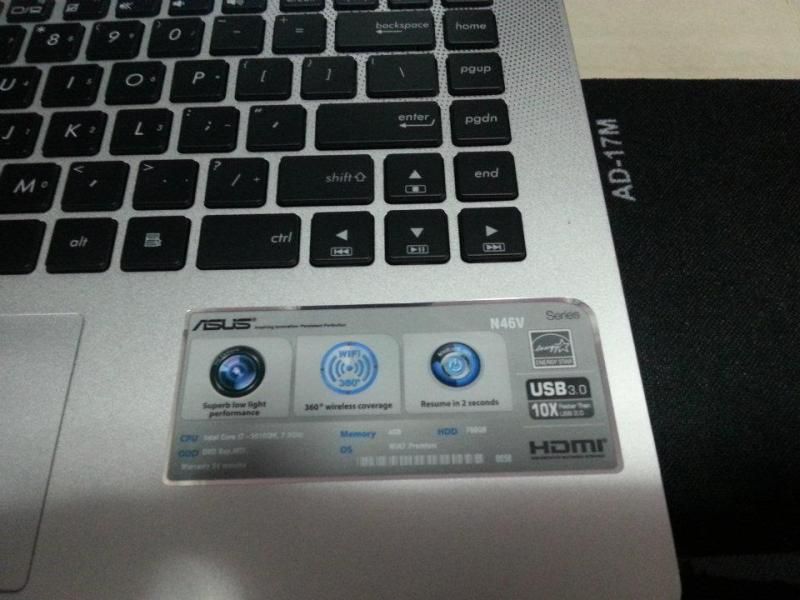
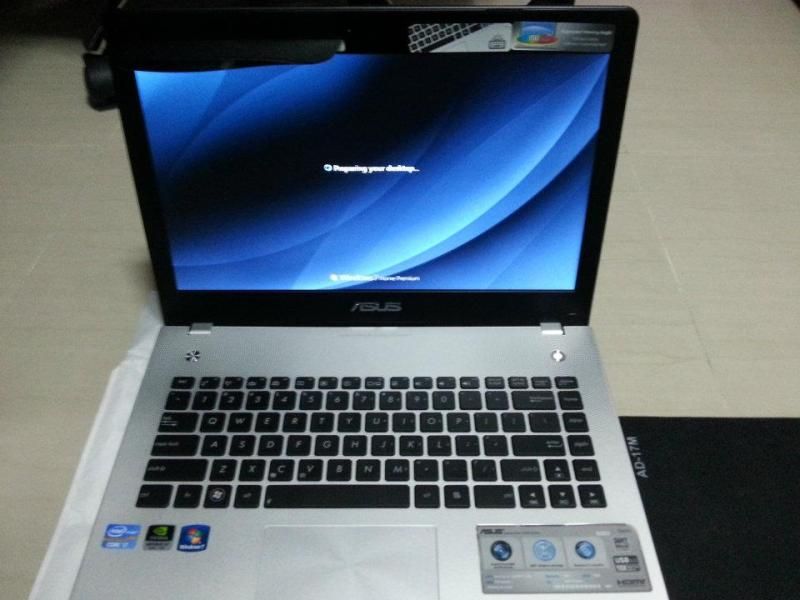
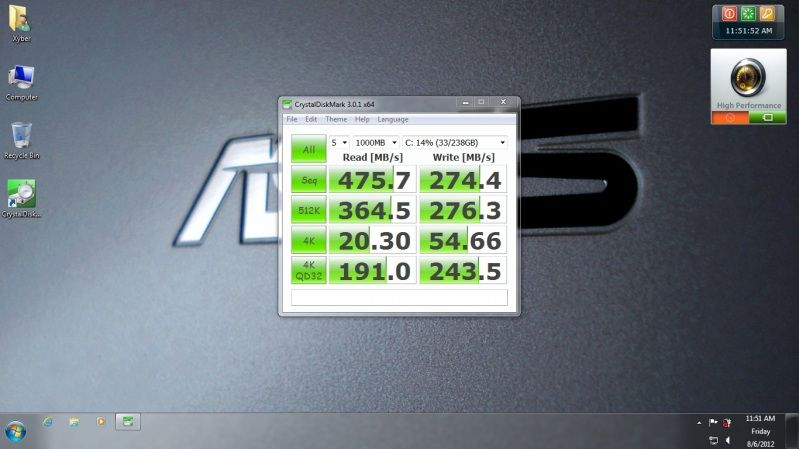
Bought Asus N46VZ yesterday. Reached home Make recovery disc and replace HDD with Crucial M4 256GB SSD. Recovery fail end up use full OS install and use driver cd install back all applications.

389673_10150854405932015_1976809419_n.jpg

601619_10150854406227015_376939749_n.jpg

534168_10150854406127015_534118775_n.jpg

AsusN46VZCrystalMark.jpg
 

Nichi

Arch-Supremacy Member
Joined
Aug 28, 2002
Messages
21,251
Reaction score
2
ok goot luck. btw how it becum like this? u reinstall os? :s42:
fixed it liao...

yesterday went to try install asus ai charge then it happened.

thought i uninstalled it during troubleshooting but somehow today when i checked it was still there.

went to uninstall, use ccleaner to clean up. restart and everything ok liao
 

teckgamer

Senior Member
Joined
Jun 25, 2012
Messages
1,282
Reaction score
1
I just recently bought ASUS N56VZ but it always have TABLET PC INPUT ACCESSORY HAVE STOPPED WORKING error when I play game. When this happen my whole laptop become crazily laggy. Anyone can help?
 
Important Forum Advisory Note
This forum is moderated by volunteer moderators who will react only to members' feedback on posts. Moderators are not employees or representatives of HWZ Forums. Forum members and moderators are responsible for their own posts. Please refer to our Community Guidelines and Standards and Terms and Conditions for more information.
Top