it will be less confusing if you know which ebook retailer you bought the book from. Here's a few I can remember off my head.
Google Play Books: You buy from Google Play (using a Google account) and you read the books in "Play Books" app. You can read that same book in a Play Books app installed on ANY android device, as long as you add the Google account to the device. There is also a web reader, just click on the book in the store when you are in a browser.
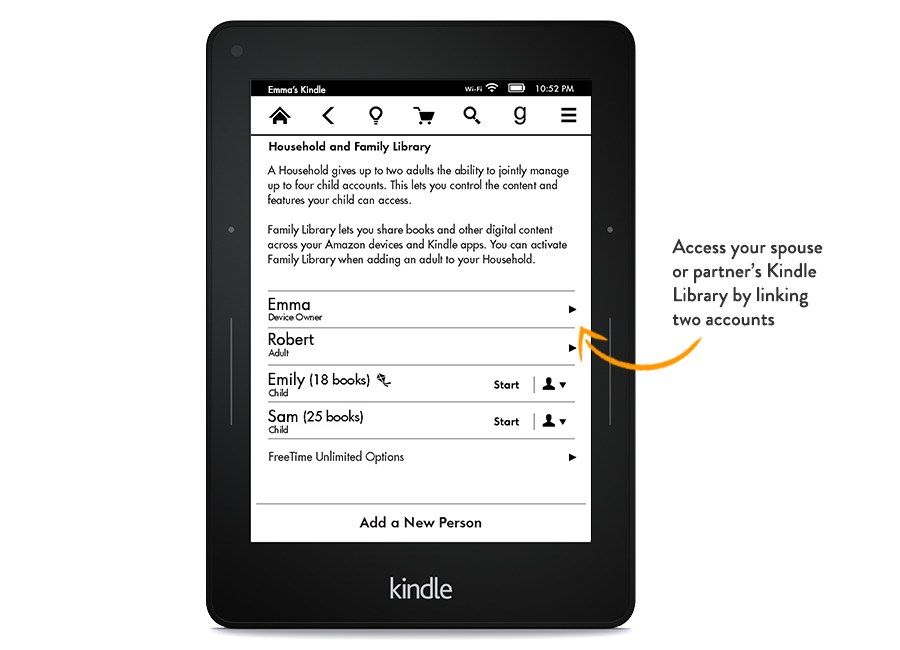
Amazon: Each purchase is tied to your Amazon account. Similar to Google, you can read using the web reader or an app called "Amazon Kindle". Whatever Android, Windows, iOS, Nook tables you use, just install that app and log in to your Amazon account, the book will be downloaded into the app.
Nook works exactly the same as Amazon. I have no experience with Kobo, but I assume it will not be different.
If your ebooks/emags/enewspapers are purchased from other sources (publishers?) then it depends on what they use to allow you to read the digital products. Usually they have an application you need to install (Zinio, Adobe Digital Editions, ...), then you just need to install that app on your tablet and login to the account.
Some publishers are generous and send you a digital file (likely a .pdf, .epub, .mobi) then you can just use any generic application that opens those file formats to read that product.
VERY unlikely there are ebooks "tied to the tablet" as you say. Even for newspaper subscription like NYT, you can just install their app on another device and login the same account to see your purchased book/mag subscriptions.
Your purchases are always tied to your account, unless the retailer has a lending program, like Amazon and many others (NYT). what this means is that you and your wife can have separate Amazon accounts can get to read stuff purchased from different accounts.