

You are using an out of date browser. It may not display this or other websites correctly.
You should upgrade or use an alternative browser.
You should upgrade or use an alternative browser.
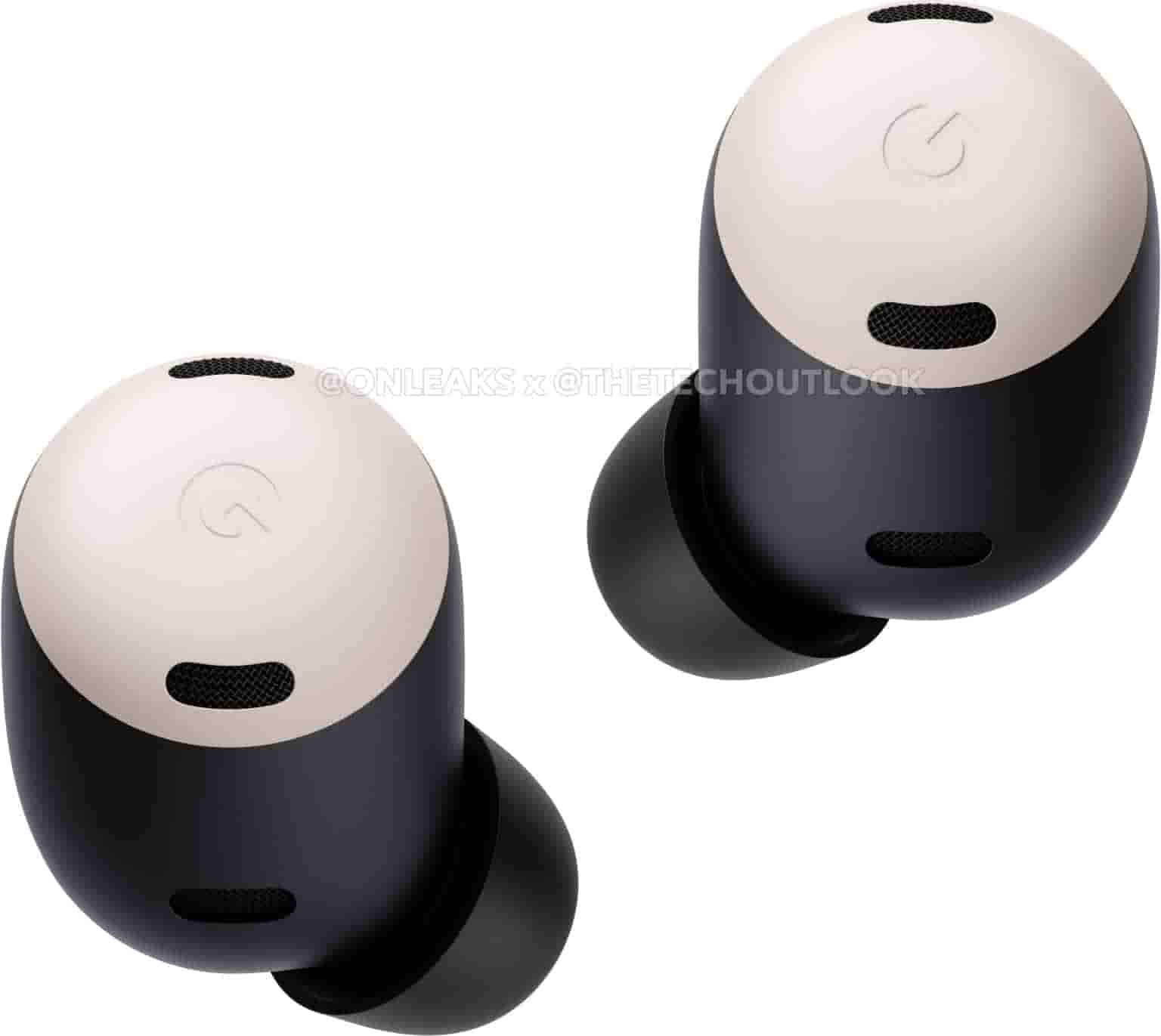
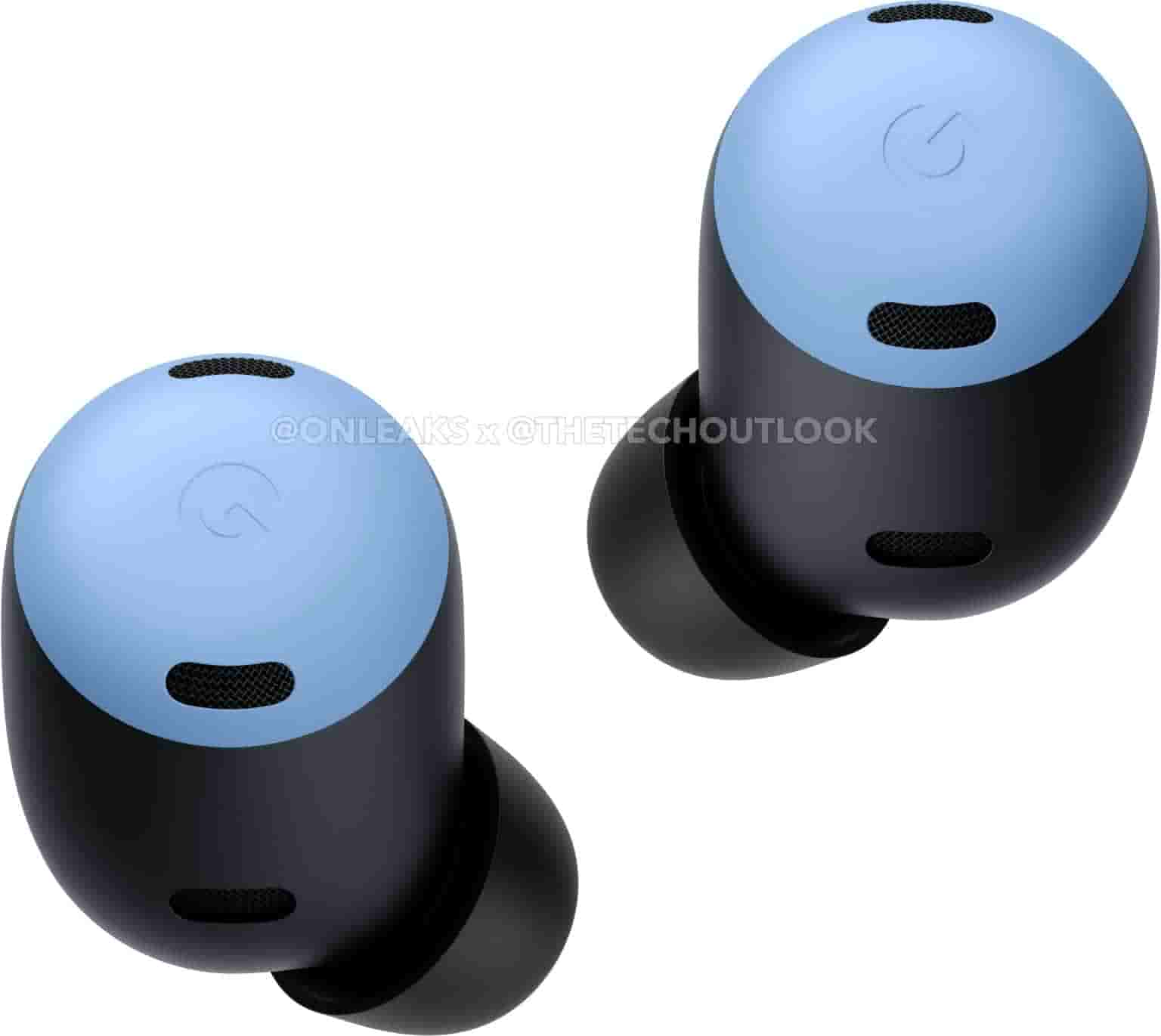
Google Pixel Buds Pro
- Thread starter limmk
- Start date
More options
Who Replied?

- Joined
- Jul 5, 2001
- Messages
- 44,782
- Reaction score
- 8,502
Compared to earlier buds, this is the true wireless (*cough 2018) buds. with ANC (cannot tweak the levels). benchmarking against competitors, may not be your cup of tea. it also depends to your listening. genres are only part of the equation. but in order to use spatial audio, you will need a p6 series and p7 seriesIs this PBP worth buying? Now $219AUD

halocast
Great Supremacy Member
- Joined
- Feb 19, 2005
- Messages
- 58,617
- Reaction score
- 1,786
Is this PBP worth buying? Now $219AUD
At this price i suggest u wait for the next pbp or pbp ultra or something.

- Joined
- Jul 5, 2001
- Messages
- 44,782
- Reaction score
- 8,502
- Joined
- Jul 5, 2001
- Messages
- 44,782
- Reaction score
- 8,502
- Joined
- Jul 5, 2001
- Messages
- 44,782
- Reaction score
- 8,502
Pixel Buds Pro
From SGD 224.25SGD 299
From SGD 224.25

anthonygreenisreal
Arch-Supremacy Member
- Joined
- Oct 2, 2014
- Messages
- 14,373
- Reaction score
- 7,767
Still too expensivePixel Buds Pro
From SGD 224.25SGD 299
- Joined
- Jul 5, 2001
- Messages
- 44,782
- Reaction score
- 8,502

garychengjw
Arch-Supremacy Member
- Joined
- Jul 18, 2010
- Messages
- 24,738
- Reaction score
- 2,285
- Joined
- Jul 5, 2001
- Messages
- 44,782
- Reaction score
- 8,502
And ta pai (每次) we only have 乌乌 black color optionLmao color refresh only. Waiting for renewal sia.

- Joined
- Jul 5, 2001
- Messages
- 44,782
- Reaction score
- 8,502
Google is not referring to a specific model (Pro, A-Series, etc.) today.
The instructions for boosting volume are split between Pixel and all other Android devices. On Google phones, it involves switching off “Disable absolute volume,” which is off by default on Android 13 and 14 devices we checked. Find it under the “Network” sub-menu, but you can just search for it:

Notably, these steps require going into Android’s Developer options. To enable that, go to Settings > About phone and tap “Build number” several times.Have you ever experienced low volume on your buds or humming sound? These situations are not ideal but have the possibility to happen right in the middle of our favorite song or on a call or during the most intense part of a movie.
The instructions for boosting volume are split between Pixel and all other Android devices. On Google phones, it involves switching off “Disable absolute volume,” which is off by default on Android 13 and 14 devices we checked. Find it under the “Network” sub-menu, but you can just search for it:
- Go into your phone settings
- Tap System
- Tap Developers options
- Under “Networking” turn “Disable absolute volume” off
- Joined
- Jul 5, 2001
- Messages
- 44,782
- Reaction score
- 8,502
- Joined
- Jul 5, 2001
- Messages
- 44,782
- Reaction score
- 8,502
- Joined
- Jul 5, 2001
- Messages
- 44,782
- Reaction score
- 8,502
- Joined
- Jul 5, 2001
- Messages
- 44,782
- Reaction score
- 8,502
- Joined
- Jul 5, 2001
- Messages
- 44,782
- Reaction score
- 8,502

Revolee993
Junior Member
- Joined
- Dec 21, 2019
- Messages
- 85
- Reaction score
- 23
How do these pairs of buds fare so far? I'm currently using Buds 2 Pro but looking to pick this up together with P8P.

- Joined
- Jan 1, 2000
- Messages
- 105,326
- Reaction score
- 3,863
Pretty good to be honest. The sound quality decent, worth the price. Comparable to Jabras.How do these pairs of buds fare so far? I'm currently using Buds 2 Pro but looking to pick this up together with P8P.

Important Forum Advisory Note
This forum is moderated by volunteer moderators who will react only to members' feedback on posts. Moderators are not employees or representatives of HWZ Forums. Forum members and moderators are responsible for their own posts.
Please refer to our Community Guidelines and Standards and Terms and Conditions for more information.
