Let's DELL

Status
Not open for further replies.

kimsix

Arch-Supremacy Member
Joined
Jan 6, 2009
Messages
19,973
Reaction score
9,931
That will be inviting Apple's lawyers for a coffee session. MacBook has been using that for decade. This is why you don't see any other laptop brands using such magnetic port tech.

Microsoft is using magnetic charging for surface already but both Apple and MS need specific pin in/out for this.

A futuristic wireless version will remove such connection completely and you can attached the charging cable any where along the base. This also prevent spoil pins and defective charging
 

MoneyFace =p

High Supremacy Member
Joined
Dec 17, 2010
Messages
35,374
Reaction score
401
This is a very good solution to the limited storage which ultrabooks have. All you have to do is to pop in a SD card and you can easily double your total storage (if your ssd is 250gb) inside your ultrabook! In addition, the SD card provides the flexibility and can act like a separate storage which you can use to back up your files. Again, redundancy!

Got any ultrabooks that come without SD card reader? I thought this feature is pretty much a given?

Then again, despite offering in built SD card reading solution in notebooks for decades, i find it a half hearted implementation as several notebooks i've used either cannot read/write well or have compatibility issue with cards. I have tried Sony, Acer, HP and find it a PITA to use my Samsung, SanDisk and Kingston microSD cards many a time. Apparently, the card readers are connect via PCIe x1 lane to the chipset PCH. The read and write speed were rather slow despite having such great bandwidth available to it.

I gave up and pop in my USB Transcend card reader. It not only works flawlessly, but also gave better speeds than the internally provided reader. So i don't think it has got much to say about, unless they are promoting it as some sort of best speed card reader available on market, which i highly doubt so... :s22:
 
Last edited:

bosssaizo

Senior Moderator
Senior Moderator
Joined
Jun 2, 2015
Messages
19,557
Reaction score
39
One thing that bugs me with the XPS design is this lid behind, I know it is to cover up the ugly identification stickers, but the visible cut lid looks ugly itself

09-ultrabooks-dell-xps-back-630.jpg


Dell could consider storing the identification digitally inside.
Or laser etching on one small corner will look nicer than a sticker.
Or even better laser etched a small QR code instead of the long words and numbers.

Then they can make the base a full body which improve the premium design required by people looking for premium ultrabook

Paste a decal sticker over the lid of the XPS :s11:
 

MoneyFace =p

High Supremacy Member
Joined
Dec 17, 2010
Messages
35,374
Reaction score
401
Dr.Vijay used to feature in HWZ's IT Shows video coverage as host, giving us a summary of wad to expect at the shows. Now like no more of such videos...

Yeah the last time in see him appearing in media coverage was like during the Intel Developer Forum (i think) for the Intel Realsense thingy lol.
 

bosssaizo

Senior Moderator
Senior Moderator
Joined
Jun 2, 2015
Messages
19,557
Reaction score
39
Hi guys,

with regards to how to claim your warranty, Boss will need your help here :)

Will need you guys to forward your redemption email letter to us at membership@hardwarezone.com.sg with your home address

We will forward it to dell to get it chope with the date and mail it back to you.

Hope that clarifies.
 

MoneyFace =p

High Supremacy Member
Joined
Dec 17, 2010
Messages
35,374
Reaction score
401
One thing that bugs me with the XPS design is this lid behind, I know it is to cover up the ugly identification stickers, but the visible cut lid looks ugly itself

09-ultrabooks-dell-xps-back-630.jpg


Dell could consider storing the identification digitally inside.
Or laser etching on one small corner will look nicer than a sticker.
Or even better laser etched a small QR code instead of the long words and numbers.

Then they can make the base a full body which improve the premium design required by people looking for premium ultrabook

I believe it is done to prevent/slow down thermal deterioration of the print due to the heat from the base of laptop. Even though my old VAIO CR does not implement such flap, Sony is meticulous enough to paste a plastic flim over the serial number sticker and the Windows COA sticker unfound on other brand, say Acer :s22:

Over the years, i finally see the benefit of having such protective flim. Note that the flim did not cover the entire area of the COA and serial number stickers. The unprotected area started fraying and tearing over the years while leaving the protected area well intact, as it also turned yellowish at the same time. While i've seen my friends Acer laptop without protection on sticker becoming so dry and cui that the product key has become unreadable.

So having this flap protect the serial number info from direct exposure to surroundings and it particular useful especially if user need to RMA his laptop 3-4 years down the road (if he also extend warranty till that long too).
 

what88

Supremacy Member
Joined
Aug 11, 2007
Messages
6,557
Reaction score
17
You all like the videos is it? Feedback also leh. HAHAHA.

At least we can do this a little more often it is engaging and entertaining at the same time.

I found the videos are too short, sometime can't even figured out what they wanted to show us. Think 2~3 minutes will be better option and if possible get a professional actors. =:p
 

MoneyFace =p

High Supremacy Member
Joined
Dec 17, 2010
Messages
35,374
Reaction score
401
Perhaps it would be a great idea to tie up with furniture makers to install wireless charging mats on the tables.

Didn't IKEA already started releasing their home smart furnitures with wireless charging capability?


screen-shot-2015-04-15-at-1.40.53-pm-100579504-primary.idge.png


http://www.hardwarezone.com.sg/m/tech-news-ikea-announces-qi-enabled-furniture-collection-mwc-2015

http://www.computerworld.com.sg/print-article/84322/
 

what88

Supremacy Member
Joined
Aug 11, 2007
Messages
6,557
Reaction score
17
Hi guys,

with regards to how to claim your warranty, Boss will need your help here :)

Will need you guys to forward your redemption email letter to us at membership@hardwarezone.com.sg with your home address

We will forward it to dell to get it chope with the date and mail it back to you.

Hope that clarifies.

Boss, can this warranty thing be done on the spot at Funan Mall branch?

Going to collect DPC in later of the day.
 

MoneyFace =p

High Supremacy Member
Joined
Dec 17, 2010
Messages
35,374
Reaction score
401
Nah... Hahaha. Alienware alpha looks awesome. But Boss only have 180 points. :spin:

So all admin and mod accounts also have the points system implemented? I thought you all have some sort of different kind of account...

Mai snatch Alienware Alpha from me la.. :sad:
 

bosssaizo

Senior Moderator
Senior Moderator
Joined
Jun 2, 2015
Messages
19,557
Reaction score
39
Boss, can this warranty thing be done on the spot at Funan Mall branch?

Going to collect DPC in later of the day.

Hmm don't think so. Better for us to consolidate everyone who have collected their prizes so that we won't miss anyone out.
 

bosssaizo

Senior Moderator
Senior Moderator
Joined
Jun 2, 2015
Messages
19,557
Reaction score
39
I found the videos are too short, sometime can't even figured out what they wanted to show us. Think 2~3 minutes will be better option and if possible get a professional actors. =:p

HAHA.. Will feedback on that. But overall videos are much better than talking about an image right? Just want to know how the ground feels :D
 

bosssaizo

Senior Moderator
Senior Moderator
Joined
Jun 2, 2015
Messages
19,557
Reaction score
39
So all admin and mod accounts also have the points system implemented? I thought you all have some sort of different kind of account...

Mai snatch Alienware Alpha from me la.. :sad:

The system doesn't differentiate accounts. hahaha. No lah. 180 points VS 1132 points. How to fight? :s22:
 

MoneyFace =p

High Supremacy Member
Joined
Dec 17, 2010
Messages
35,374
Reaction score
401
I don't think it matters. Firstly, the button is of an entirely different feel and it's considerably far from the regular keyboard. Most laptop manufacturers place their power buttons close to the keyboard and I have never heard anything like what you had mentioned before.

If you really want to play safe, just simply choose what the power button does inside your Power Options from the Control Panel in Windows. If you pick pressing the power button does nothing, you can resolve this issue.

In any case, Dell has made the button slightly depressed so that such incidents will not happen.
It really did happen to me once lol. The problem is key typing is very fast and spontaneous and there's isn't time for me to react after i accidentally clicked on it.

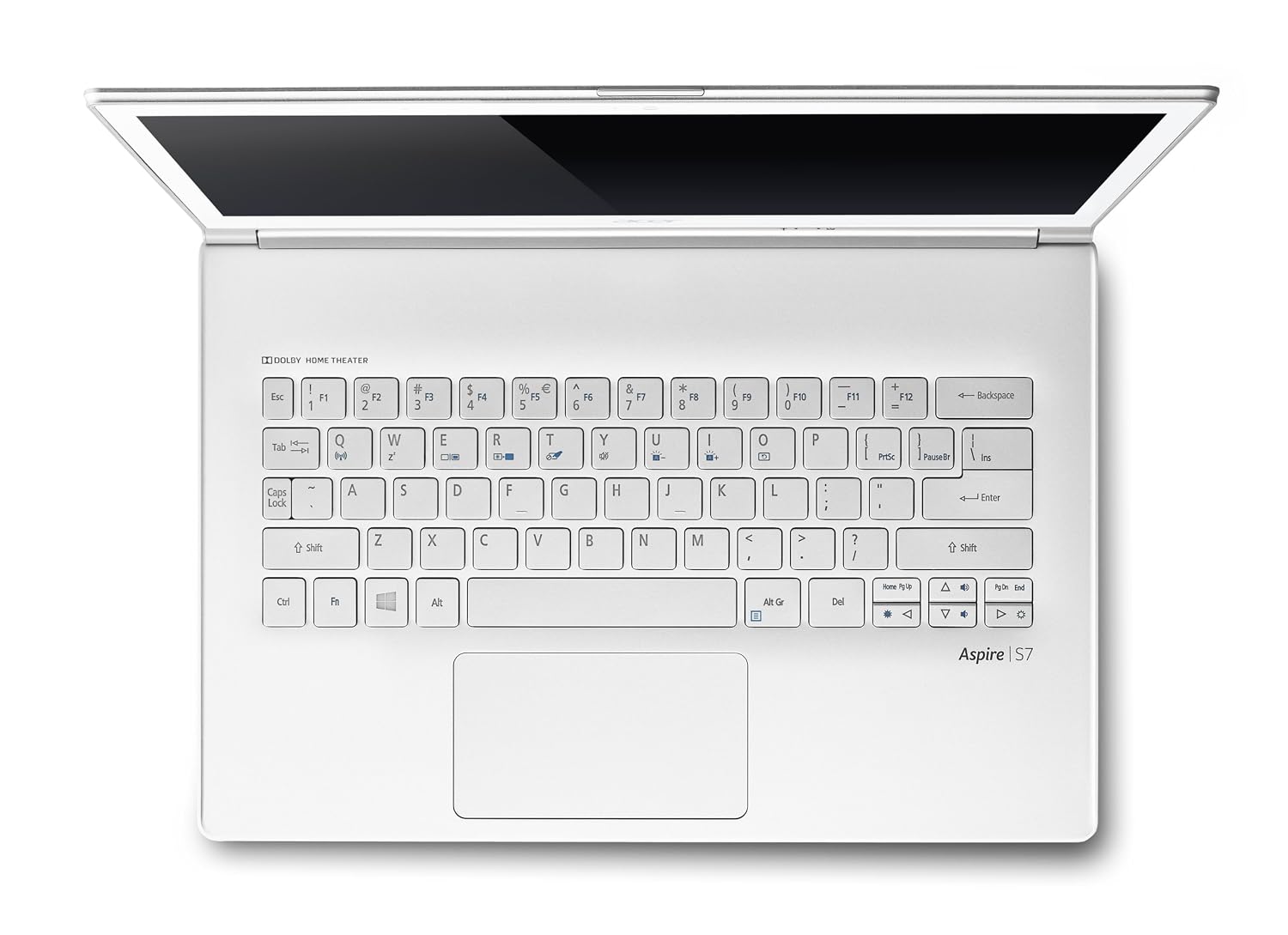
So far i only see Dell and ASUS implementing power buttons so close to the nearest keyboard button. Look at HP, Acer, Lenovo, Toshiba's ultrabook keyboard layout:

HP
HP-SPECTRE-6.jpg


Acer
81-1I-rOgpL._SL1500_.jpg


Lenovo
csm_Lenovo-U41-70-37_6410bedda6.jpg


Toshiba
toshiba-portege-z835-keyboard.jpg


None of which were placed to the right or left of nearest keyboard button and all on top to prevent such issue from even happening.

Using your method to disable power button can only be a workaround but doesn't solve the issue and also reduces the functionality. I rather leave my power button for direct shut down function instead of needing to go into Start Menu to do it. For me, i may avoid choosing this XPS 13 if i were to get a new ultrabook for myself. :o
 
Last edited:

bosssaizo

Senior Moderator
Senior Moderator
Joined
Jun 2, 2015
Messages
19,557
Reaction score
39
Hi guys,

with regards to how to claim your warranty, Boss will need your help here :)

Will need you guys to forward your redemption email letter to us at membership@hardwarezone.com.sg with your home address

We will forward it to dell to get it chope with the date and mail it back to you.

Hope that clarifies.

We have gotten someone to email you guys. So just respond to that email will do. :s12:
 
Status
Not open for further replies.
Important Forum Advisory Note
This forum is moderated by volunteer moderators who will react only to members' feedback on posts. Moderators are not employees or representatives of HWZ Forums. Forum members and moderators are responsible for their own posts. Please refer to our Community Guidelines and Standards and Terms and Conditions for more information.
Top