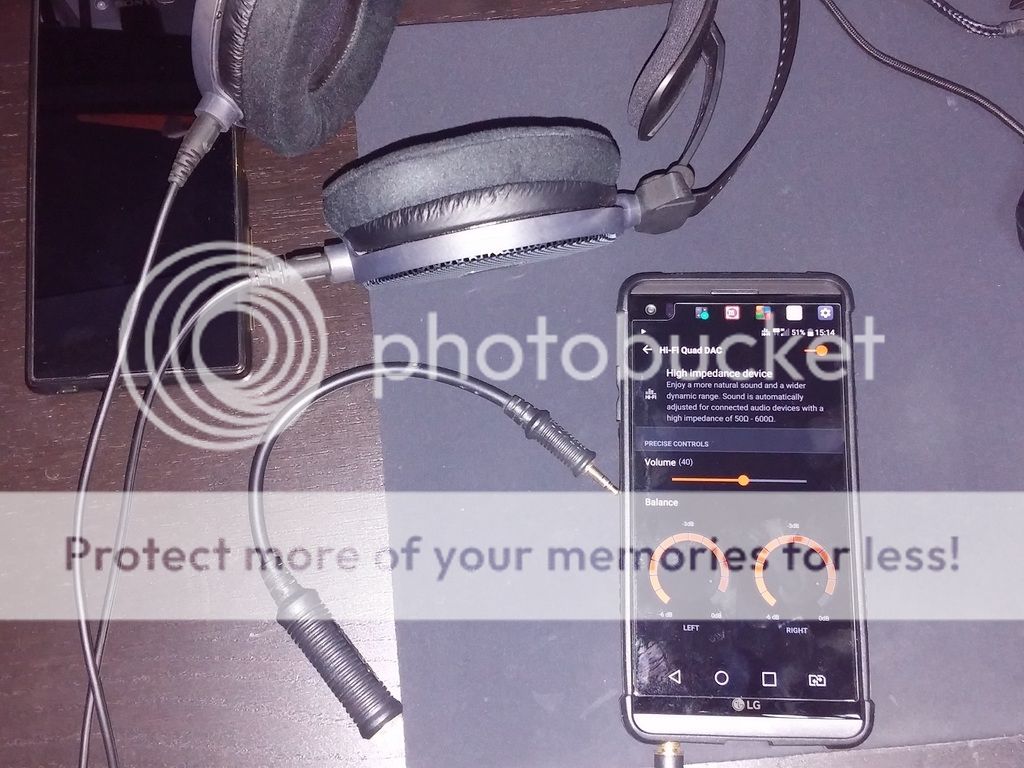
This was covered in HF, not sure if it was covered here in the previous posts, but regardless, here's a trick to get the V20 to stay in 'High Impedance' mode even when you're using a low impedance headphone (don't advise this for IEM's though). Here's a pic of my ATH -R70x (470 Ohm) headphone attached to my V20, it IS in 'High Impedance' mode naturally.
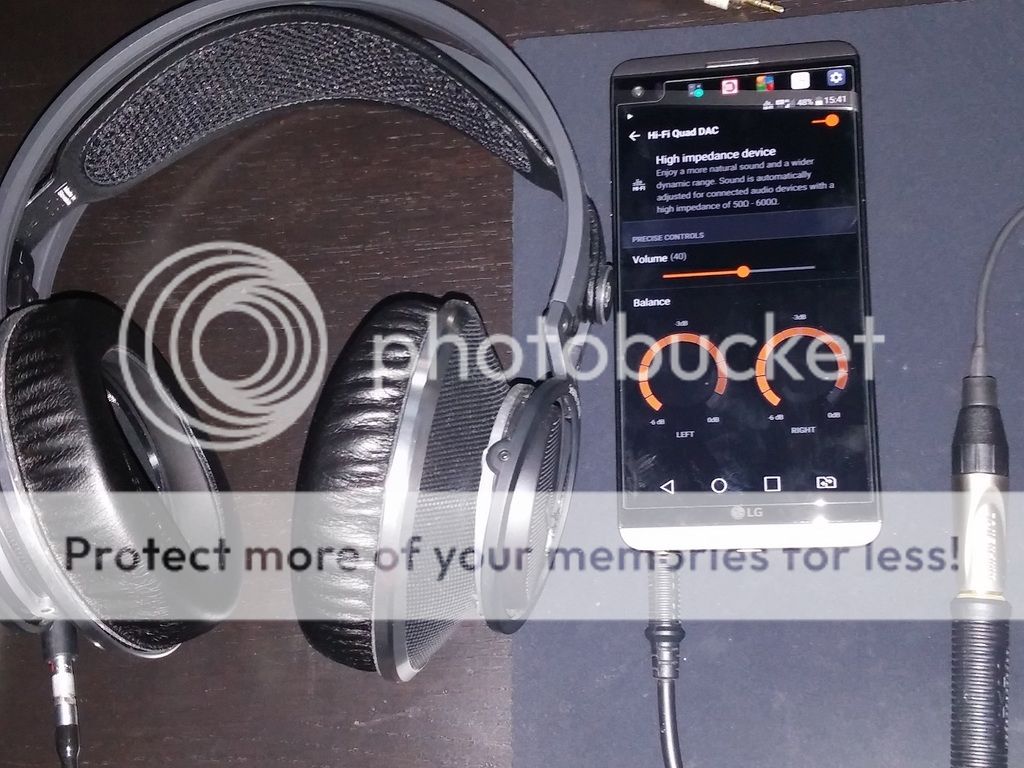
Use a 3.5mm to 6.3mm adapter (your 50 ohm or higher headphones MUST be attached) and plug them into the V20. The V20 will kick into 'High Impedance' mode, you can now detach the headphone from the adapter BUT leave the adapter connected to the V20 to keep it in 'High Impedance' mode. You can now attach a lower impedance can (like the K812 in the pic below which is only 32 Ohm) and the V20 will play music in 'High Impedance' mode.
Even if you have only the adapter w/o a high impedance headphone, you can still plug in the adapter to the V20 (don't connect the adapter to a headphone yet, leave the adapter unconnected). You'll note that the V20 goes into 'External Device' mode, you can now attach the headphone and it'll stay in 'External Device' mode. From what I've gathered, 'External Device' mode loudness is somewhere between 'High Impedance' and 'Normal Audio' mode.