[Maylyn's Review] ASUS RT-AC87U

maylyn

Master Member
Joined
Jul 12, 2007
Messages
4,861
Reaction score
77
Now really looking like ferrari... hahas

The Ferrari vroom vroom will be the next ASUS highest end router, it's currently still under R&D and will announce it in due time ;) :D

It's more than capable to deliver more than 1Gbps Fiber services from all our local ISPs and ASUS are not stopping @ 2Gbps. XGPON 10G is in the works as well :eek:

shall-we-take-my-ferrari-vroom-vroom-cars-carzz_57252.jpg
 

chtiong

Junior Member
Joined
Jun 10, 2008
Messages
13
Reaction score
0
Singtel Fiber Issue

Anyone able to help teach me how can I set up RT-AC87U firmware 3.0.0.4.378_7177 to replace my Singtel Aztech Router. I'm subscribed Singtel 1Gbps Fiber with Mio TV.

Currently my house Singtel ONT have 2 different Fiber account, one is for me and another for my housemate, she used Port 2 and i used Port 1. I take out the Singtel Aztech Router, plug in cable from ONT to Asus WAN port. I reset RT-AC87U to factory setting, Turn off Asus and Singtel ONT for 5 minutes, then I turn on. Log in to AC-87U, can set everything, but not sure how to setup internet and Mio TV to Asus. From Quick Internet Setup, I choose everthing is auto to Singtel, for LAN,NAT Acceleration set to AUTO. LAN,IPTV I try with Singtel-MIO and Singtel-Others, WAN Connection Type set to automatic IP try, change to Static IP also try.

I try with above methods but my AC87U still can't go to internet, From the Network Map, I can see Internet status is "Connected", WAN IP, Subnet, DNS, Gateway all have, but PC show no internet connection. Phone connected to Asus also no internet connection. Sure NO Mio TV too.

Anyone can teach me what should I do ? Tq.
 

Francis85

Arch-Supremacy Member
Joined
Jun 3, 2007
Messages
11,774
Reaction score
8
Hi,

Which singtel router you using, if it is a Aztech 7009, need to set special requirements for ISP in Asus. Thanks.

Regards


Anyone able to help teach me how can I set up RT-AC87U firmware 3.0.0.4.378_7177 to replace my Singtel Aztech Router. I'm subscribed Singtel 1Gbps Fiber with Mio TV.

Currently my house Singtel ONT have 2 different Fiber account, one is for me and another for my housemate, she used Port 2 and i used Port 1. I take out the Singtel Aztech Router, plug in cable from ONT to Asus WAN port. I reset RT-AC87U to factory setting, Turn off Asus and Singtel ONT for 5 minutes, then I turn on. Log in to AC-87U, can set everything, but not sure how to setup internet and Mio TV to Asus. From Quick Internet Setup, I choose everthing is auto to Singtel, for LAN,NAT Acceleration set to AUTO. LAN,IPTV I try with Singtel-MIO and Singtel-Others, WAN Connection Type set to automatic IP try, change to Static IP also try.

I try with above methods but my AC87U still can't go to internet, From the Network Map, I can see Internet status is "Connected", WAN IP, Subnet, DNS, Gateway all have, but PC show no internet connection. Phone connected to Asus also no internet connection. Sure NO Mio TV too.

Anyone can teach me what should I do ? Tq.
 

renfred89

Arch-Supremacy Member
Joined
Nov 11, 2007
Messages
17,520
Reaction score
19
Anyone able to help teach me how can I set up RT-AC87U firmware 3.0.0.4.378_7177 to replace my Singtel Aztech Router. I'm subscribed Singtel 1Gbps Fiber with Mio TV.

Currently my house Singtel ONT have 2 different Fiber account, one is for me and another for my housemate, she used Port 2 and i used Port 1. I take out the Singtel Aztech Router, plug in cable from ONT to Asus WAN port. I reset RT-AC87U to factory setting, Turn off Asus and Singtel ONT for 5 minutes, then I turn on. Log in to AC-87U, can set everything, but not sure how to setup internet and Mio TV to Asus. From Quick Internet Setup, I choose everthing is auto to Singtel, for LAN,NAT Acceleration set to AUTO. LAN,IPTV I try with Singtel-MIO and Singtel-Others, WAN Connection Type set to automatic IP try, change to Static IP also try.

I try with above methods but my AC87U still can't go to internet, From the Network Map, I can see Internet status is "Connected", WAN IP, Subnet, DNS, Gateway all have, but PC show no internet connection. Phone connected to Asus also no internet connection. Sure NO Mio TV too.

Anyone can teach me what should I do ? Tq.

Reset the ac87u once again, set up as new router without restoring any setting if u have previously saved.

Set to automatic IP and special isp requirements to singtel-others. The rest leave it to default. No static WAN IP but you can set your static LAN IP if you want..

Mac address cloning is not needed..
 

chtiong

Junior Member
Joined
Jun 10, 2008
Messages
13
Reaction score
0
Singtel Fiber

Hi,

I'm using Singtel Aztech FG7009GR(AC).

I reset RT-AC87U few times already, still the same. Asus show Internet connected but PC and phone show no internet. If connect AC87U to Aztech, able go to internet.

What is the special requirements for ISP in Asus ?

I call Singtel they don't want to support this, Singtel only give me Aztech settings, If swap to Asus router, they ask me call Asus technician.

Provide from Singtel :

IP : 192.168.1.1
Subnet Mask : 255.255.255.0
Home Gateway : 192.168.1.254 (Looks like only for Aztech)
DNS : 165.21.83.88 / 165.21.100.88

All of this even I not key in to AC-87U still able to get it auto except subnet mask became 255.255.235.0.
 

Francis85

Arch-Supremacy Member
Joined
Jun 3, 2007
Messages
11,774
Reaction score
8
Hi,

When you are inside the setup of Asus, 2nd page tick checkpage special requirements from ISP, then look at the right side select Singtel-Others, this is what I did then voila after a few more pages, my SNBB is up and running.

Regards


Hi,

I'm using Singtel Aztech FG7009GR(AC).

I reset RT-AC87U few times already, still the same. Asus show Internet connected but PC and phone show no internet. If connect AC87U to Aztech, able go to internet.

What is the special requirements for ISP in Asus ?

I call Singtel they don't want to support this, Singtel only give me Aztech settings, If swap to Asus router, they ask me call Asus technician.

Provide from Singtel :

IP : 192.168.1.1
Subnet Mask : 255.255.255.0
Home Gateway : 192.168.1.254 (Looks like only for Aztech)
DNS : 165.21.83.88 / 165.21.100.88

All of this even I not key in to AC-87U still able to get it auto except subnet mask became 255.255.235.0.
 

leonaheidern

Arch-Supremacy Member
Joined
Mar 29, 2001
Messages
19,764
Reaction score
2,218
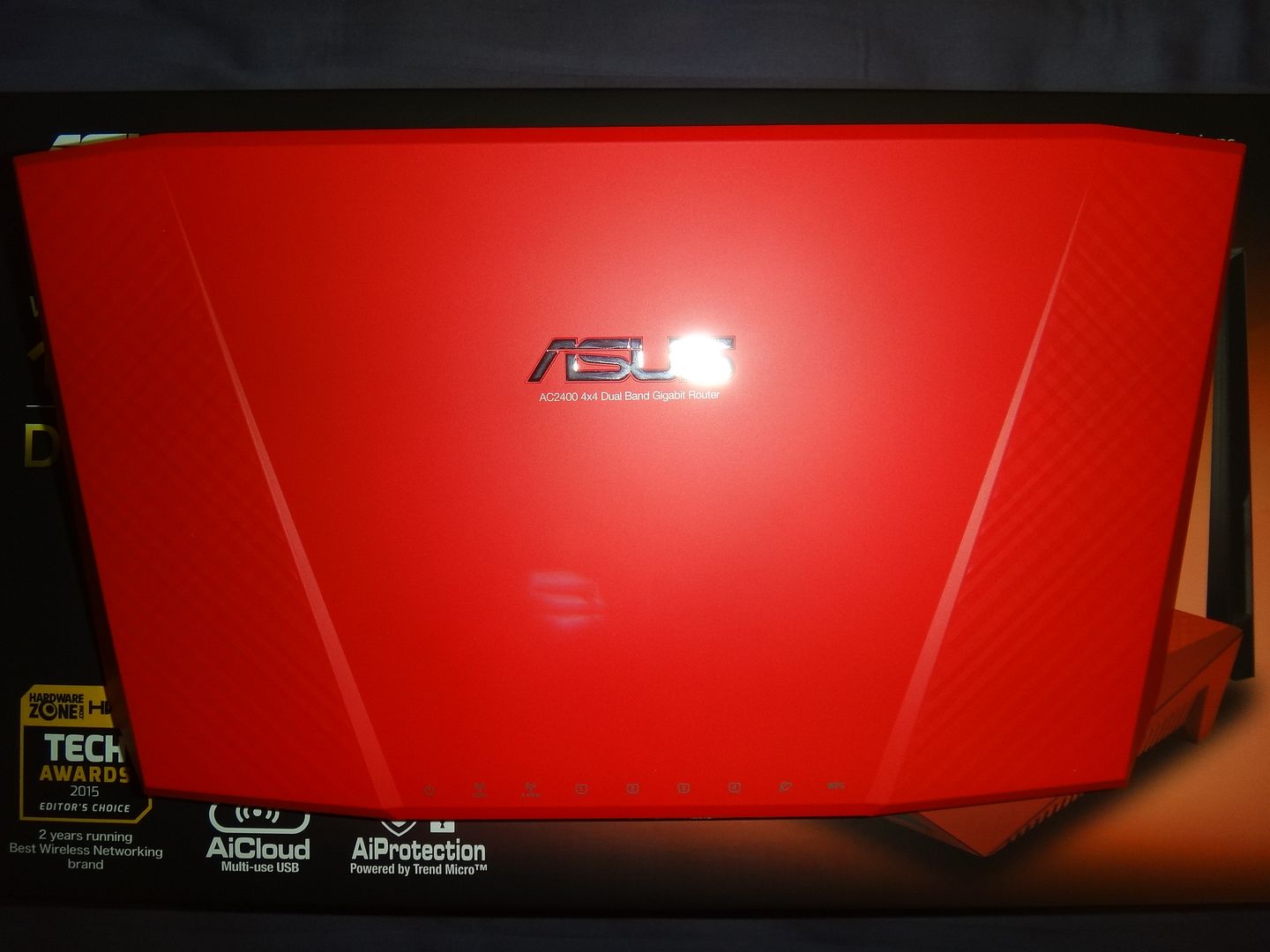
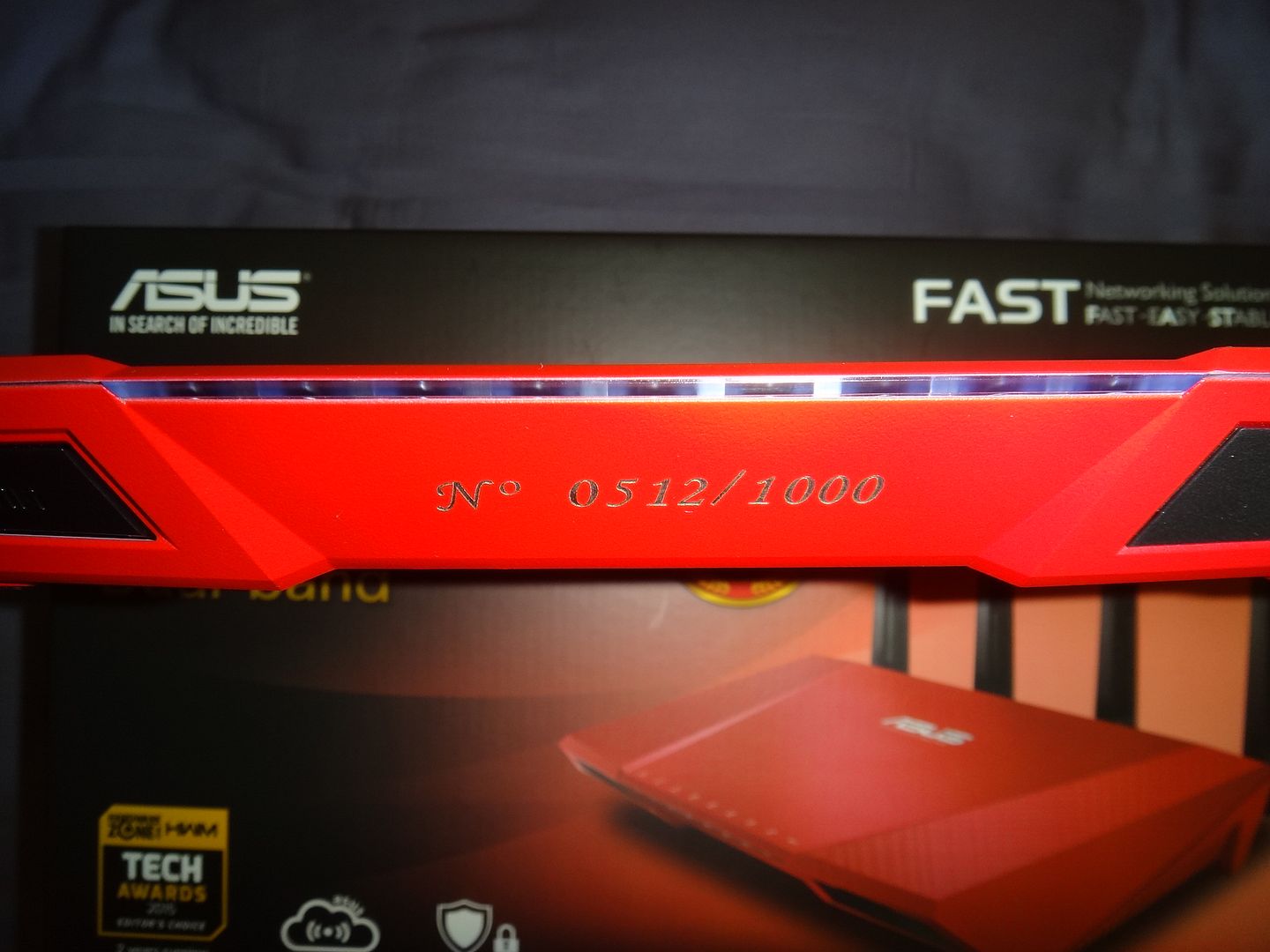
ASUS RT-AC87U Red Limited Edition ;)

How about having one of the ASUS RT-AC87U Red Limited Edition? it's only 1000 pieces available for retail worldwide ^^
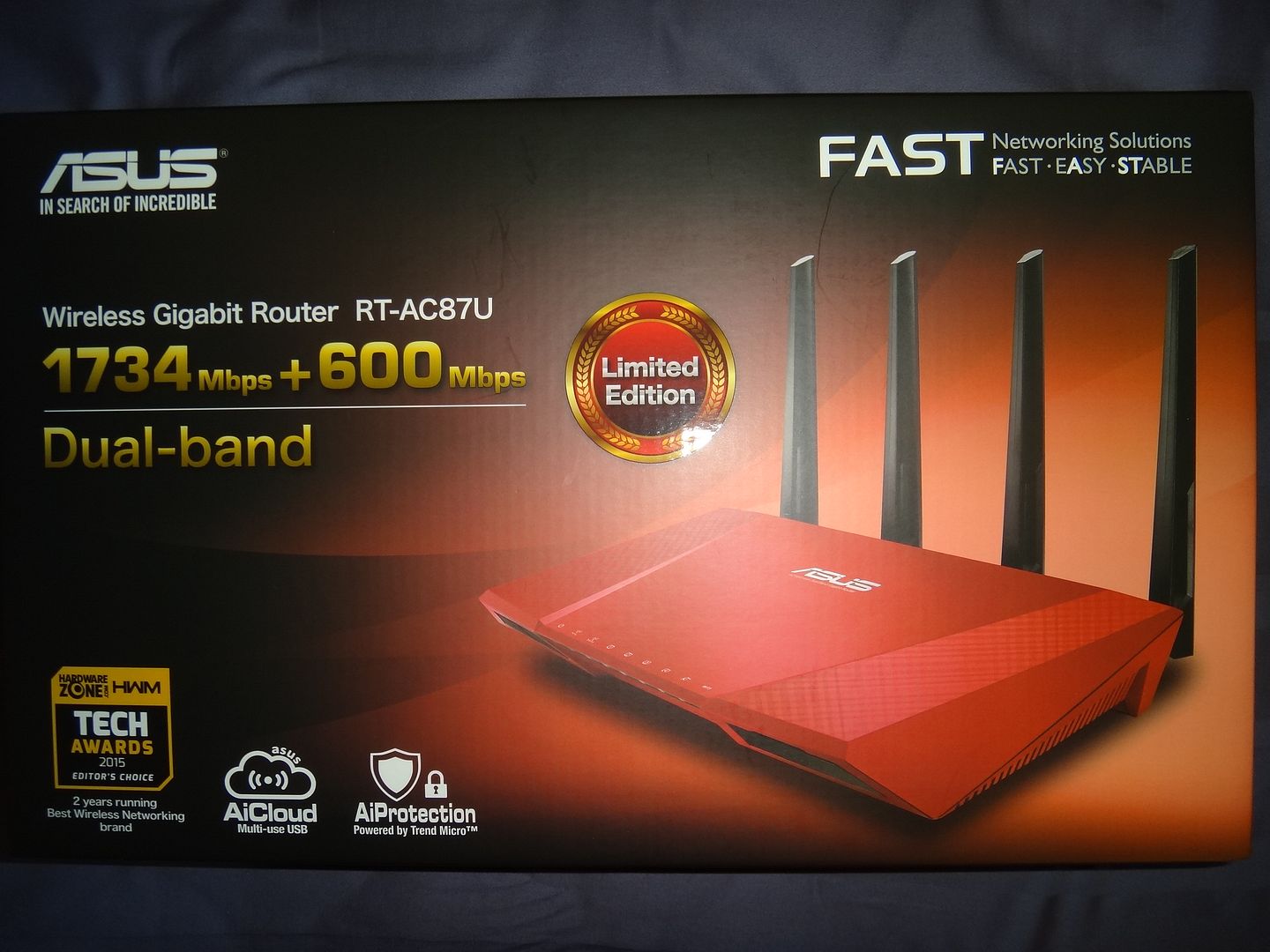

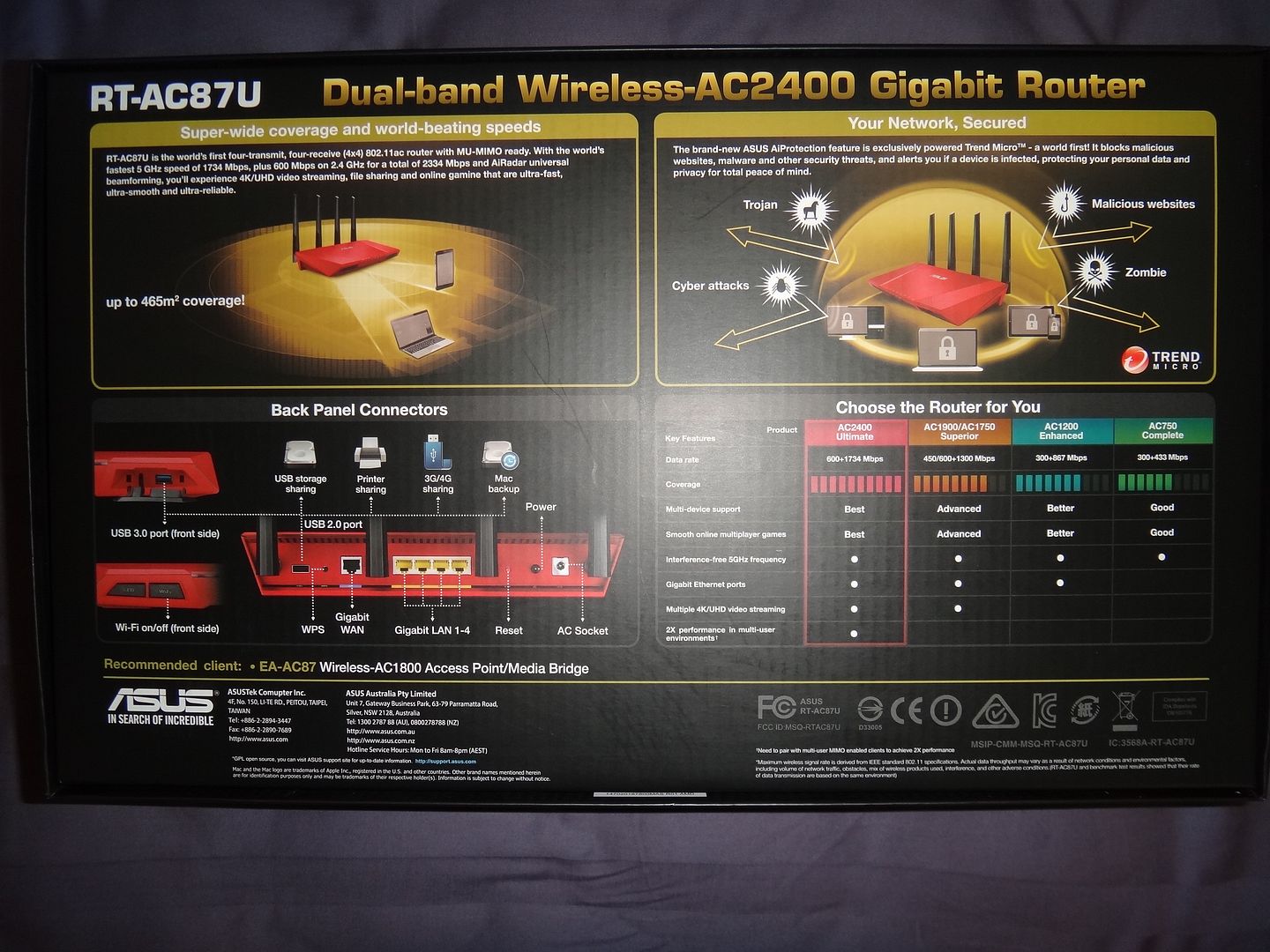


US Package :)
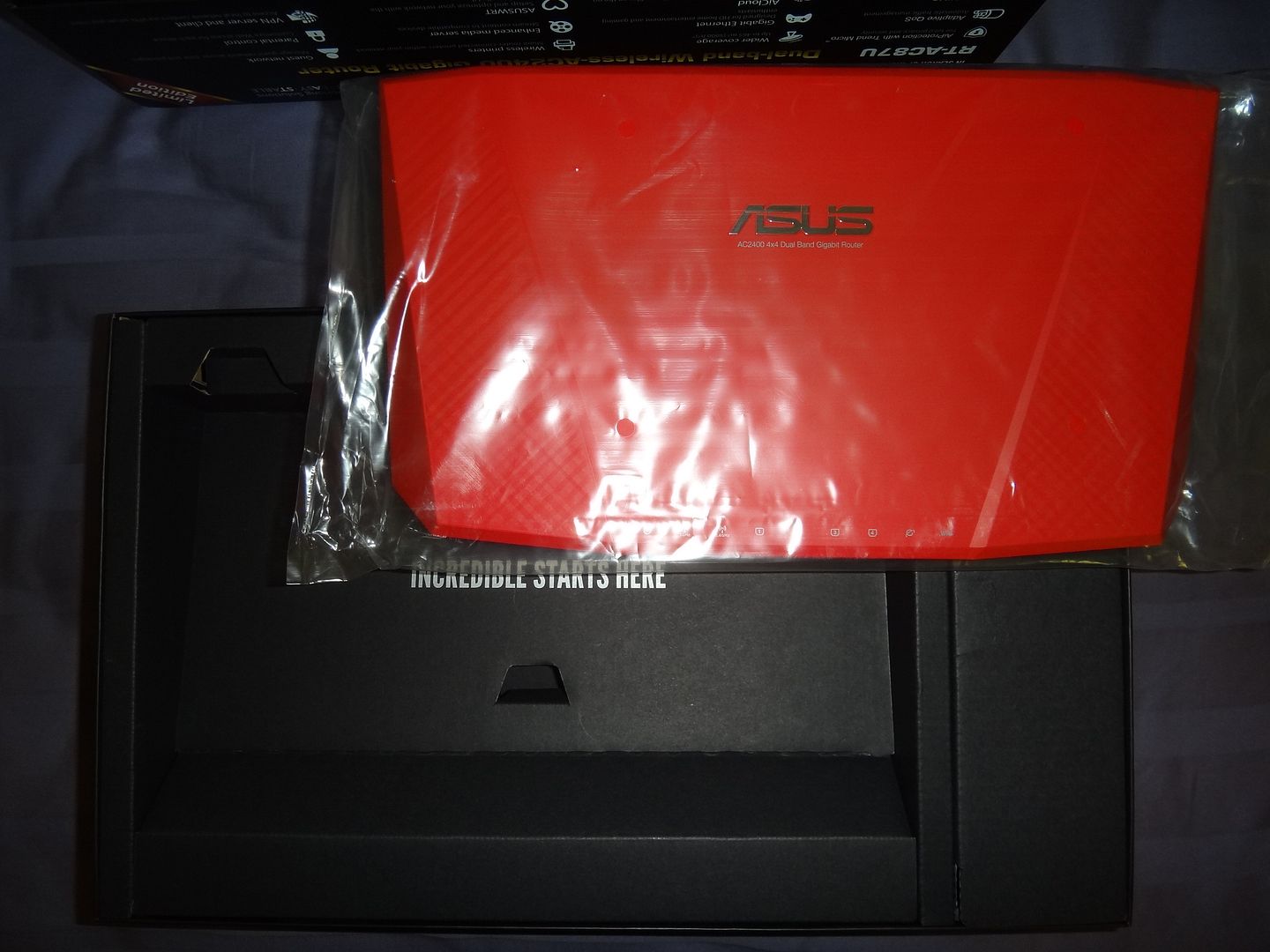


Bleh wrong shade of red, should have gone with wine red for more class.
 

chtiong

Junior Member
Joined
Jun 10, 2008
Messages
13
Reaction score
0
Yup. I did it. Try with Singtel-Others and Singtel-MIO still PC and phone no internet connection but AC87U internet status show Connected.

QUOTE=Francis85;95259010]Hi,

When you are inside the setup of Asus, 2nd page tick checkpage special requirements from ISP, then look at the right side select Singtel-Others, this is what I did then voila after a few more pages, my SNBB is up and running.

Regards[/QUOTE]
 

Francis85

Arch-Supremacy Member
Joined
Jun 3, 2007
Messages
11,774
Reaction score
8
Hi,

on wireless or LAN for pc ? Thanks.

Regards


Yup. I did it. Try with Singtel-Others and Singtel-MIO still PC and phone no internet connection but AC87U internet status show Connected.

QUOTE=Francis85;95259010]Hi,

When you are inside the setup of Asus, 2nd page tick checkpage special requirements from ISP, then look at the right side select Singtel-Others, this is what I did then voila after a few more pages, my SNBB is up and running.

Regards
[/QUOTE]
 

renfred89

Arch-Supremacy Member
Joined
Nov 11, 2007
Messages
17,520
Reaction score
19
Hi,

I'm using Singtel Aztech FG7009GR(AC).

I reset RT-AC87U few times already, still the same. Asus show Internet connected but PC and phone show no internet. If connect AC87U to Aztech, able go to internet.

What is the special requirements for ISP in Asus ?

I call Singtel they don't want to support this, Singtel only give me Aztech settings, If swap to Asus router, they ask me call Asus technician.

Provide from Singtel :

IP : 192.168.1.1
Subnet Mask : 255.255.255.0
Home Gateway : 192.168.1.254 (Looks like only for Aztech)
DNS : 165.21.83.88 / 165.21.100.88

All of this even I not key in to AC-87U still able to get it auto except subnet mask became 255.255.235.0.

Then likely your ac87u is a DOA set.. there shouldn't be anything else you need to configure except the IPTV profile..
 

Francis85

Arch-Supremacy Member
Joined
Jun 3, 2007
Messages
11,774
Reaction score
8
Hi,

Make sure on DHCP, then try the below. Thanks.

Please try to ipconfig/release, then ipconfig/renew, once done that then ipconfig/flush dns using cmd,

Regards


Try on wireless.....

Will it because of AC87U firmware ?

:sad:
 

dfran1

Member
Joined
Jan 23, 2015
Messages
209
Reaction score
0
Hi,
I am getting this in my log with 7177

Jul 17 19:48:07 disk monitor: be idle
Jul 17 19:48:33 qtn: bootcfg.tgz exists
Jul 17 19:48:41 crond[452]: time disparity of 285108 minutes detected
Jul 17 19:59:57 ntp: start NTP update
Jul 17 20:00:07 disk_monitor: Got SIGALRM...
Jul 17 20:59:57 nap: start NTP update

I do not have any drives plugged in and I have all that drive stuff disabled

I had beam forming working for the first day with this firmware, after 1 day it failed, and can not get it to work again.
 

MarioCaires

Junior Member
Joined
May 18, 2015
Messages
15
Reaction score
0
Hi,
I am getting this in my log with 7177

Jul 17 19:48:07 disk monitor: be idle
Jul 17 19:48:33 qtn: bootcfg.tgz exists
Jul 17 19:48:41 crond[452]: time disparity of 285108 minutes detected
Jul 17 19:59:57 ntp: start NTP update
Jul 17 20:00:07 disk_monitor: Got SIGALRM...
Jul 17 20:59:57 nap: start NTP update

I do not have any drives plugged in and I have all that drive stuff disabled

I had beam forming working for the first day with this firmware, after 1 day it failed, and can not get it to work again.
I presume you're getting that while rebooting the router... If yes, nothing wrong with it!
 

dfran1

Member
Joined
Jan 23, 2015
Messages
209
Reaction score
0
I presume you're getting that while rebooting the router... If yes, nothing wrong with it!

No, all day for this as seen below, whatever it is.


Jul 18 10:21:33 ntp: start NTP update
Jul 18 10:21:33 disk monitor: be idle
Jul 18 10:21:58 ntp: start NTP update
Jul 18 10:22:00 qtn: bootcfg.tgz exists
Jul 18 10:22:08 crond[452]: time disparity of 285981 minutes detected
Jul 18 10:59:57 ntp: start NTP update
Jul 18 11:00:33 disk_monitor: Got SIGALRM...
Jul 18 11:59:57 ntp: start NTP update
Jul 18 12:59:57 ntp: start NTP update
Jul 18 13:59:57 ntp: start NTP update
Jul 18 13:59:59 ntp: start NTP update
Jul 18 14:59:57 ntp: start NTP update
Jul 18 15:00:01 ntp: start NTP update
Jul 18 15:59:57 ntp: start NTP update
Jul 18 15:59:59 ntp: start NTP update
Jul 18 16:59:59 ntp: start NTP update
Jul 18 17:00:01 ntp: start NTP update
Jul 18 17:59:57 ntp: start NTP update
Jul 18 18:00:01 ntp: start NTP update
Jul 18 18:59:57 ntp: start NTP update
Jul 18 19:59:57 ntp: start NTP update
Jul 18 19:59:59 ntp: start NTP update
Jul 18 20:59:59 ntp: start NTP update
Jul 18 21:00:01 ntp: start NTP update
Jul 18 21:59:57 ntp: start NTP update
Jul 18 22:00:01 ntp: start NTP update
Jul 18 22:59:57 ntp: start NTP update
Jul 18 22:59:58 ntp: start NTP update
Jul 18 23:00:34 disk_monitor: Got SIGALRM...
Jul 18 23:59:57 ntp: start NTP update
Jul 18 23:59:58 ntp: start NTP update
Jul 19 00:59:57 ntp: start NTP update
Jul 19 00:59:59 ntp: start NTP update
Jul 19 02:00:01 ntp: start NTP update
Jul 19 02:59:57 ntp: start NTP update
Jul 19 03:59:57 ntp: start NTP update
Jul 19 04:59:57 ntp: start NTP update
Jul 19 04:59:59 ntp: start NTP update
Jul 19 06:00:01 ntp: start NTP update
Jul 19 06:59:57 ntp: start NTP update
Jul 19 07:59:57 ntp: start NTP update

EDIT: Asus and to all ....
I figured out some of my interference in my house :s12:

I am still testing but I have a wireless HDMI repeater, I do not use it that much at all so I unplugged it, both ends for now and will plug in when rarely used. I forgot all about that, but I added that 2 years ago.
 
Last edited:

VaultOverseer

Junior Member
Joined
Jul 19, 2015
Messages
14
Reaction score
0
No, all day for this as seen below, whatever it is.


Jul 18 10:21:33 ntp: start NTP update
Jul 18 10:21:33 disk monitor: be idle
Jul 18 10:21:58 ntp: start NTP update
Jul 18 10:22:00 qtn: bootcfg.tgz exists
Jul 18 10:22:08 crond[452]: time disparity of 285981 minutes detected
Jul 18 10:59:57 ntp: start NTP update
Jul 18 11:00:33 disk_monitor: Got SIGALRM...
Jul 18 11:59:57 ntp: start NTP update
Jul 18 12:59:57 ntp: start NTP update
Jul 18 13:59:57 ntp: start NTP update
Jul 18 13:59:59 ntp: start NTP update
Jul 18 14:59:57 ntp: start NTP update
Jul 18 15:00:01 ntp: start NTP update
Jul 18 15:59:57 ntp: start NTP update
Jul 18 15:59:59 ntp: start NTP update
Jul 18 16:59:59 ntp: start NTP update
Jul 18 17:00:01 ntp: start NTP update
Jul 18 17:59:57 ntp: start NTP update
Jul 18 18:00:01 ntp: start NTP update
Jul 18 18:59:57 ntp: start NTP update
Jul 18 19:59:57 ntp: start NTP update
Jul 18 19:59:59 ntp: start NTP update
Jul 18 20:59:59 ntp: start NTP update
Jul 18 21:00:01 ntp: start NTP update
Jul 18 21:59:57 ntp: start NTP update
Jul 18 22:00:01 ntp: start NTP update
Jul 18 22:59:57 ntp: start NTP update
Jul 18 22:59:58 ntp: start NTP update
Jul 18 23:00:34 disk_monitor: Got SIGALRM...
Jul 18 23:59:57 ntp: start NTP update
Jul 18 23:59:58 ntp: start NTP update
Jul 19 00:59:57 ntp: start NTP update
Jul 19 00:59:59 ntp: start NTP update
Jul 19 02:00:01 ntp: start NTP update
Jul 19 02:59:57 ntp: start NTP update
Jul 19 03:59:57 ntp: start NTP update
Jul 19 04:59:57 ntp: start NTP update
Jul 19 04:59:59 ntp: start NTP update
Jul 19 06:00:01 ntp: start NTP update
Jul 19 06:59:57 ntp: start NTP update
Jul 19 07:59:57 ntp: start NTP update

EDIT: Asus and to all ....
I figured out some of my interference in my house :s12:

I am still testing but I have a wireless HDMI repeater, I do not use it that much at all so I unplugged it, both ends for now and will plug in when rarely used. I forgot all about that, but I added that 2 years ago.
NTP is just time & date. Normal log info. You can change your Ntp to a closer server for time & date.
The other log stuff is also normal no worries.
 

GoDSLaYeR

Senior Member
Joined
Nov 2, 2000
Messages
2,107
Reaction score
11
The new 7177 works pretty well to be honest. 4th day and no d/c. Beamforming deactivated.

Let's hope it maintains this way from now.
 
Important Forum Advisory Note
This forum is moderated by volunteer moderators who will react only to members' feedback on posts. Moderators are not employees or representatives of HWZ. Forum members and moderators are responsible for their own posts.

Please refer to our Community Guidelines and Standards, Terms of Service and Member T&Cs for more information.
Top