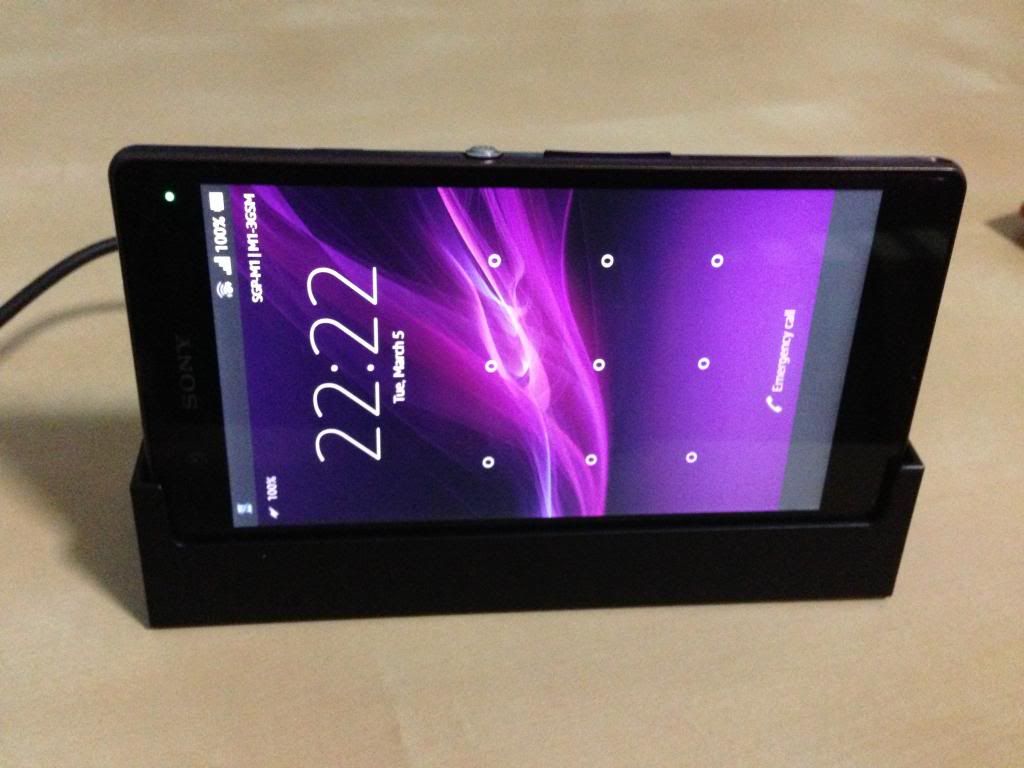
Tip: I don't quite like the notification that reminds you to unplug your charger from the wall socket to save electricity, when you unplug the cable from the phone.
To get rid of this notification, go to Settings -> Apps, and under "All", find the app named com.sonyericsson.unplugchargereminder and disable it.
Please note that once you've done this, you cannot easily enable it again.
Superb tip... I dun think we ever wanna enable this again... Its super naggy
JEEZ i am glad this can be disabled!
damn annoying and irritating.
i am glad i am not the only one feeling this
initially i thought its hopeless unremovable feature
i am so not going to enable it again anyway
*coming from Xperia V ex-user,
when the screen is left untouched, the screen dim down but the display is still there, have to manually press the power-off button to off the screen
This time XperiaZ will auto off it,no need manual press !
Good !
Question
for display screen brightness
what u guys using at?
i am using at approx 60-70% brightness with Adapt to lighting conditions checked (same as per XperiaV)
i find it funny, how come adapt to lighting conditions if uncheck will brighten up the display furiously.(same as per Xperia V)
What does it really do?any one knows?
i so far using it at Adapt to lighting conditions, dimmer , but i think it enhance battery life alot if not wrong?
Anyway signing and going up for SonyXperiaZ crash course of teaching u how to use the phone lol?