

Psycovirus
Senior Member
- Joined
- Jan 3, 2007
- Messages
- 1,789
- Reaction score
- 381
Ingenious. m.2 Right Angled Adapter used to install 2280 m.2 drive in ROG Ally without much interference.



| Power / Charger | 100W Baseus Blade Power Bank | 140W Gan Charger | Prolink 65W Gan Charger | Asus Original 65W Charger |
| Direct Plug to Ally | 30W | 30W | 30W | 30W |
| with Sabrent Dock | 30W | 30W | 25W | 25W |
That’s my thought too… I can’t be bothered with 100w and below Gan charger these days… especially with ally…. Unless somehow Asus can optimise on this portion.I only have Sabrent Dock which supposedly able to supply up to 95W PD power.
I have tested these chargers with and without dock.
Power / Charger 100W Baseus Blade Power Bank 140W Gan Charger Prolink 65W Gan Charger Asus Original 65W Charger Direct Plug to Ally with Sabrent Dock
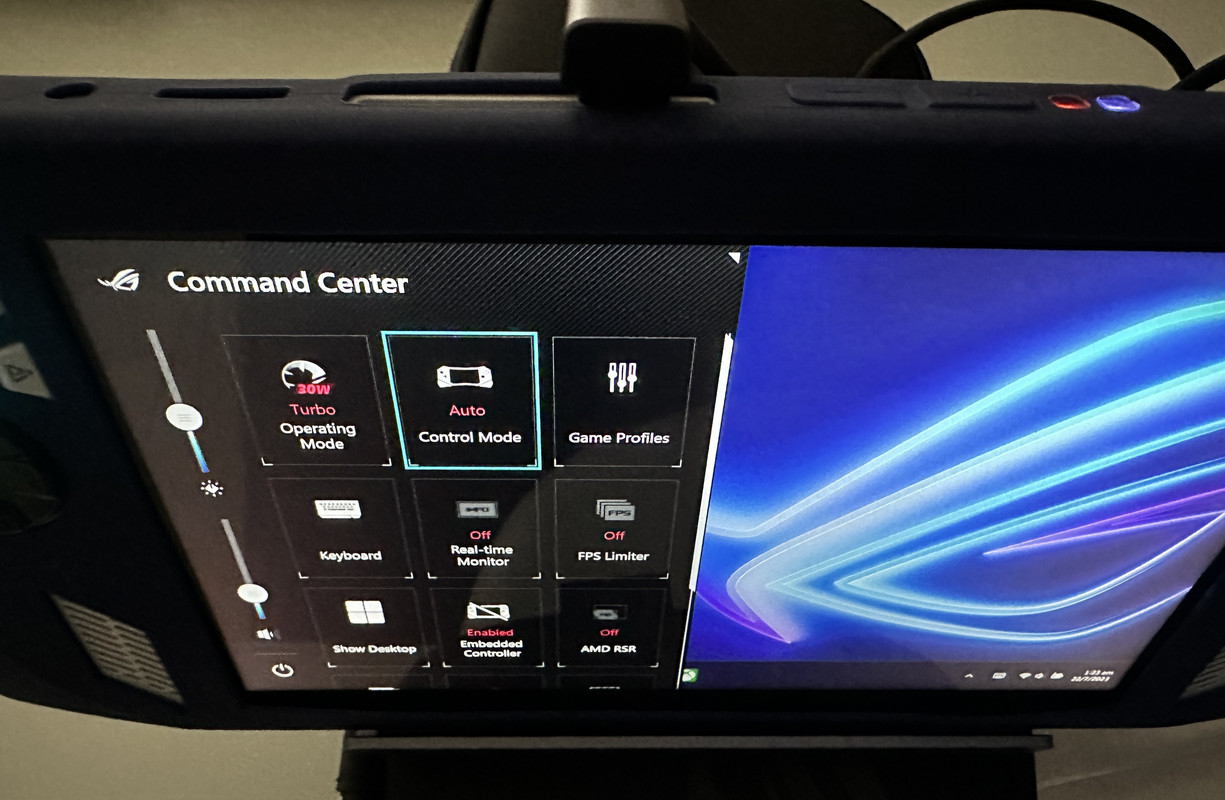
So it seems 65W is not enough with a Dock for max turbo. Need a PD charger at least 80W+ to be used with a dock to get 30W Turbo.

Woa heng, I using the ugreen one.Latest firmware v.323 solved the 3rd party dock with 100w (in my case) turbo mode 30w. Seems only working with Ugreen dock, Jsaux one still doesn’t work. 🫤
Ye, I just got the ugreen 200W so I can power my work notebook & ally same time.That’s my thought too… I can’t be bothered with 100w and below Gan charger these days… especially with ally…. Unless somehow Asus can optimise on this portion.
Warranty is not voided if you install the SSD properly.Does changing the SSD to a higher capacity void the device warranty?


ThanksWarranty is not voided if you install the SSD properly.
However, Asus will not cover repair under warranty if you damage the device or cause improper installation of SSD. (Just don't let them know, simple)
So read instructions carefully and follow procedure, Asus has provided instructions for installing a new SSD.
https://dlcdnets.asus.com/pub/ASUS/IOTHMD/RC71L/E21933_NR2301L_SM_WEB.pdf?model=ROG Ally (2023)
I use chiakiAdditionaly, since its a windows device.
Anyone tried PLaystation Remote Gameplay? Run off the windows application.
And…… you are uncleFranco?


I tried but the buttons do not work in the app. Not sure why it cannot and i even tried the mapping of the buttons. You can try Chiaki as recommended by other people. I didn't try it as previously i tried it on my Steam Deck and it only works via wifi connection (both devices must be on the same wifi).Additionaly, since its a windows device.
Anyone tried PLaystation Remote Gameplay? Run off the windows application.

The official ps remote play app only allow dualshock or dualsense controller to be used. Connect the controller through BluetoothI tried but the buttons do not work in the app. Not sure why it cannot and i even tried the mapping of the buttons. You can try Chiaki as recommended by other people. I didn't try it as previously i tried it on my Steam Deck and it only works via wifi connection (both devices must be on the same wifi).


