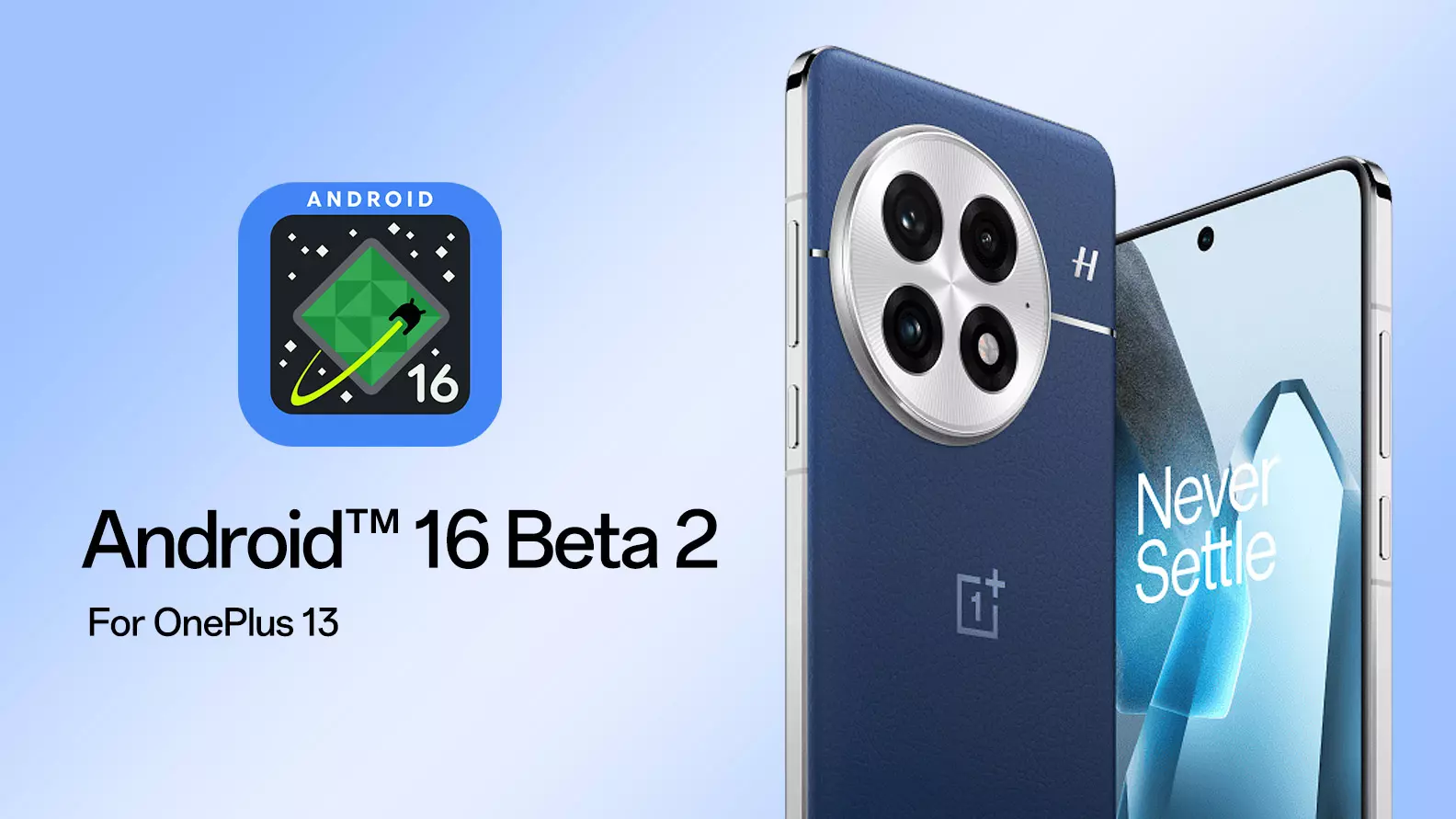
Android™16 Beta 2 for OnePlus 13
Hello everyone,
The OxygenOS team is always dedicated to giving our users early access to the latest Android experience. Today, we're excited to announce the upcoming release of
Android 16 Beta 2 for
OnePlus 13 users.
This build is intended for
developers and advanced users. By releasing Android 16 at this early stage, we hope to empower app developers and early adopters in our community to build even better software experiences.
However, we
do not recommend flashing this build if:
- You have little or no experience with software development.
- You use your phone as a daily driver.
- You are unfamiliar with flashing custom ROMs.
⚠ Known Issues ⚠
- Unable to close the version update pop-up after upgrading to the DPP version.
- Font weight settings cannot be adjusted.
- Device may restart when answering a call using Bluetooth headsets.
- Lag and display errors in the camera viewfinder and thumbnail in certain scenarios.
- Blurry or unclear camera viewfinder in some cases.
- Camera crashes when switching to Macro mode with the rear camera.
- Crashes and lag after enabling Ultra Steady mode.
- Display error in the camera viewfinder during video recording in specific scenarios.
- Screen may freeze when tapping the accessibility shortcut button on the home screen.
- Lag observed when locking the screen.
⚠ Caution! ⚠
You should understand
there is a risk of BRICKING your phone, so read the instructions carefully and be 100% sure of what you are doing. Please always backup your important data before flashing.
Important Notes:
- This release is only for the OnePlus 13.
- Ensure your battery is above 30% and at least 4GB of storage is available.
- Carrier devices (TMO/VZW) are not compatible with Android 16 Beta 2.
- Your current software version must be 15.0.0.703 or below to upgrade to Android 16 Beta 2. If you're on a higher version, you'll need to downgrade first. Refer to the rollback section below.
Version Definition:
*MP version – Stable official version
*OBT Version – Open Beta version
 Upgrade Guide
MP and OBT to Android 16 Beta 2 upgrade guide—via Local OTA Update (EU&IN ONLY)
Note: This upgrade method only works for IN and EU versions, NA users please refer to another upgrade guide.
This upgrade method will erase all the contents of the phone, please be sure to back up first.
- Download the latest ROM upgrade zip package from the specified server.
- Copy the ROM upgrade package to the phone storage.
- Go to Settings -> About device -> Version -> Click Build number 7 times and enter the password, now you are in the developer mode.
- Go back to Settings -> About device -> Up to date -> Click the top right button -> Local install -> Click on the corresponding installation package -> Extract -> Upgrade -> System upgrade completed to 100%.
- After the upgrade is complete, click Restart.
- Update successful.
MP and OBT to Android 16 Beta 2 upgrade guide—via Local OTA Update (NA ONLY)
Note: This upgrade method only works for NA version, IN, and EU users please refer to the upgrade guide above.
This upgrade method will erase all the contents of the phone, please be sure to back up first.
- Download the latest ROM upgrade zip package from the specified server.
- Copy the Upgrade package to the phone storage.
- Install this APK . You'll need it to update. Then, open the app -> tap the top right gear icon -> find the upgrade package and tap it -> wait to finish the installation -> tap reboot
- After the upgrade is complete, click Restart.
- Update successful.
 Rollback Guide
Android 16 Beta 2 to Android 15 MP rollback guide - via Local OTA update (EU & IN ONLY)
Note: This downgrade method only works for EU and IN versions, NA users please refer to another rollback guide.
Note: This rollback method will erase all the contents of the phone, please be sure to back up first. Some applications may be lost after upgrading since the Android Beta 2 is underdeveloped, you can restore the lost applications by updating to the latest MP version via Local OTA update.
- Download the latest ROM rollback zip package from the specified server.
- Copy the ROM rollback package to the phone storage.
- Go to Settings -> About device -> Version -> Click Build number 7 times and enter the password, now you are in the developer mode.
- Go back to Settings -> About device -> Up to date -> Click the top right button -> Local install -> Click on the corresponding rollback package -> Extract -> Upgrade -> System upgrade completed to 100%.
- After the rollback is complete, click Restart.
- Rollback successful.
Android 16 Beta 2 to Android 15 MP rollback guide - via Local OTA update (NA ONLY)
Note: This downgrade method only works for NA version, IN, and EU users please refer to the rollback guide above.
Note: This rollback method will erase all the contents of the phone, please be sure to back up first. Some applications may be lost after upgrading since the Android 16 Beta 2 is underdeveloped. You can restore the lost applications by updating to the latest MP version via Local OTA update.
- Download the latest ROM rollback zip package from the specified server.
- Copy the Rollback package to the phone storage.
- Install this APK . You'll need it to roll back. Then, open the app -> tap the top right gear icon -> find the downgrade package and tap it -> wait to finish the installation -> tap reboot
- After the rollback is complete, click Restart.
- Rollback successful.
Please note that if you are not able to click "Local install", you can try the following steps to fix it:
- Disconnect all Wi-Fi and Mobile data
- Go to Settings -> Apps -> App management -> Click the top right button -> Show system -> Search "Software update" in the search bar and tap "Software update" -> Storage usage -> Clear data
- Keep all networks disconnected and repeat the upgrade or rollback guide
Ready to get started on the Android 16 Beta 2?
OnePlus 13 NA Version (LINK)
OnePlus 13 IN Version (LINK)
OnePlus 13 EU Version (LINK)
OnePlus 13 GLO Version (LINK)
Want to go back to Android 15? Download the Rollback package from the links below:
OnePlus 13 NA Version (LINK)
OnePlus 13 IN Version (LINK)
OnePlus 13 EU Version (LINK)
OnePlus 13 GLO Version (LINK)
This early build is meant to help developers test compatibility with the upcoming Android release. It's
not intended for bug reporting, but your feedback is always welcome, feel free to share your thoughts in this thread.
Never Settle.
//
oneplus