

ouroboroso
Supremacy Member
- Joined
- Jan 1, 2000
- Messages
- 7,779
- Reaction score
- 7,140
I think Intel can go up to 100ºC right?
Yes, but if I'm not wrong, the B760M with default BIOS settings starts to throttle the CPU at 90c.
I think Intel can go up to 100ºC right?


dunnoe ba, can't see much. he need exhaust fan for his back tho.From TS replies... it is his setup and his chassis.... got no case fans leh...


Why he never include this picture in this 1st post leh... looks spacious mar.. just need some intake and exhaust fan lor.. but the CPU cooler looks inadequate though...dunnoe ba, can't see much. he need exhaust fan for his back tho.
Earlier this year before I build my PC.. I was also planning on 13600k.... and definitely have to plan in a 360mm AIO... only when choose AMD then I chose BeQuiet Dark Rock Pro 4... but now then I know it is not the best choice for AM5 due to the design, but then still okay lar.13700k and above can run quite hot, even with 240mm AIO can reach 100 degree easily with prime95.
What you can do is enter your BIOS, disable auto overclocking feature and check if PL2 is set too high/unlimited, many motherboard manufacturer like to set it like this by default.
According to Intel official spec, should be 253W : https://ark.intel.com/content/www/us/en/ark/products/230489/intel-core-i7-13700kf-processor-30m-cache-up-to-5-40-ghz.html?countrylabel=Español
You can also lower both PL1/PL2 and it won't run as hot (but you will lose performance) if you die die don't want use better cooler or add chassis fan.

I checked spec for this chassis only can fit one 240 AIO, then read people advice getting 360 AIO for this CPU. So kinda lost what to buy. i waited for all the stuff to be delivered then decide what to do. Hence my current situationWhy he never include this picture in this 1st post leh... looks spacious mar.. just need some intake and exhaust fan lor.. but the CPU cooler looks inadequate though...
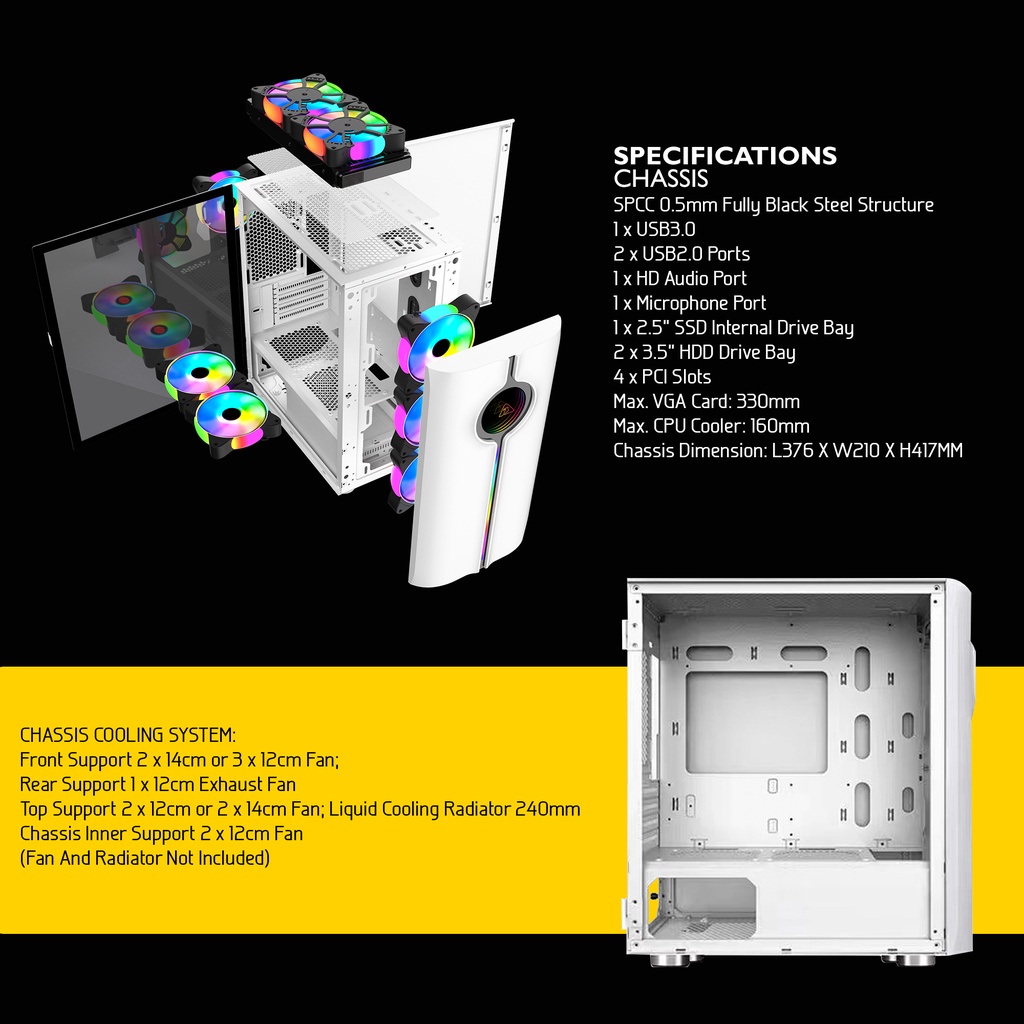

This chassis quite small....I checked spec for this chassis only can fit one 240 AIO, then read people advice getting 360 AIO for this CPU. So kinda lost what to buy. i waited for all the stuff to be delivered then decide what to do. Hence my current situation
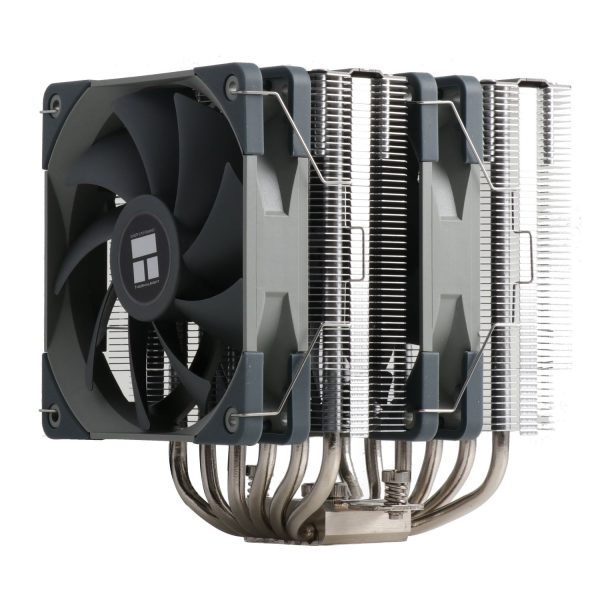
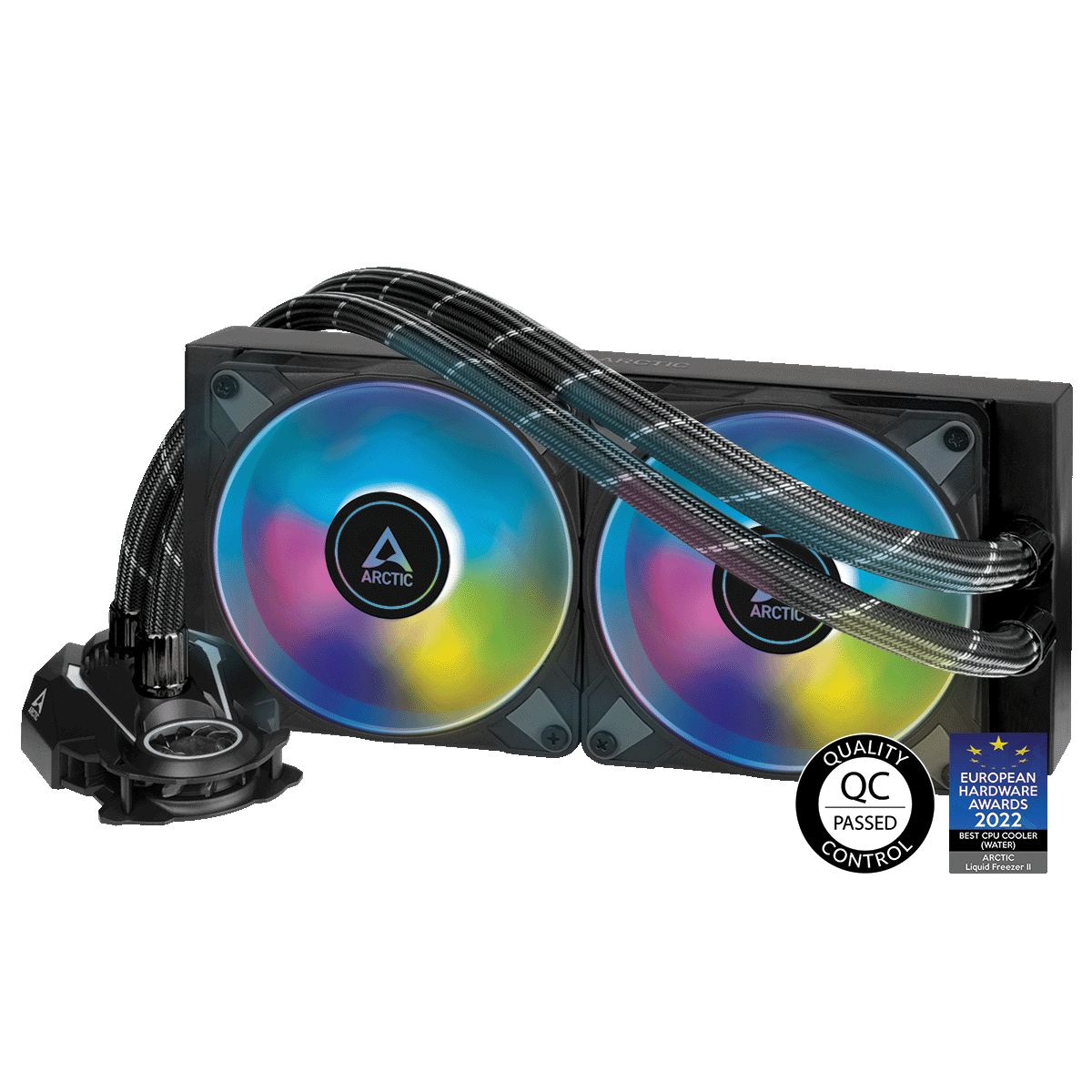

Now i see noticed the overclocked frequency, checking the specs. lowed power to 125W from 253W for a more stable temperature. Now CPU frequency seem to cap at 4.5GHZ, change the CPU clock ratio to 42 later. Guess the system is stable below 70 degree at the moment before i make changesI7 , 13th gen need at least 240mm close loop cooling. And with that its possible to hit 85 degrees when gaming. If u use air cooling better turn off the overclocking feature on the mother board. Based on spec this cpu should be doing 4.9ghz for performance core. 5.3 looks like overclocking to me.


Yes 80 deg c way too high Liao
Should i be worried with temperature? I don't even dare to switch on XMP for ram? I upgrade CPU cuz of repurchase and delivery problem, was getting a cheaper CPU with cheap CPU fan....
Now working again... not gonna touch BIOS again, making changes on Giga control panel
Please tell me you are joking or school holidays haven't endno chassis fan just CPU fan
Please tell me you are joking or school holidays haven't end

Always check the basics
1. Thermo paste put properly? Got remove the plastic packaging?
2. Fans intake vs exhaust? Remember power supply also got fan? Your cpu got fan, your gpu got fan. try to draw out simple diagram on paper (ie. simplest setup is fan intake> exhaust, avoid blowing against the exhaust point and dead corners)
3. if all okay then maybe CPU is faulty, change CPU itself

Last time ramp before can hit 100 degrees but usually 90+Bro your load only 21%?? You want to try running something like Cinebench R23 to hit that 100%?


