Thanks for the reply! omg you managed to find the previous lost posts by eauyong haha! i saw this video online too! i guess this is the only work around.
I know it will be "lost" so I try to save whatever I can.

Thanks for the reply! omg you managed to find the previous lost posts by eauyong haha! i saw this video online too! i guess this is the only work around.

AFAIK no NAS support.The magnetic version unable to support NAS? and its the only cam supporting wideangle 170° version
Since you mention 170°, I got the idea of putting two cameras back to back and will get 340°, it is almost the total view of panoramic 360° (less only 20°) no need to PTZ. Any comments?The magnetic version unable to support NAS? and its the only cam supporting wideangle 170° version

got voicechat function? need to supervise kidsXiaomi 360 so easy to setup. 5 mins done. Sibei hoyong
got voicechat function? need to supervise kids

yes, xiaomi cams audio is clear and cripsgot voicechat function? need to supervise kids

Just to double check with everyone here, the Xiaomi 360 IP Cam able to hold up to 32gb or 64gb memory slot? when i was configuring the playback for memory card, it says my device only able to support up to 32gb but xiaomi official site stated 64gb, is it the app didn't update the microSD card info?

Hi,I use ipcam (port forwarding) on days when sineoji apps is not working well
But the sineoji new model doesn’t seem to support ip forwarding. Looking for other brand/model also but can’t seem to find any .....
ip cam viewerHi,
I'm using the sineoji PT716V ip cameras and encountered similar issues too. I'm on Starhub BB and can't access the IP cameras when I'm outside [which kind of defeats the purpose]. Only encounter issues in the recent months.
Just to check is the only solution using port forwarding? If so, which app on the IOS supports this?
Thanks in advance to anyone who can recommend.
get a free ddns from no-ip for your router.Hi,
I'm using the sineoji PT716V ip cameras and encountered similar issues too. I'm on Starhub BB and can't access the IP cameras when I'm outside [which kind of defeats the purpose]. Only encounter issues in the recent months.
Just to check is the only solution using port forwarding? If so, which app on the IOS supports this?
Thanks in advance to anyone who can recommend.
ip cam viewer
get a free ddns from no-ip for your router.

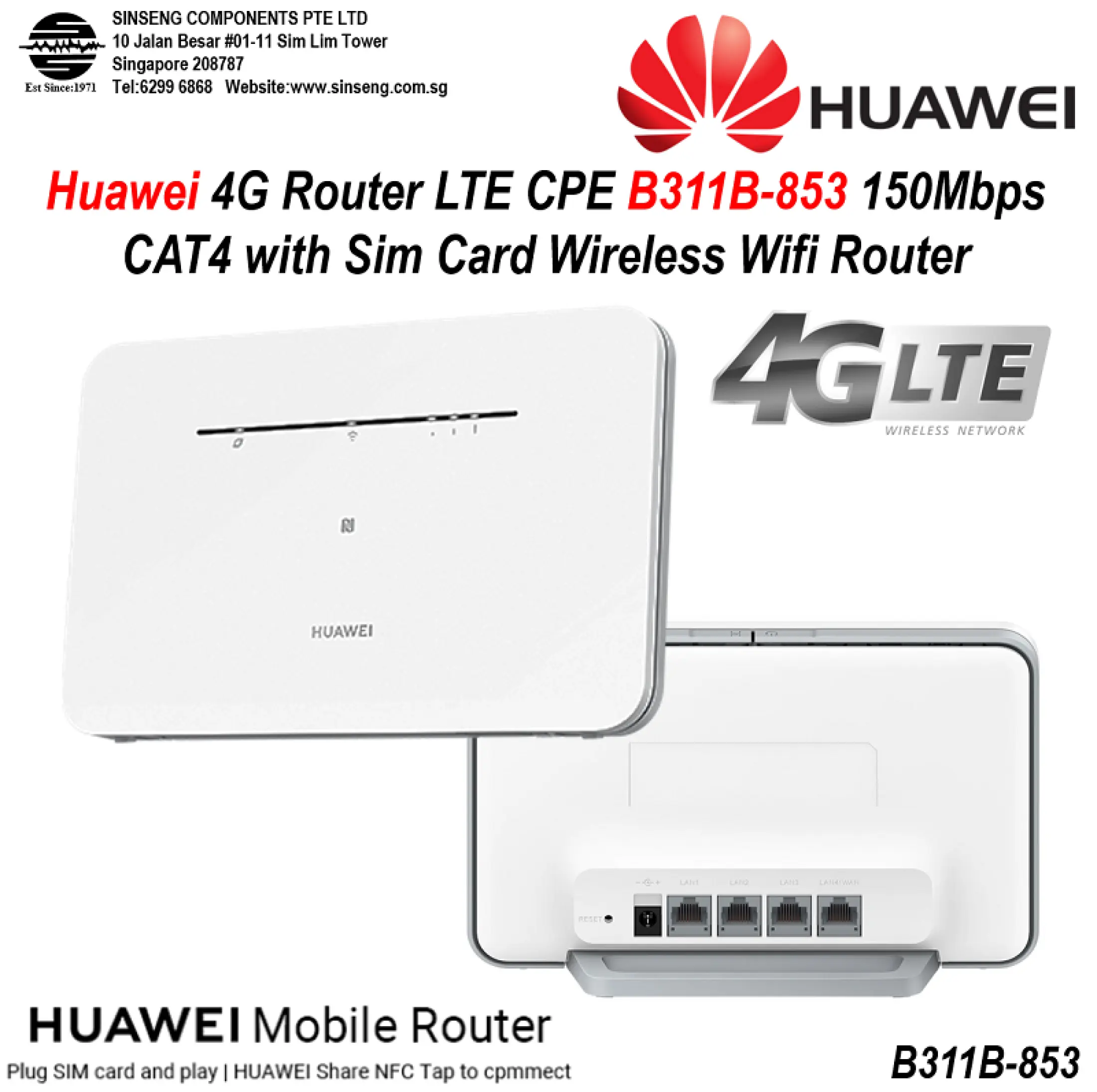
The easiest way is to get a 4G router and a Xiaomi models that use IMILAB Mi camera PC client software display on a 32" 1080p TV upto a max of 9 cameras simultaneously or zoom in to any one camera. Recording by motion detection or 24/7 recordings onto 64GB microsd. Motion detection AI tech by Xiaomi is very advance and can detect even an insect movement across the lens. Notification of detection will be recorded onto Xiaomi servers (kept for a period and then deleted) and notify to mobile phones simultaneously but with a few cameras, you will be very busy.Is there any set up that works with a Mifi using sim card?
I'm worried about the bandwidth used.
Record only when there's movement and store the rest on SD card?
I've a warehouse without internet connection and business internet lines are too expensive