
You are using an out of date browser. It may not display this or other websites correctly.
You should upgrade or use an alternative browser.
You should upgrade or use an alternative browser.
Nothing Phone (3)
- Thread starter limmk
- Start date
More options
Who Replied?


anthonygreenisreal
Arch-Supremacy Member
- Joined
- Oct 2, 2014
- Messages
- 14,395
- Reaction score
- 7,774
I've seen new one selling on Shopee for $850. At this price I also think not worth it. Maybe below $650 I might bite.The usual shops are selling around 950. Still not low enough. I've seen 850 bit it's used.
OnePlus 13 512gb is also selling for around $850 during the last sales on 9.9
Ya they really misjudged the situation, some things can scrimp on, but some really cannot, and attach a silly unrealistic RRP.
Some more their USP is design but this design is not that, and imo NothingOS is getting stale, especially if you couldn't care less for their Essential Space and AI stuff. The important thing for AI is the ability to have local offline Gemini models, but obviously you'll need the SD Elite or Tensor which are supported, and this phone doesn't have it.
Some more their USP is design but this design is not that, and imo NothingOS is getting stale, especially if you couldn't care less for their Essential Space and AI stuff. The important thing for AI is the ability to have local offline Gemini models, but obviously you'll need the SD Elite or Tensor which are supported, and this phone doesn't have it.

shager
Master Member
- Joined
- Jan 1, 2000
- Messages
- 4,174
- Reaction score
- 695
Ah you're right. I think it may have been Urban Republic. I remember now seeing it priced lower than the other shops.I've seen new one selling on Shopee for $850. At this price I also think not worth it. Maybe below $650 I might bite.
OnePlus 13 512gb is also selling for around $850 during the last sales on 9.9
Yes that's the problem with a lot of phones - they're poor value compared with OnePlus 13. It's a pretty good all-rounder phone and now can be bought at a great price.

- Joined
- Jul 14, 2005
- Messages
- 37,843
- Reaction score
- 10,088
Codes for getting nothing phone 3 at discounted price?I manage to grab a few codes, dm me if you're interested, blanja me a double mc spicy meal jiu hao le
dont ask me how i get the codes ya

Ya, if anyone interested just dm me baCodes for getting nothing phone 3 at discounted price?

Tsurugi_Matsuda
Member
- Joined
- Feb 5, 2010
- Messages
- 253
- Reaction score
- 36
The only draw for Nothing Phone (3) would be the Black Card that is given with the Phone (+1 year warranty) which apparently isn't available in other countries that sell this one.
Thing is, only this and CMF Phone 2 Pro here have this given free with purchase, if you know where to get it first, so......
Worse still, Nothing Phones need OTG for extra storage which for me is a deal-wrecker as well......
Thing is, only this and CMF Phone 2 Pro here have this given free with purchase, if you know where to get it first, so......
Worse still, Nothing Phones need OTG for extra storage which for me is a deal-wrecker as well......

Livewings
Master Member
- Joined
- May 12, 2008
- Messages
- 2,972
- Reaction score
- 918
I manage to grab a few codes, dm me if you're interested, blanja me a double mc spicy meal jiu hao le
dont ask me how i get the codes ya
don’t mind belanja you if I buying but 899 still too expensive for nothing phone 3. 599 is more worth it.
dev_stg_prd
Supremacy Member
- Joined
- Sep 1, 2024
- Messages
- 6,984
- Reaction score
- 3,136
is this the flagship killa?I've seen new one selling on Shopee for $850. At this price I also think not worth it. Maybe below $650 I might bite.
OnePlus 13 512gb is also selling for around $850 during the last sales on 9.9
anthonygreenisreal
Arch-Supremacy Member
- Joined
- Oct 2, 2014
- Messages
- 14,395
- Reaction score
- 7,774
It's one of the best in price to performance out there for now.is this the flagship killa?

- Joined
- Jul 5, 2001
- Messages
- 45,493
- Reaction score
- 8,598
Nothing OS 4.0 begins rolling out today starting with Phone (3) and will expand to the rest of the Nothing smartphone lineup over the coming weeks, and to CMF smartphones by the end of the year Phone (3a) Lite will follow early next year.
- Joined
- Jul 5, 2001
- Messages
- 45,493
- Reaction score
- 8,598
 Nothing Phone (3) - Nothing OS B4.0-251224-1229 Changelog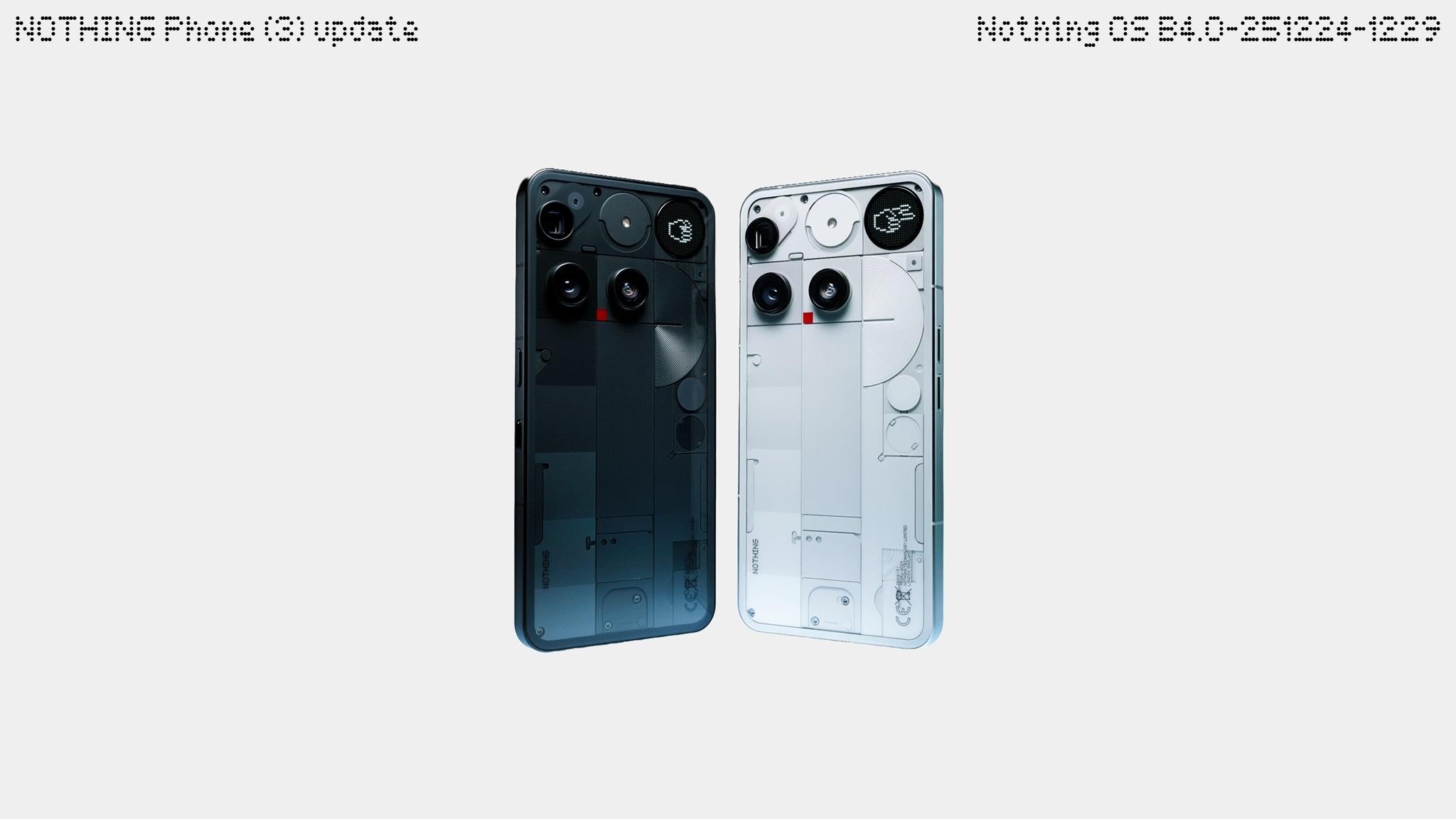
Feedback? On your device: Go to Settings -> System -> Feedback.
Firmware rollouts are usually staggered, meaning not all users will receive the update simultaneously. This approach allows us to monitor for any issues and ensure a smooth and stable deployment.
What’s New in This Update
Visual Enhancements
 Updated the battery percentage icon with the number displayed inside.
 Optimised Extra dark mode for better visual adaptation to more scenarios.
 Improved the smoothness of the volume slider animation when adjusting volume via keys.
 Optimised sound wave and wheel animations in Recorder for a more fluid experience.
General Improvements and Bug Fixes
 Setting different ringtones for dual SIMs is now supported.
 Always-on Glyph Toy now will always stay on until manually turned off.
 Fixed an issue where the in-car display could freeze when using Android Auto.
 Improved pocket mode detection logic for Glyph Interface.
 Optimised the vibration and haptic feedback across more scenarios.
 Enhanced stability of lock screen and AOD for a better experience.
 Improved Glyph mirror stability across more camera scenarios.
 Fixed an issue where the video encoding setting reverted from H.265 to H.264 when switching between shooting modes.
 Fixed an issue where the Pedometer Progress widget continued animating on the lock screen while AOD was on.
🛜 Improved the searching speed for nearby available Wi-Fi networks.
 Enhanced overall system stability and smoothness.
 Updated to December security patch.
Notes:
The device may temporarily heat up and increase power consumption during the update and will quickly return to normal after the process is complete.
// nothing.community
- Joined
- Jul 5, 2001
- Messages
- 45,493
- Reaction score
- 8,598

Shadowz1984
Master Member
- Joined
- Mar 12, 2018
- Messages
- 4,658
- Reaction score
- 1,144
The pricing is the main issue of the phone. If it's priced around $700 to $800, then probably still can consider.
anthonygreenisreal
Arch-Supremacy Member
- Joined
- Oct 2, 2014
- Messages
- 14,395
- Reaction score
- 7,774
I think should be worth $500 street price now. Given we have 8 elite gen 5 phones already out now.The pricing is the main issue of the phone. If it's priced around $700 to $800, then probably still can consider.
- Joined
- Jul 5, 2001
- Messages
- 45,493
- Reaction score
- 8,598
- Joined
- Jul 14, 2005
- Messages
- 37,843
- Reaction score
- 10,088
Carl Pei mentioned nothing phone 3 is the flagship for 2026
So definitely no new flagship this year if anyone is expecting one
8:17
Important Forum Advisory Note
This forum is moderated by volunteer moderators who will react only to members' feedback on posts. Moderators are not employees or representatives of HWZ Forums. Forum members and moderators are responsible for their own posts.
Please refer to our Community Guidelines and Standards and Terms and Conditions for more information.

