
Sandisk.
No?

nope. when did you buy your micro sd man...
Sandisk.
No?

nope. when did you buy your micro sd man...
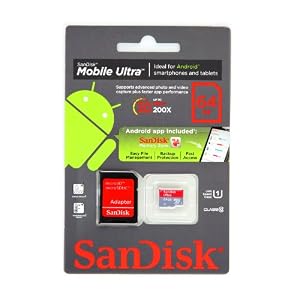
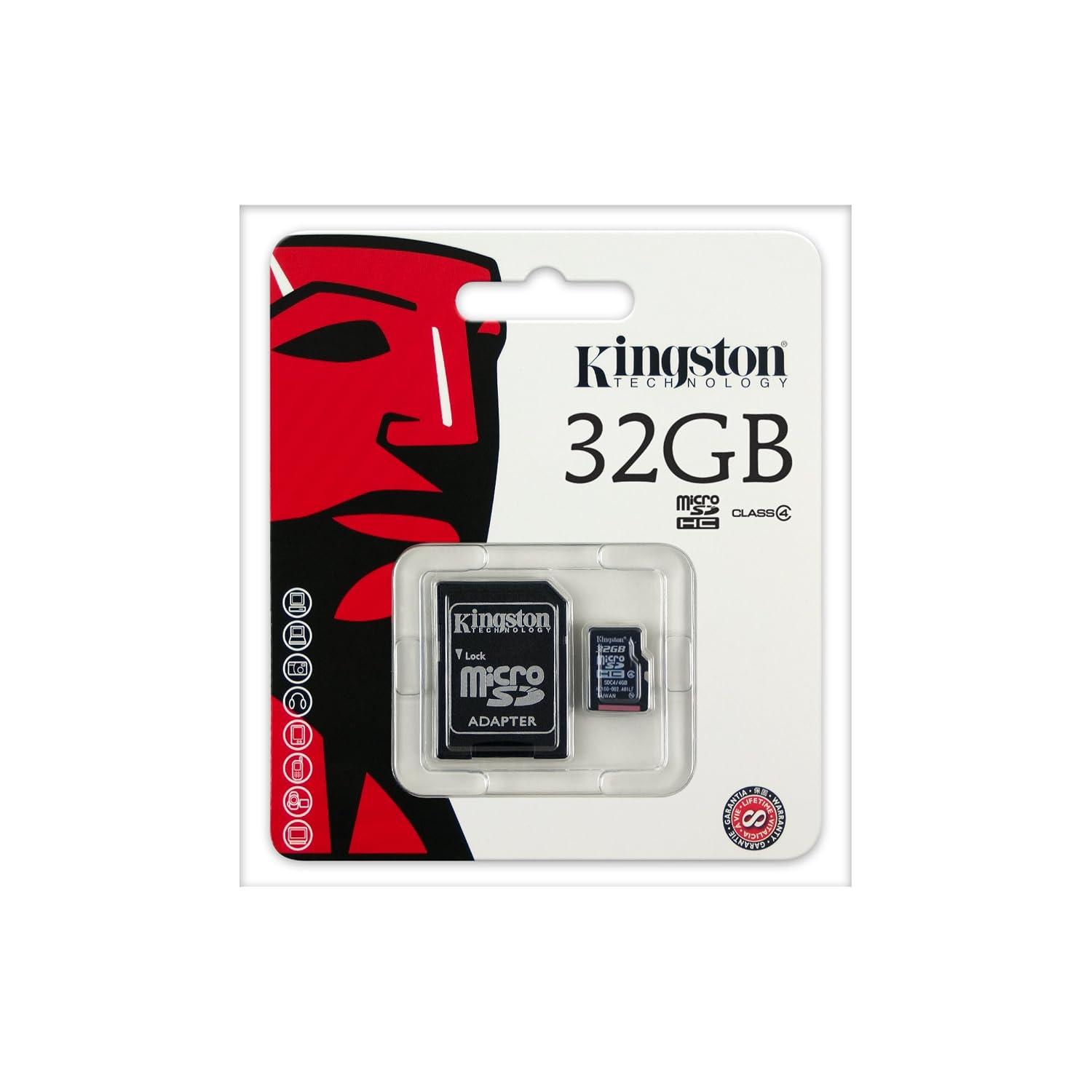
nope. when did you buy your micro sd man...
3 weeks ago at challenger.
Nice, mine from samsung didnt have. No biggie for me though.
Edit: wait a minute, you mean you would rather...
1.detach your phone from your phone casing
2.pry open the battery cover
3.pull out the micro sd
4.pluck it into the adapter
5.pluck the adapter into the reader
6.open explorer/finder
7.transfer files
Than to..
1.open the airdroid app
2.open your com browser
3.go to your phone's ip add
4.start transferring
Idk if you are too free or simply more active than others. Lol. But, wait there IS an even faster way of transferring files than airdroid.
Plug cable to phone and the com, wait for android file transfer to auto start. Then start transferring.
Anyway, to each his own lah. You love your adapter. I like my AFT. End of story.

You sounds so sensitive and defensive wor...
No lah, just confused as to Why you go to such lengths to defend your micro sd plus adapter package. Clearly, not the rational choice somemore...
A simple 1 sentence as a suggestion is went to such length to defend rather than you spending so much trouble just to post, and reedit?Memory card is cheaper, better n faster.
Lol...
Anyway we were trying to correct you that purchasing an SD card do still comes with the adapter.Nice, mine from samsung didnt have. No biggie for me though.
Edit: wait a minute, you mean you would rather...
1.detach your phone from your phone casing
2.pry open the battery cover
3.pull out the micro sd
4.pluck it into the adapter
5.pluck the adapter into the reader
6.open explorer/finder
7.transfer files
Than to..
1.open the airdroid app
2.open your com browser
3.go to your phone's ip add
4.start transferring
Idk if you are too free or simply more active than others. Lol. But, wait there IS an even faster way of transferring files than airdroid.
Plug cable to phone and the com, wait for android file transfer to auto start. Then start transferring.
Anyway, to each his own lah. You love your adapter. I like my AFT. End of story.

but then again, this friend can always use airdroid. no need to download anything to transfer. but he need to buy a wifi router.
Memory card is cheaper, better n faster.
Lol...
and perhaps i need to learn to read between the lines more, uh. lol. 
Nice, mine from samsung didnt have. No biggie for me though.
Edit: wait a minute, you mean you would rather...
1.detach your phone from your phone casing
2.pry open the battery cover
3.pull out the micro sd
4.pluck it into the adapter
5.pluck the adapter into the reader
6.open explorer/finder
7.transfer files
Than to..
1.open the airdroid app
2.open your com browser
3.go to your phone's ip add
4.start transferring
Idk if you are too free or simply more active than others. Lol. But, wait there IS an even faster way of transferring files than airdroid.
Plug cable to phone and the com, wait for android file transfer to auto start. Then start transferring.
Anyway, to each his own lah. You love your adapter. I like my AFT. End of story.

haha....
I am anti-iPhone and iPad by the way.
Currently using Nexus S and it connects to a Mac without additional software.
Strange why Note 2 needs a software.
In fact I always laugh at iPhone fanboys about the need for iTunes for basic file transfer
Have you tried to determine if it's a charger problem or really the phone's problem? It could be that the stock charger you have is faulty.
I'm pretty sure you're already under primacy effect. Where your first negative impression has pretty much magnified all other tiny issues (or non-issues). Also, android is not like I phone. If you can't take the learning curve or adapt to changes, Iphone is better for you with its simple UI.
Wow that is really quite jialat. Think you really suay to the max to have gotten such a bad experience. Maybe you can see if lemon law helps.I have no issues with android system. is the damn phone. i tried other 2A charger, same problem. I sent for repair and returned 2 days later.
Tested at the shop 10mins few % reasonable. I brought home, plugged in, 16-95% took me 7hrs and counting. So what now? they smoked me about the problem being solved? Today will be the 3rd time im returning to service centre in 1week. I bought the phone on 5dec fyi.
They told me they changed the motherboard, the most basic charger/usb cable wasnt change so i presumed they found out that nothing is wrong with that. The staffs there today just beware of my rage. 9days since i bought the phone, 2 days in repair, 3 times visiting service centre. Dont tell me anyone will be happy. Not me.

PC can connect via USB leh. Win 7 64bit.
Mac also can (wif android file transfer)
some apple fanboys really just cant adapt to the new system of android. worse still, starts to bash here bash there. instead of bashing, just sell to those who really needs and wants note 2, and then go buy the fruit phone again lor.

My main machine is a Mac too.
Initially, I installed Kies and Android File Transfer, and only Kies was working, I cant get Android File Transfer to work.
Now all is fine, and drag and drop file transferring is great.
The Fix : Uninstall Kies, and Android File Transfer works great for me!
somehow, Kies installs some system components that affects Android File Transfer..
now if need to, I just use Kies Air (over WIFI)
Check out Kies Air, its very straight forward to use, and you can use your favourite desktop browser to perform "Kies functions" and more .. ie. Send and Receive SMS from the MAC !!! (or PC..)
I'm curious for this right, is it only sms or I can reply whatsapp messages thru my machine or pc?

