Yes something seems to be very wrong and I don't know what. I've rebooted both the main router and the two nodes. Both nodes are wired backhaul to the main router. I used my MSI laptop, turned off the wifi on my laptop, plugged in a LAN cable to the AX57 node in my MBR.
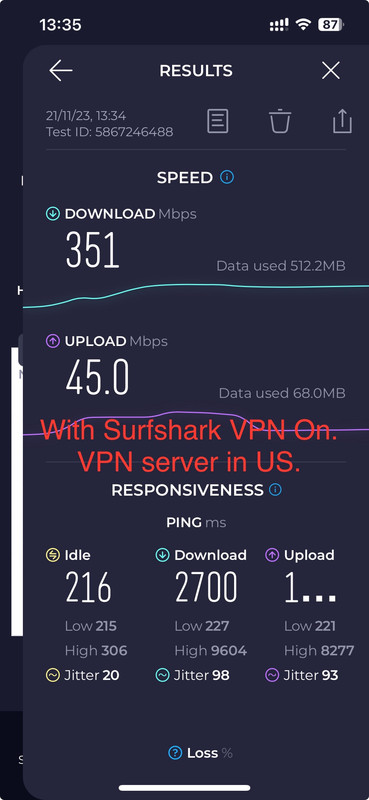
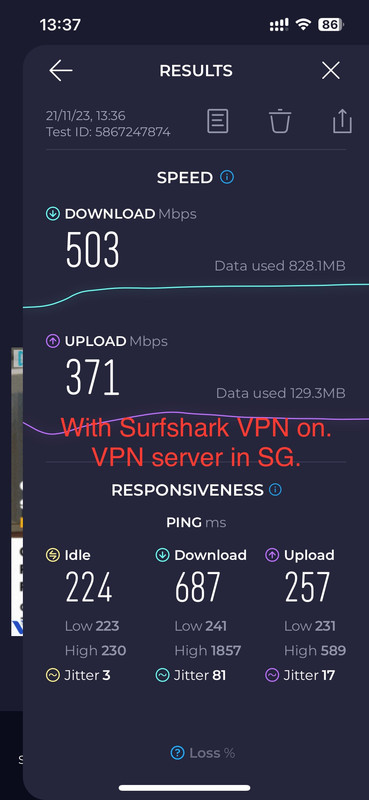
Did the Ookla test and ! I'm looking at 430 Mbps / 4 Mbps!

(I changed the LAN cable)
I already went to System Settings and turned on Ethernet Backhaul Mode. Don't know why.
On the Asus Router app on the iPhone, there is one setting that is not in the browser version, at least, i couldn't locate it. When you tap on the node, there is this Management page and it has the following settings:
1) Backhaul Connection Priority: I set both nodes to Auto
2) Preferred WiFi Uplink AP: for the MBR, I set it to "RX-AX89X (Living Room)" which is the main router; for the other node in the bedroom, I set it to Auto.
I tried to change the MBR to Auto as well but I can no longer do it. Whenever I try to change it, there's this message: "Your RT-AX57 (MBR) is connecting to the uplink AP with an ethernet backhaul. To optimize your connection, Preferable Backhaul rule will temporarily disabled. This rule will be enabled automatically when using a wireless backhaul."
I don't think this is affecting my speed test thought. Why am I getting such low readings with LAN connection???